












Home > Image to Image AI > Free Rembrandt Light Motion Blur Effect & AI Prompts
Rembrandt Light Motion Blur Effect Online for Free
Turn any portrait into a dark studio shot with Rembrandt lighting, soft motion trails, and a clear subject ready for social covers.
⚡ Instant ✅ Copy-Paste Prompts ✨ 100% Free & Natural
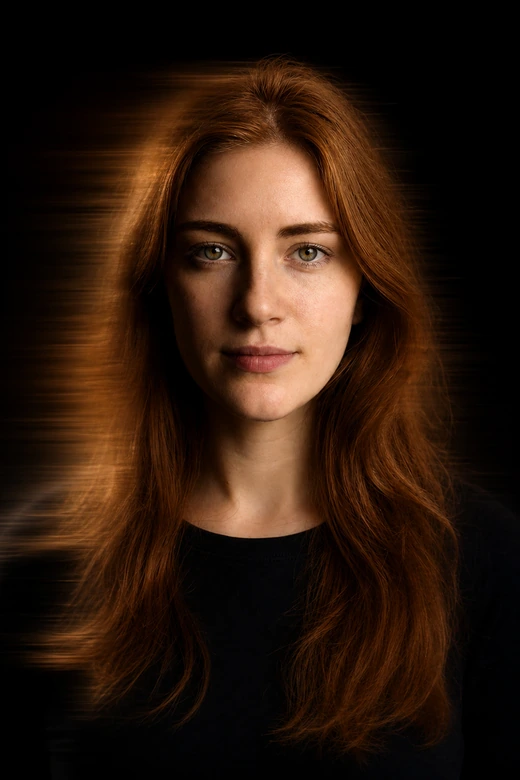
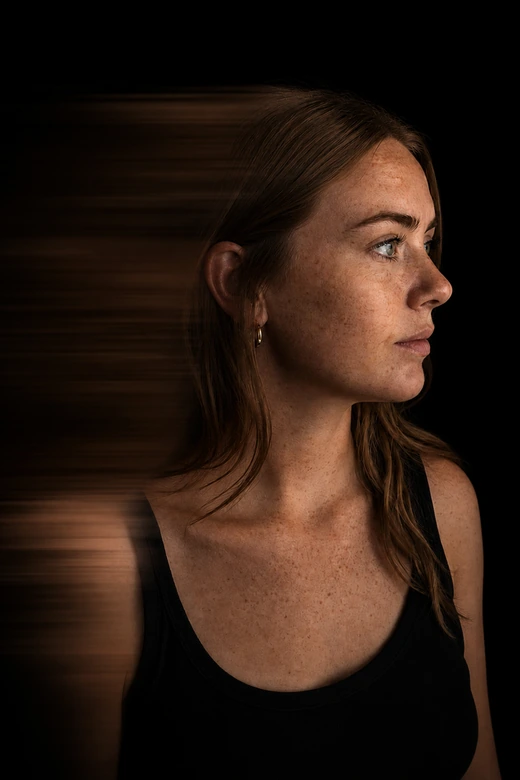
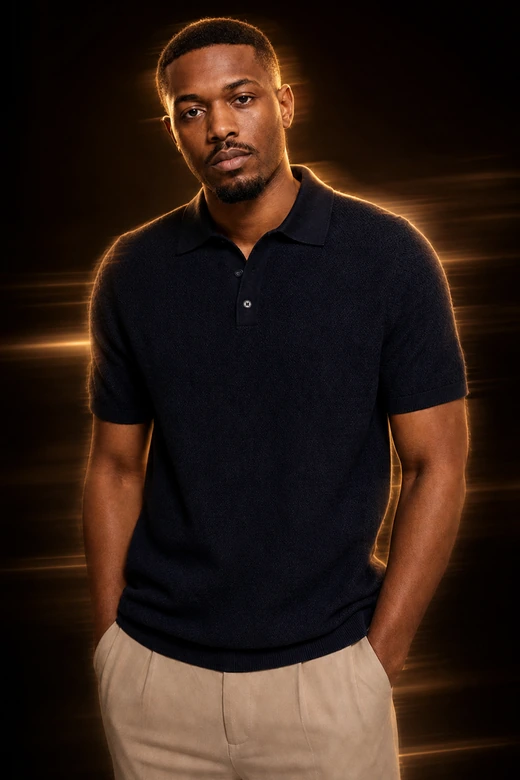
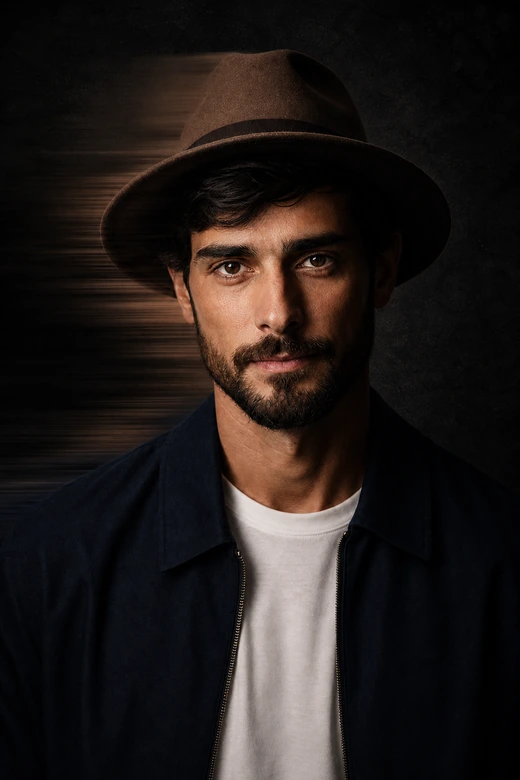


Why Choose Pokecut for Rembrandt Motion Blur?
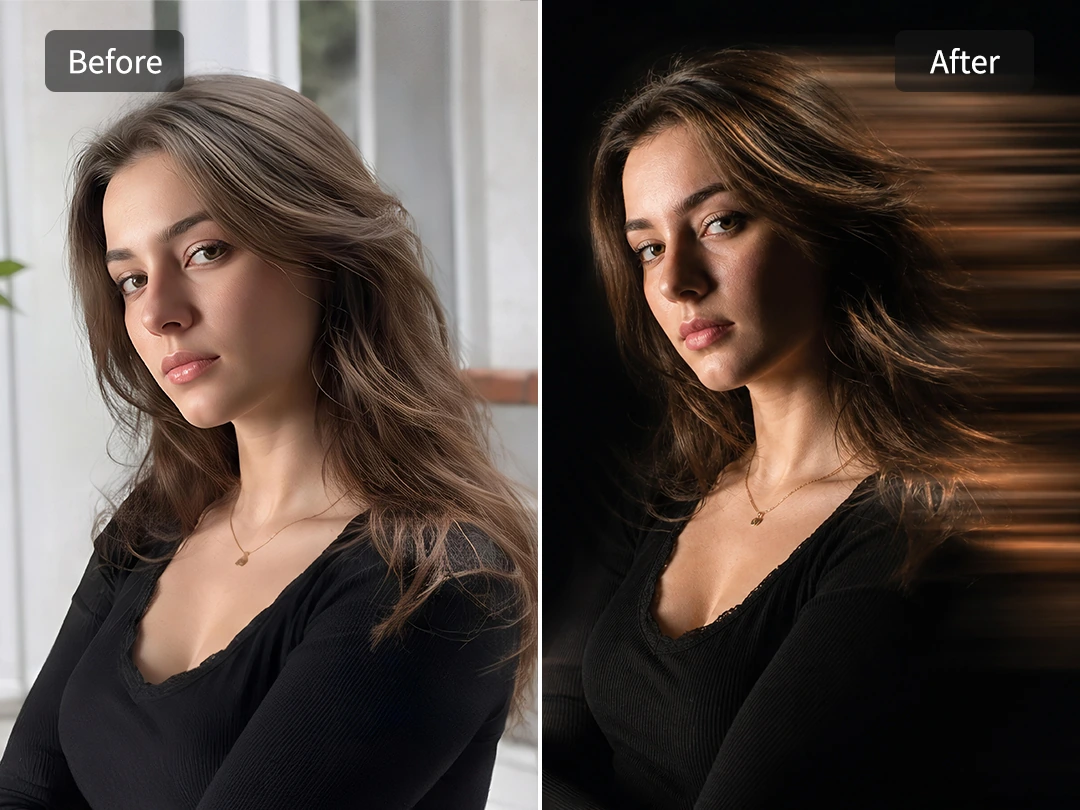
Add Artistic Motion Blur in One Click
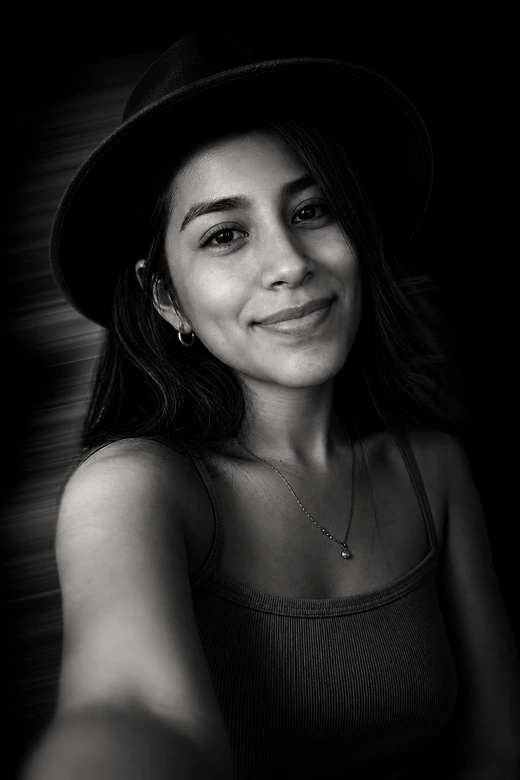
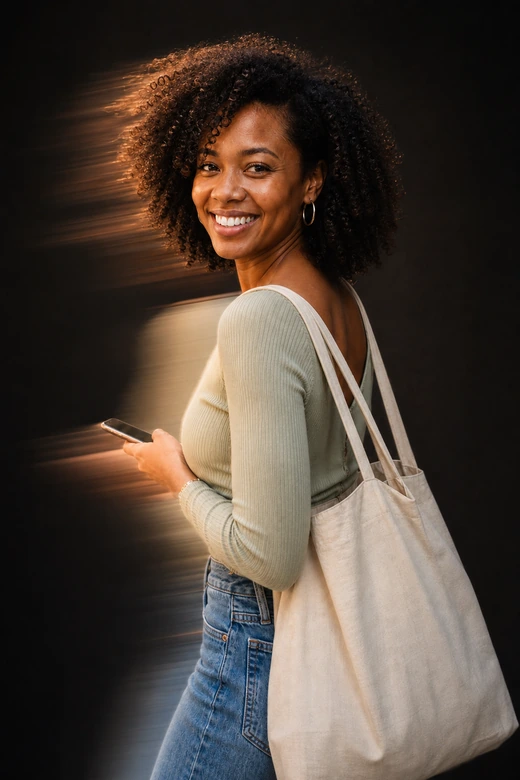
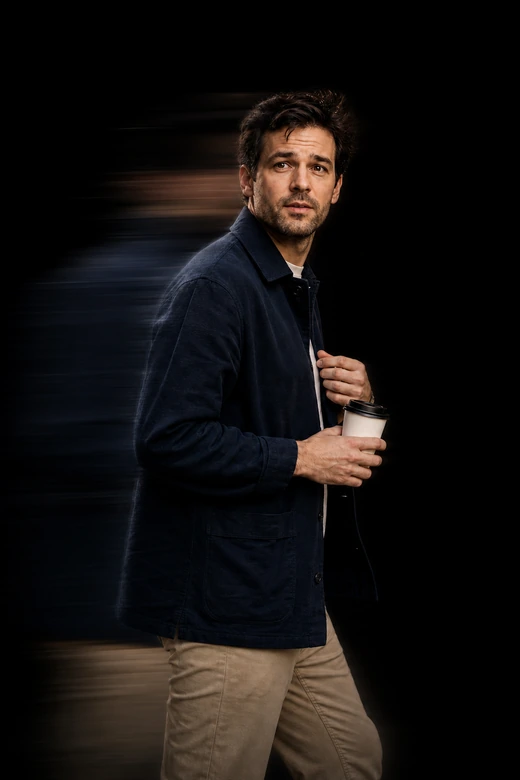
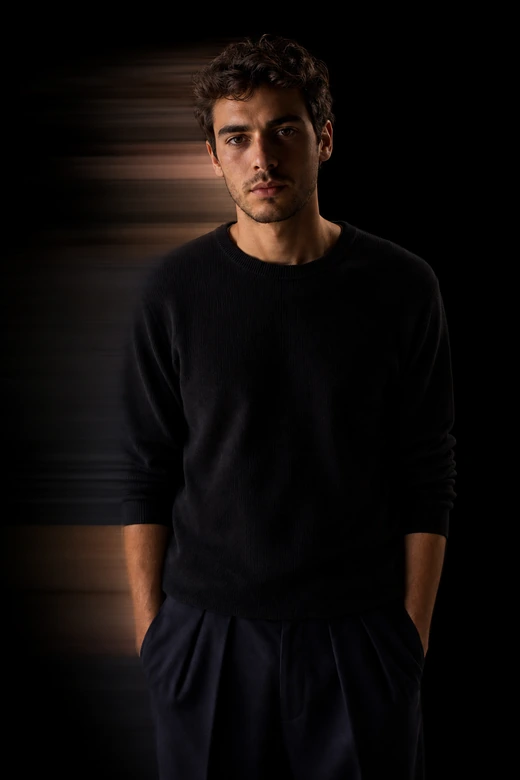
Add motion to a portrait without losing the person in the frame. Pokecut helps you add motion blur around hair, shoulders, or the background while keeping the face readable. The blur feels like movement, not a full-image smear.
The result works well for profile photos, social covers, and fashion edits. Dark shadows make the motion trails follow the body line, so a plain portrait starts to feel like a movie still with the subject stepping into the light.
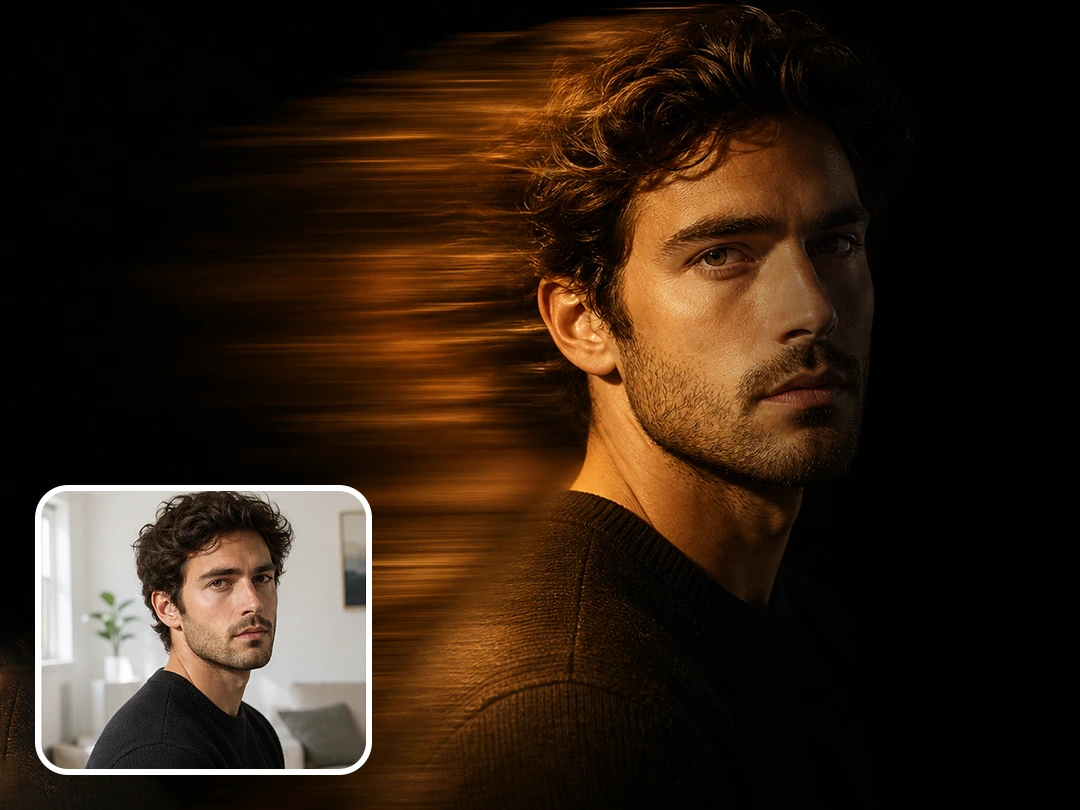
Get Beautiful Rembrandt Lighting with AI
Flat lighting can become a soft Rembrandt portrait with more shape. Pokecut uses AI to brighten portrait lighting, so the face, neck, hands, and shoulders stand out against a darker background. Skin tone and expression stay natural while the light gains depth.
The side light gives the photo a quiet film mood. Shadows do more than darken the image. They guide the eye to the face, add a clean outline, and make the whole portrait feel more deliberate without a studio setup.
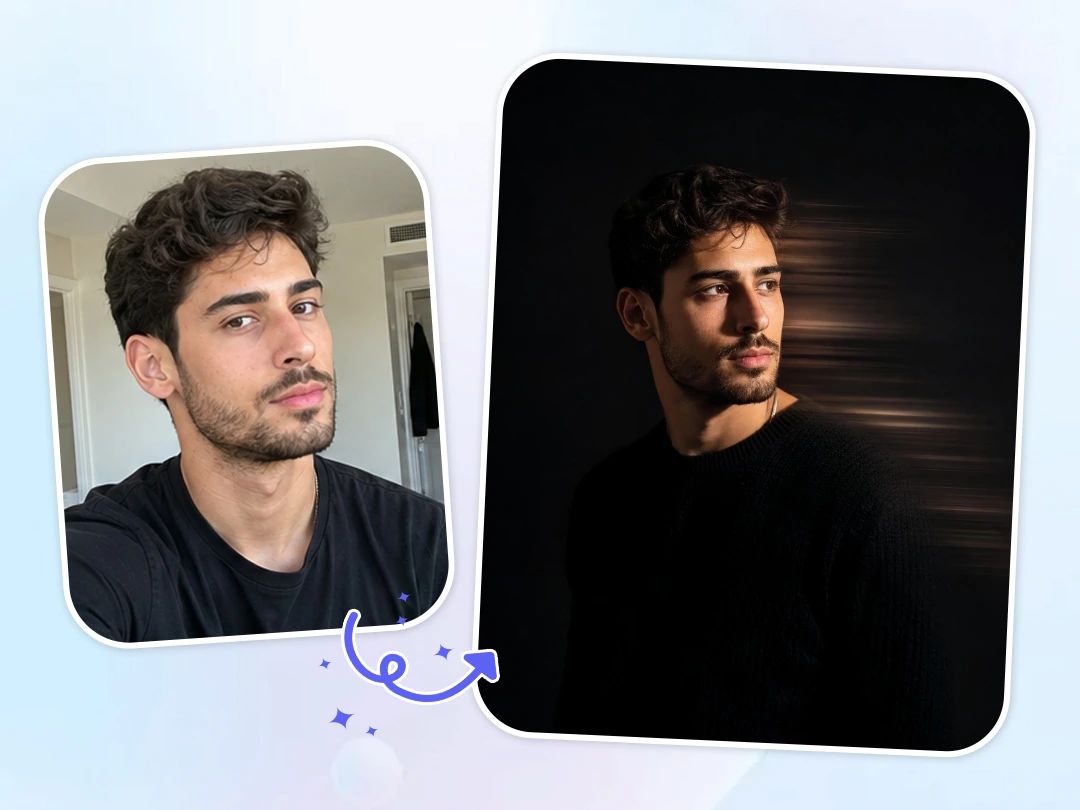
Create a Dark Studio Mood from Any Portrait
Any portrait can take on a dark studio mood, even when the original photo is bright. Pokecut helps apply black backgrounds while keeping attention on the face, body line, and soft motion trail. The image feels cleaner without losing its human detail.
Use this Rembrandt light and motion blur effect for various photos. It is perfect for selfies, half-body shots, fashion photos, and character designs. The final edit looks completely natural. It delivers a professional studio look rather than a cheap, pasted-together cutout.
How to Create a Rembrandt Motion Blur Portrait
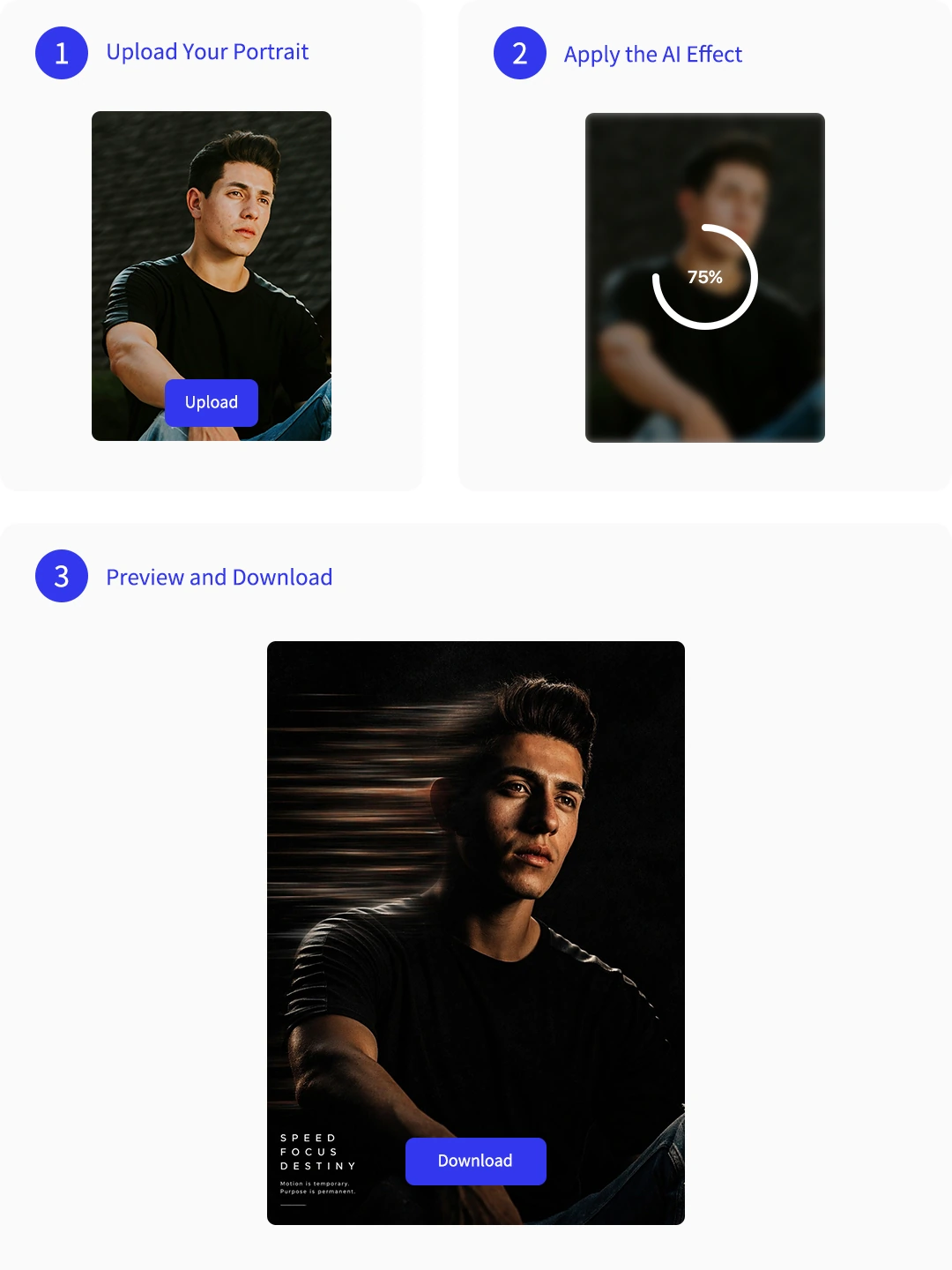
Step 1: Upload Your Portrait
Upload a clear portrait with a visible face, hair, or body outline. Side poses and half-body shots give the AI more structure for a natural motion blur portrait effect.
Step 2: Apply the AI Effect
Let Pokecut add a dark background, Rembrandt side light, and horizontal motion trails. The subject stays partly sharp while the blur moves through the edges.
Step 3: Preview and Download
Review the black-and-gold or monochrome look, then download the finished portrait. Add text later if you want a poster-style social cover.
Pokecut is Loved by Creators Making Dramatic Portraits
Creators like the clear subject, dark mood, and natural motion trails.

Mia

"The blur looked stylish without hiding my face. A simple portrait turned into something I could use as a music cover."
Jordan
"I wanted a dark studio look, and the side light gave my photo much more depth without making it look fake."
Ava
"The golden motion trail worked well on my fashion shot. It felt ready for Instagram without extra editing."
Leo
"I did not need to set up lights or use Photoshop. The portrait looked dramatic after one quick edit."
Sofia
"My selfie had a messy background, but the final image looked clean, dark, and more cinematic."
Noah
"The black-and-white version gave my portrait a mysterious protagonist feel. The face still looked like me."

Reviews from: Reddit, Product Hunt, G2, TrustRadius, Google Play, App Store, and more.
FAQs About Rembrandt Motion Blur
How do I create the TikTok Rembrandt motion blur photo?
Upload a portrait and apply the dark motion style in Pokecut. The AI adds Rembrandt side light and motion trails, which helps create a TikTok Rembrandt lighting effect without camera gear.
Can AI keep my face clear while adding motion blur?
Yes. Pokecut keeps the main face or body outline readable while motion appears around the subject. That balance makes the motion blur portrait effect feel dramatic without covering the person.
Do I need studio lighting or a slow shutter camera?
No. Real photography needs controlled light and shutter speed, but Pokecut can create an AI motion blur photo effect from an uploaded portrait with no studio setup.
What kind of photo works best for this effect?
Clear portraits work best. Side poses, hats, hair movement, and strong body outlines give Pokecut better structure for black background motion blur portrait edits.
What prompt should I use for Rembrandt motion blur?
You can use phrases like "dark studio background," "Rembrandt side light," "sharp face," "horizontal motion trails," and "low-key portrait." Pokecut seamlessly builds these into a perfect AI prompt workflow. We also provide ready-to-use prompts. Just upload your photo to get the exact same effect instantly.
Pokecut's Photo Editor Trusted by Professionals and Users

1M+ Users Worldwide
Pokecut generates over 500,000 images every day


Professional Privacy Protection
Ensure 100% data privacy for every photo

Trusted by Well-Known Brands
Apple, Google, PayPal, Stripe, Product Hunt, G2, TrustRadius
 POKECUT


Copyright © 2026 Pokecut All Rights Reserved.