












Home > Image to Image AI > AI Pose Transfer Online Free: Copy Poses With AI
AI Pose Transfer: Copy Pose Online Free
Use Pokecut's AI pose changer to copy a reference pose into your photo while keeping the face, outfit, and body shape believable.
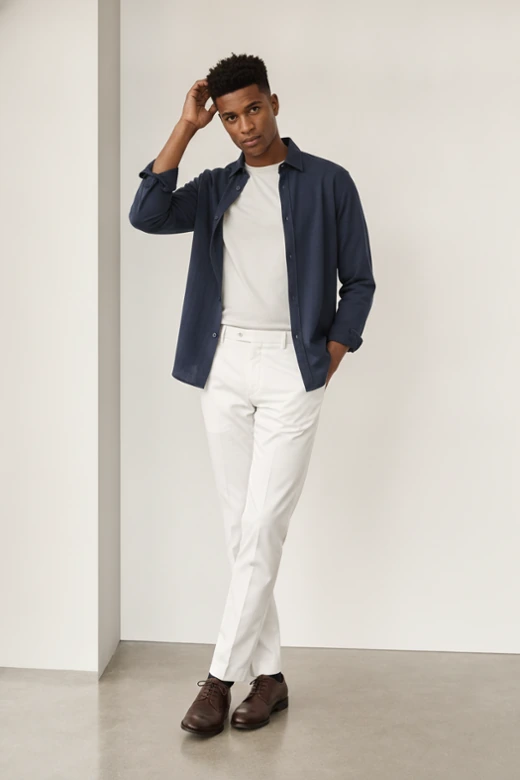
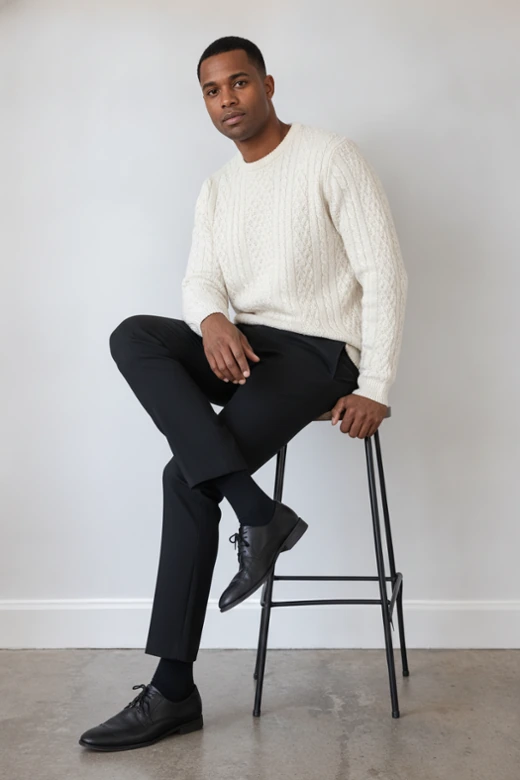
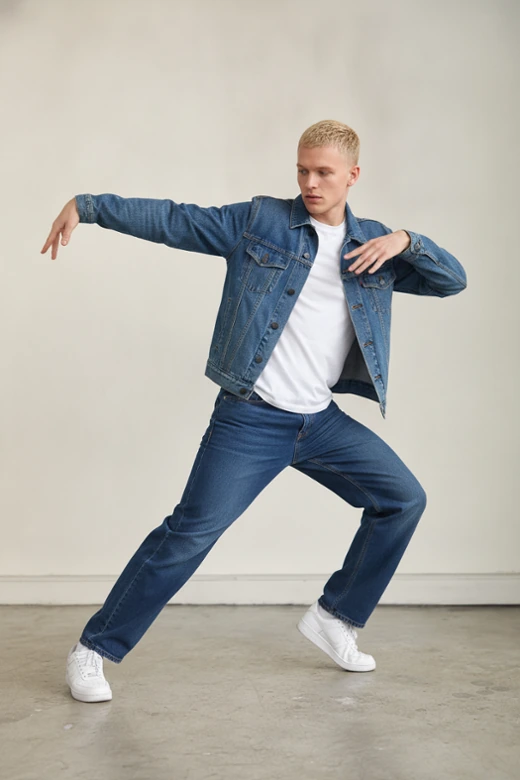
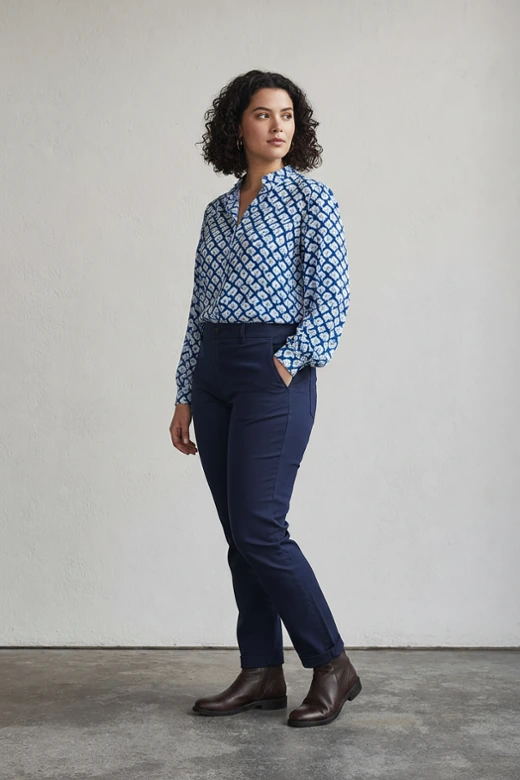


Why Choose Pokecut's AI Pose Transfer?
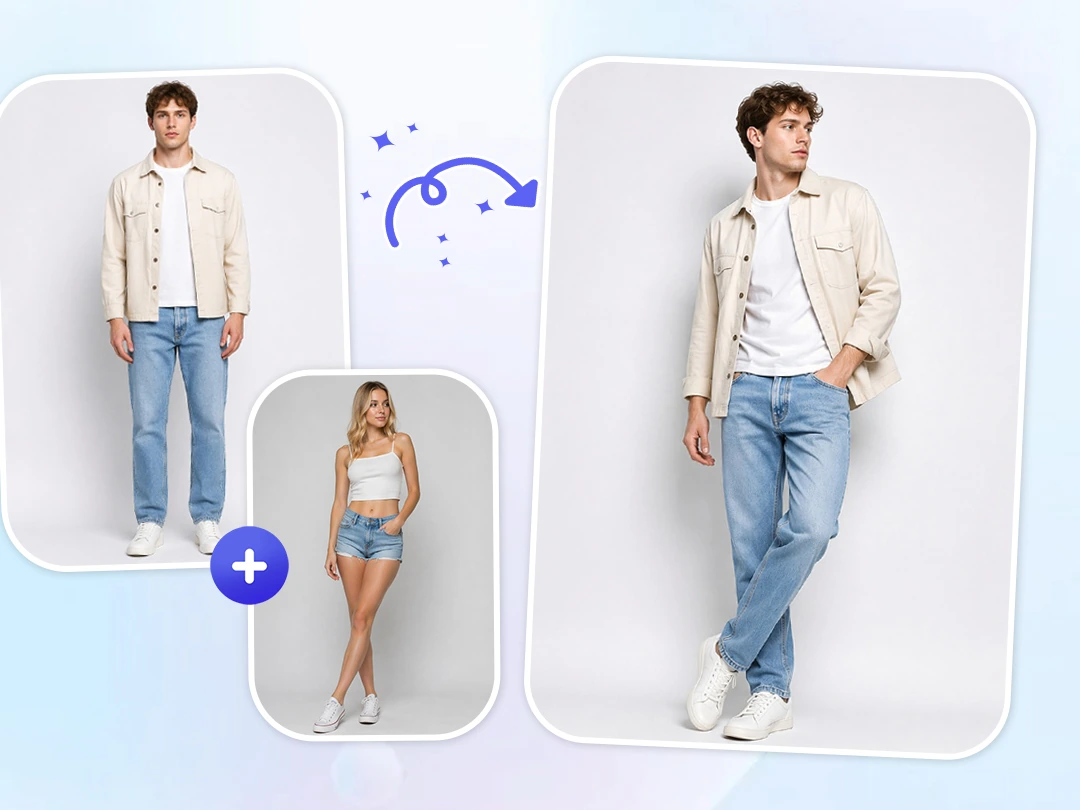
Change a Pose Instantly Without Manual Editing
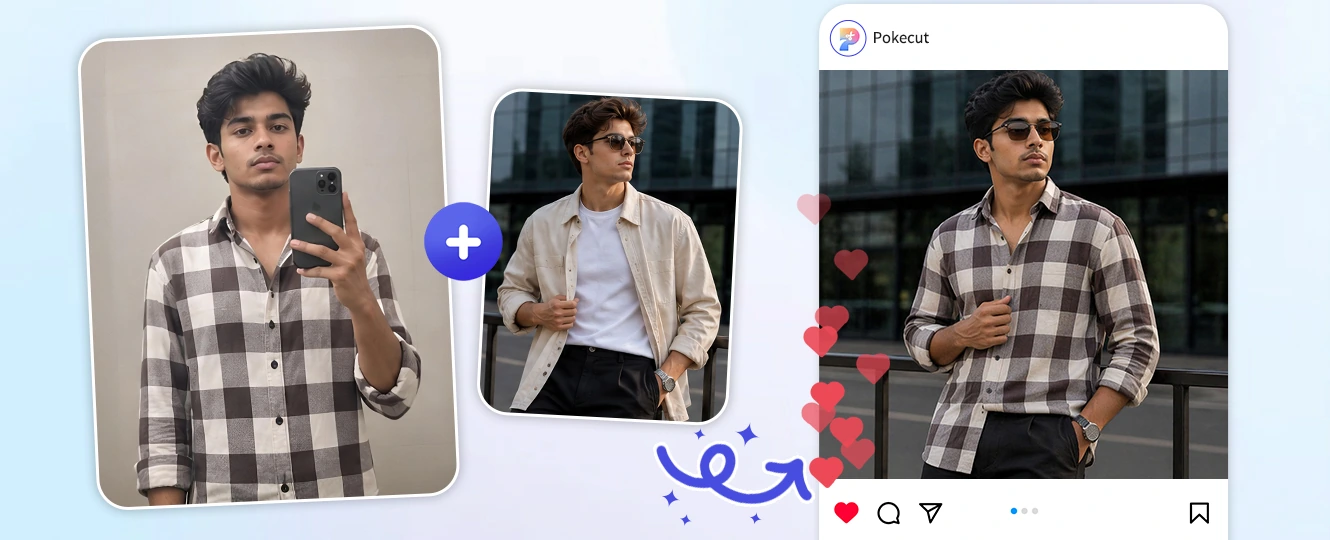
Changing a pose by hand not only takes a long time, but also often leaves photos looking stiff and unnatural. Pokecut's ai pose transfer tool online automatically reads the body structure of your reference image and applies that movement to your subject in one click, skipping complex editing software.
This fast workflow is perfect when speed matters. Sellers can quickly swap model poses before listing products, and creators can easily fix a photo with the wrong body language. If you lack inspiration, our ai pose generator can help you explore pose ideas first. Treat Pokecut like your go-to ai pose changer for carrying that perfect movement into your image.
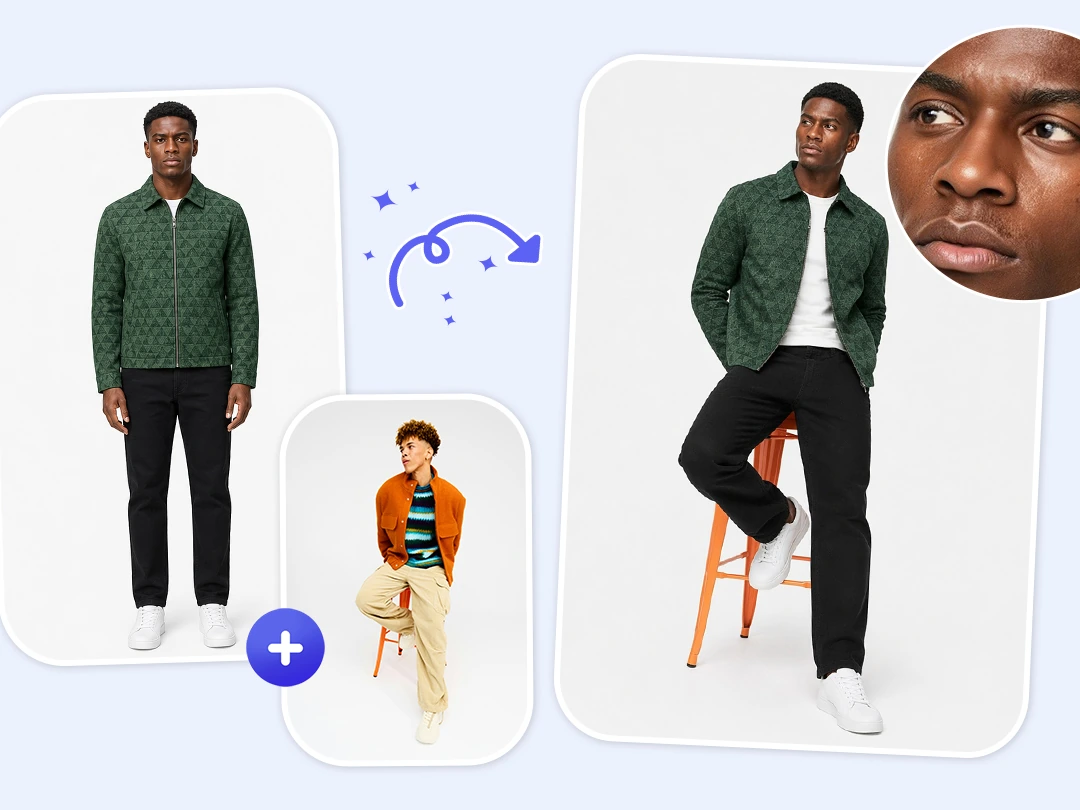
Lock Facial Details and Clothing
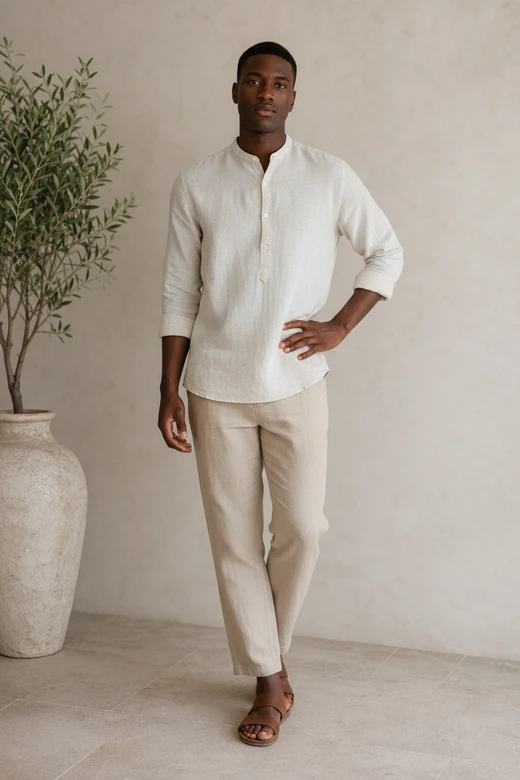
Keeping the same face, outfit, and body feel is what makes a pose swap truly useful. Many tools can change the body angle, but they also change the face, flatten clothing, or ruin the outfit. Pokecut is built to protect the subject while the pose changes, ensuring facial features, body proportions, and clothing details stay loyal to the original image.
This matters for professional work, not just fun edits. You can also use ai clothes changer or body editor for further crafting. Our AI pose swap keeps the pose flexible while respecting the key parts of the image, giving you a perfect result that looks like a real reshoot instead of a strange body replacement.
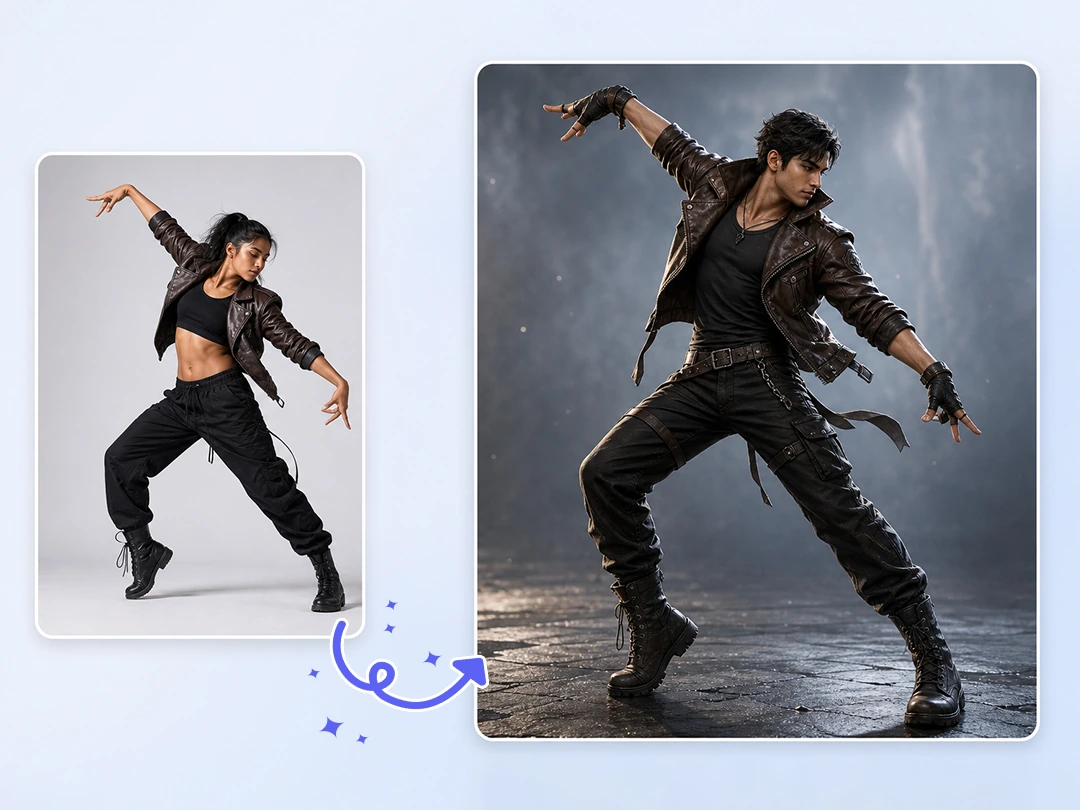
Capture and Copy Every Posture Exactly
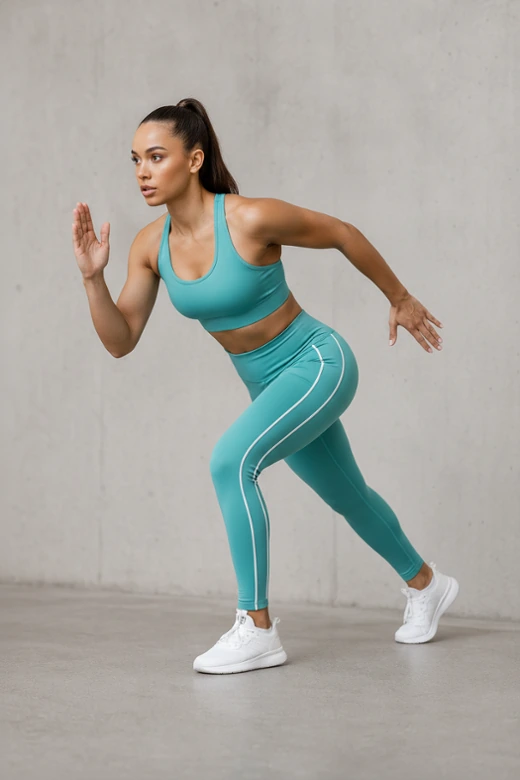
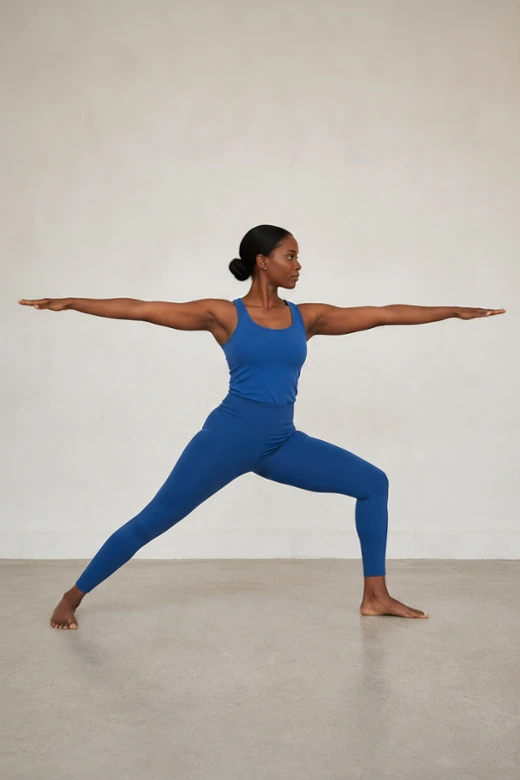
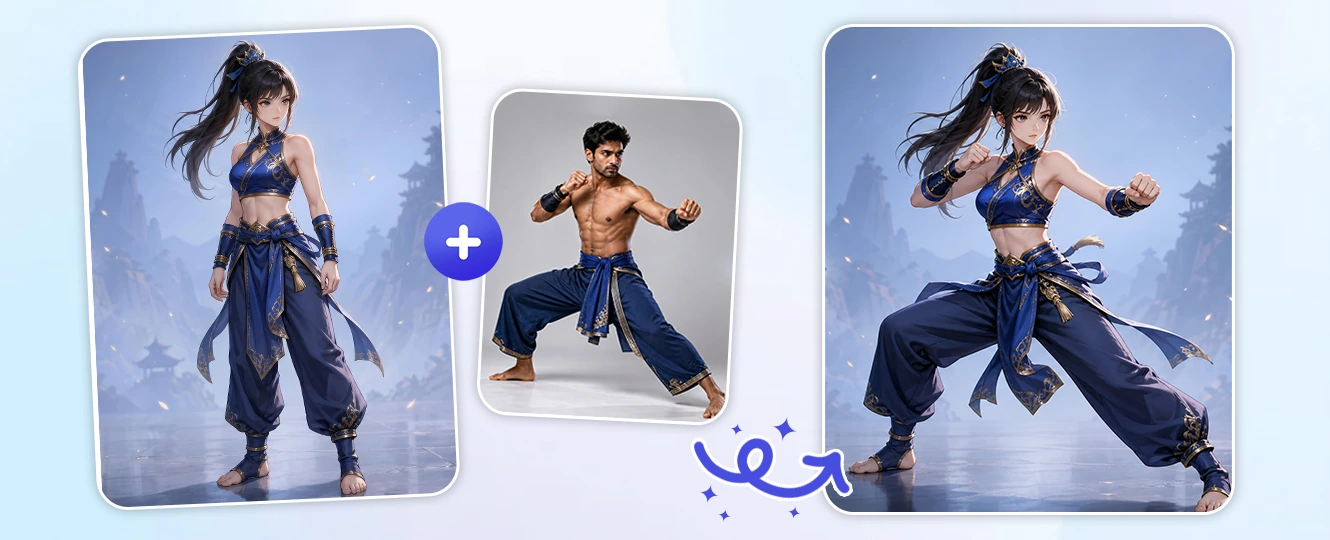
Some poses are easy to admire but hard to describe or recreate. A street-style lean, a dance movement, a fighting stance, or a dramatic anime angle can easily lose its impact. Pokecut solves this as a precision copy pose ai tool that reads your reference image and transfers the exact movement directly into your target photo, capturing every subtle body turn and arm placement.
This ensures you can duplicate any high-tension posture without losing its original energy. Character artists can instantly replicate complex action poses from real photos, while creators can transform flat portraits into confident and professional shots.
What Can You Create with Pokecut's AI Pose Transfer?
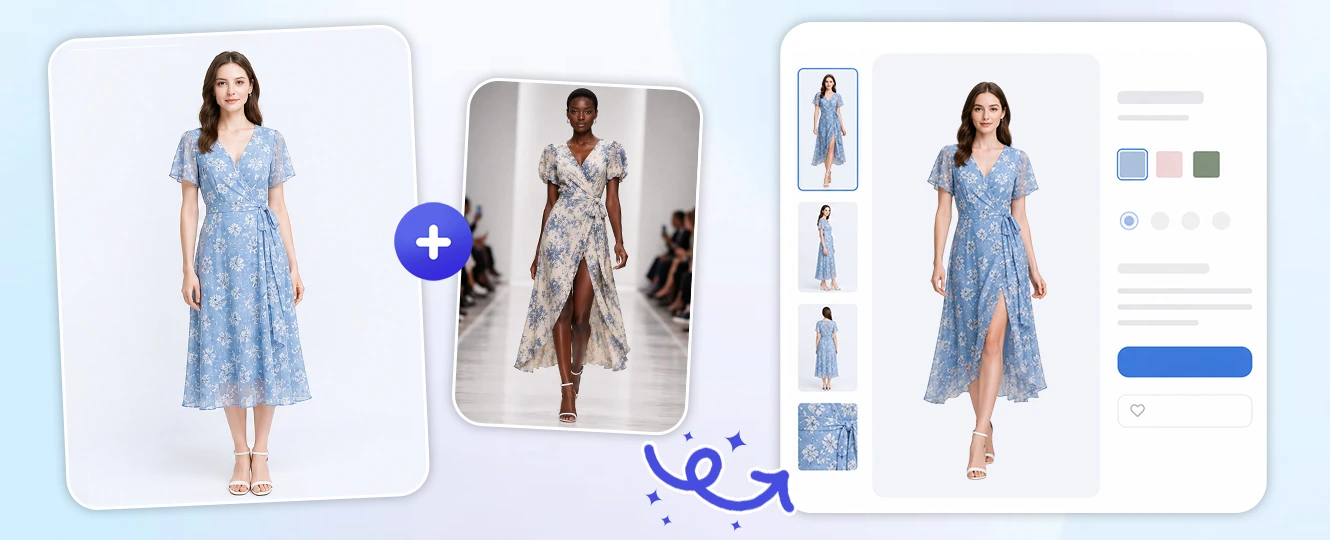
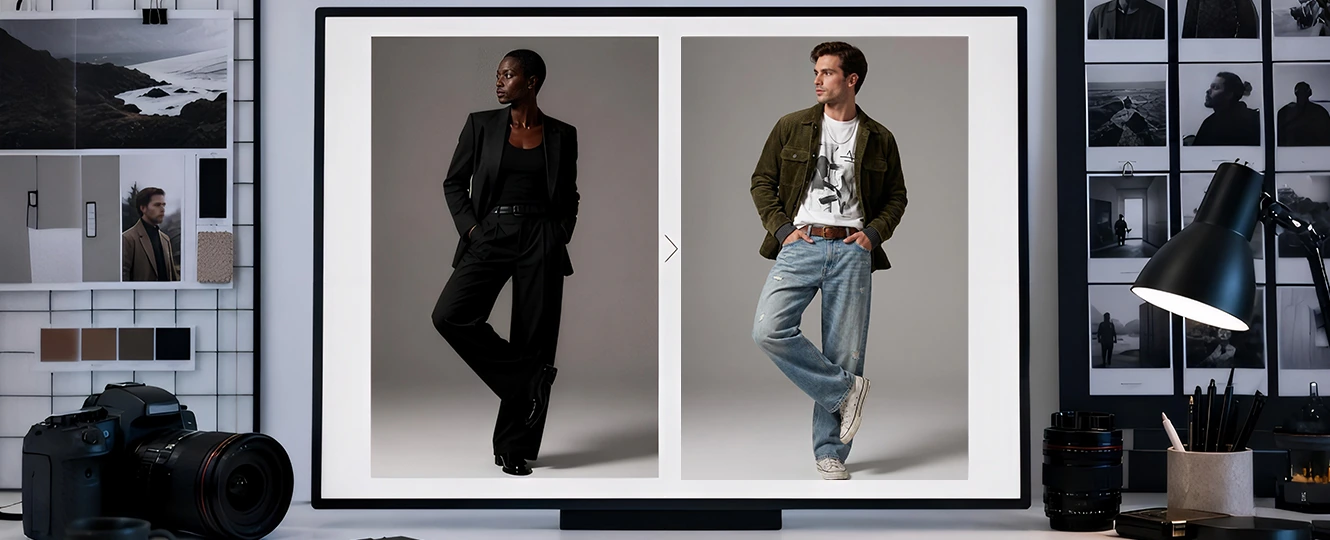
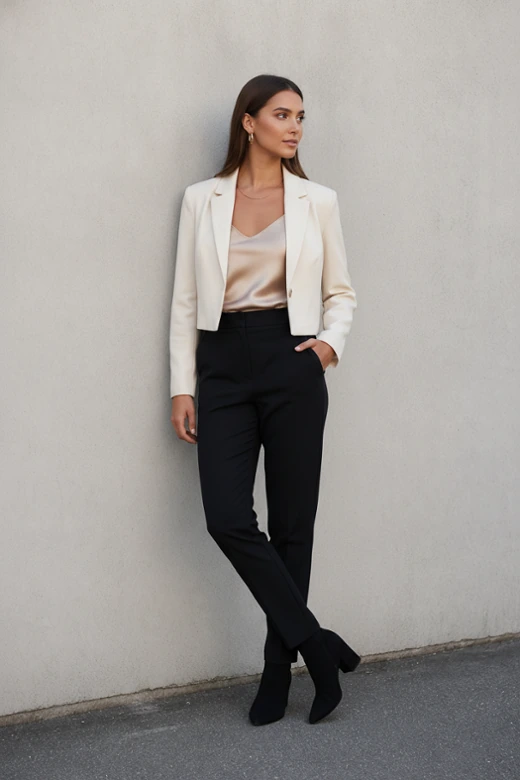
Clothing sellers do not need a new model shoot for every pose idea. Upload a product model photo, add a runway or catalog pose as reference, and let Pokecut rebuild the stance while keeping the garment recognizable. The AI image pose changer helps test a stronger listing visual before spending more on photography.
How to Use Pokecut's AI Pose Transfer
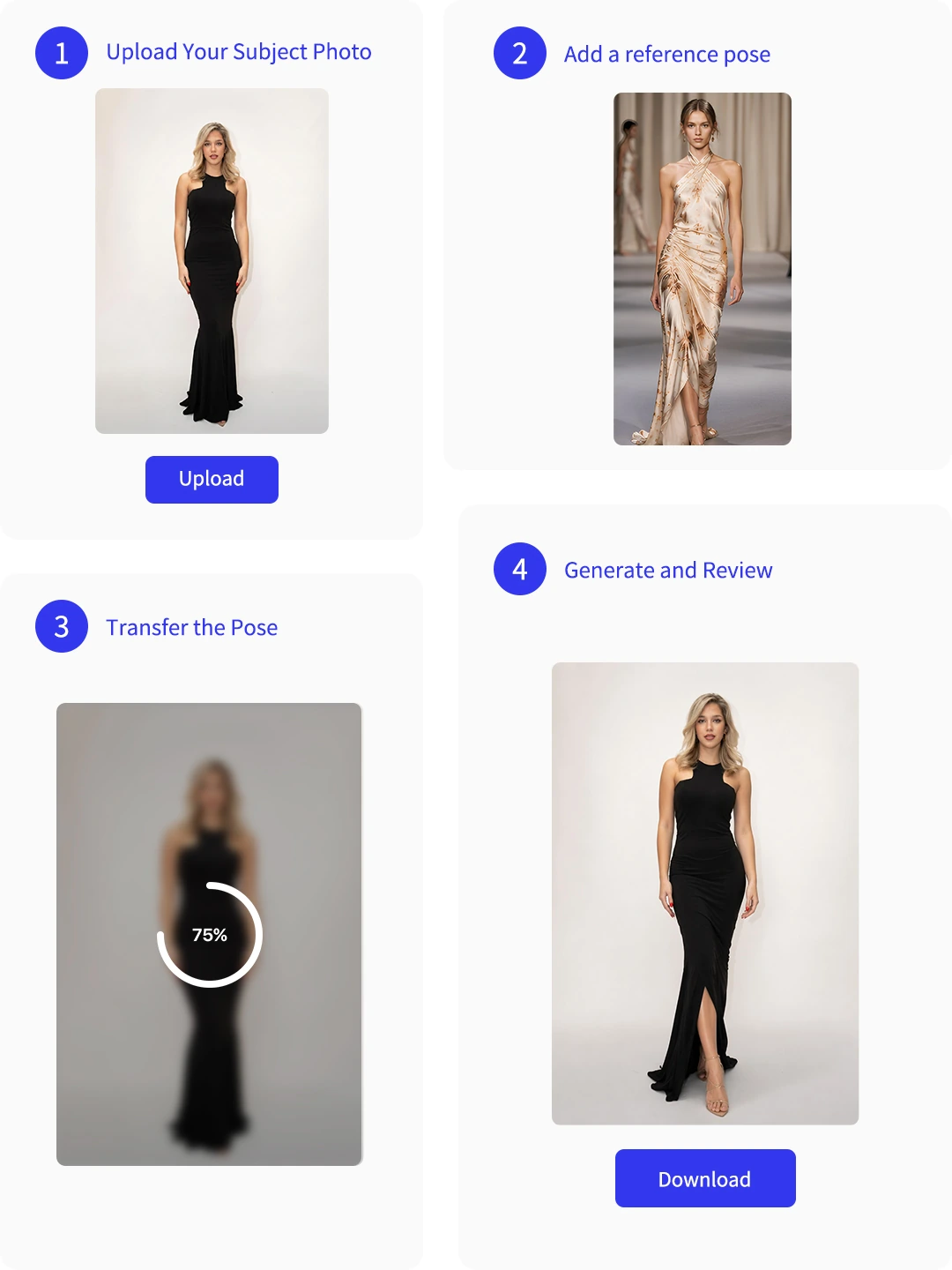
Step 1: Upload Your Subject Photo
Choose a clear person, model, or character image. A visible body outline gives Pokecut more room to change the pose cleanly.
Step 2: Add a Reference Pose
Upload or choose the pose you want to copy. Keep the reference readable, with arms and legs not hidden by heavy clutter.
Step 3: Transfer the Pose
Apply the action prompt to let the AI process the change. Our tool will replicate the exact movement while keeping the details natural.
Step 4: Generate and Review
Preview the pose transfer, check the face, clothing, hands, and body balance, then download the version that looks natural.
Explore More Features of Pokecut
What Do Users Say About Pokecut's AI Pose Transfer?
Users like Pokecut when they need a better pose without planning a new shoot.

Mila S.

"I changed a stiff product model pose into something closer to our catalog style. The dress still looked like the same dress, which was my main worry."
Ethan R.
"I used a dance reference for a character concept. It gave me a much better starting pose than sketching the body from nothing."
Sofia L.
"My selfie had a good face but awkward shoulders. The pose transfer made it look more relaxed after one extra generation."
Grant P.
"For client planning, this helped a lot. I could show the model the pose idea before the shoot instead of explaining it with vague hand gestures."
Nadia K.
"The face stayed close to the original, and the outfit did not turn into random fabric. That made the edit usable for my shop preview."
Leo M.
"It is not magic on messy references, but with a clear pose photo the result was surprisingly clean. Hands still need checking, though."

Reviews from: Reddit, Product Hunt, G2, TrustRadius, Google Play, App Store, and more.
Pokecut Trusted by Millions of Leaders and Users

1M+ Users Worldwide
Pokecut generates over 500,000 images every day


Professional Privacy Protection
Ensure 100% data privacy for every photo

Trusted by Well-known Brands
Apple、Google、Paypal、Stripe、Product hunt、G2、TrustRadius
Frequently Asked Questions
Does the AI pose transfer have image quality requirements?
Generally, the clearer your images are, the more flawless the final output will be. For the best results, we recommend uploading photos with clear subjects, even lighting, and no major obstructions.
If the reference model has a different body shape, will my subject look distorted?
No. Our AI only extracts the abstract pose framework, not the model's actual weight or height. The generated image will strictly preserve your original subject's natural body proportions and silhouette.
Does this tool support transferring poses for two people?
Yes, it accurately reads the skeletal structure of both subjects, allowing you to replicate the exact interaction, proximity, and postures from your two-person reference image.
Is it safe to upload my photos?
Your privacy is our top priority. All uploaded photos and processed images are highly encrypted and used solely for generating your pose transfer.
Can I use the AI pose transfer tool directly on my mobile browser?
Yes, Pokecut is fully optimized for mobile devices. Simply open your preferred browse, upload your images, and swap poses seamlessly on the go.
 POKECUT




Copyright © 2026 Pokecut All Rights Reserved.