




Unlock Pokecut VIP for just
24
:
00
:
00

Photo Angle Changer for Natural AI Camera Angle Edits
Turn any flat shot into a brand-new camera view. Describe the angle you want or pick a template to automatically adjust perspective, scale, and depth. The ultimate tool for quick, realistic portrait and product reframing.
✨ Free Trial ✨ 1-Click AI ✨ High Fidelity
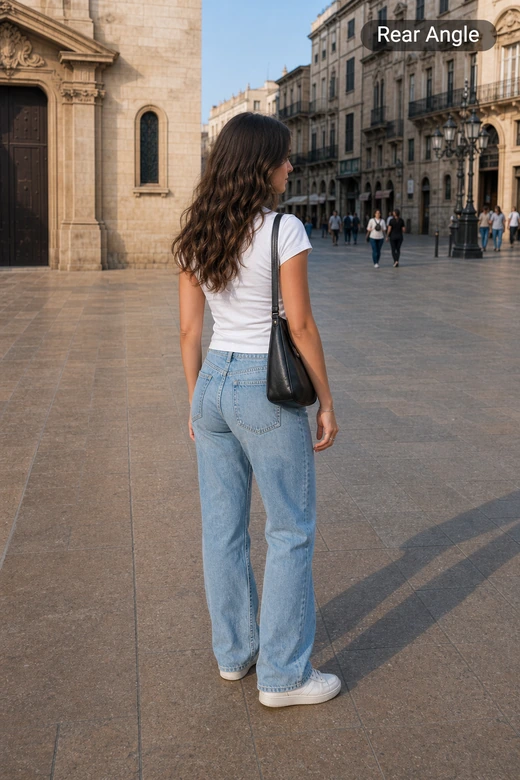
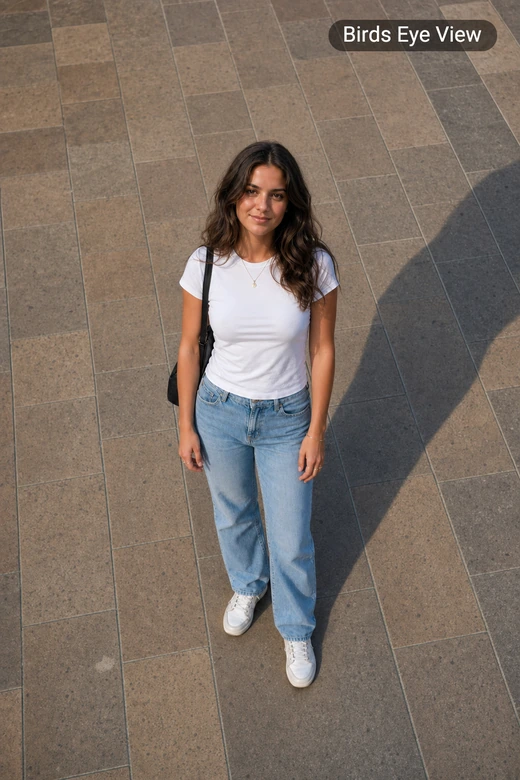

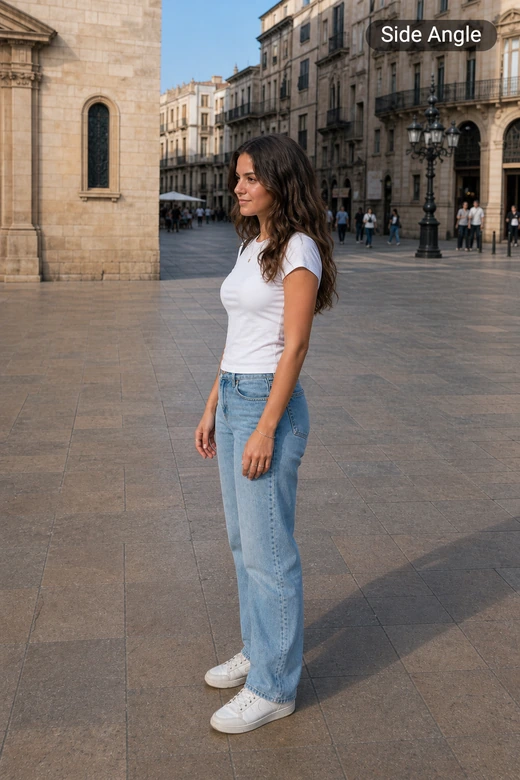
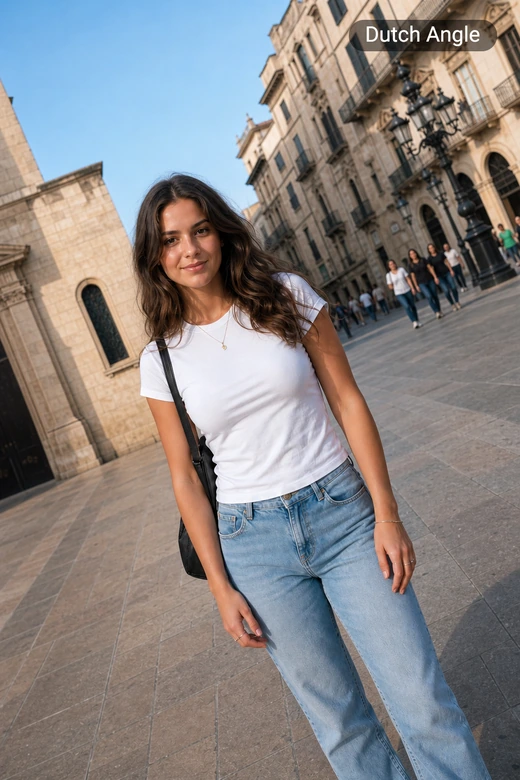


What Makes Our AI Camera Angle Changer Unique?
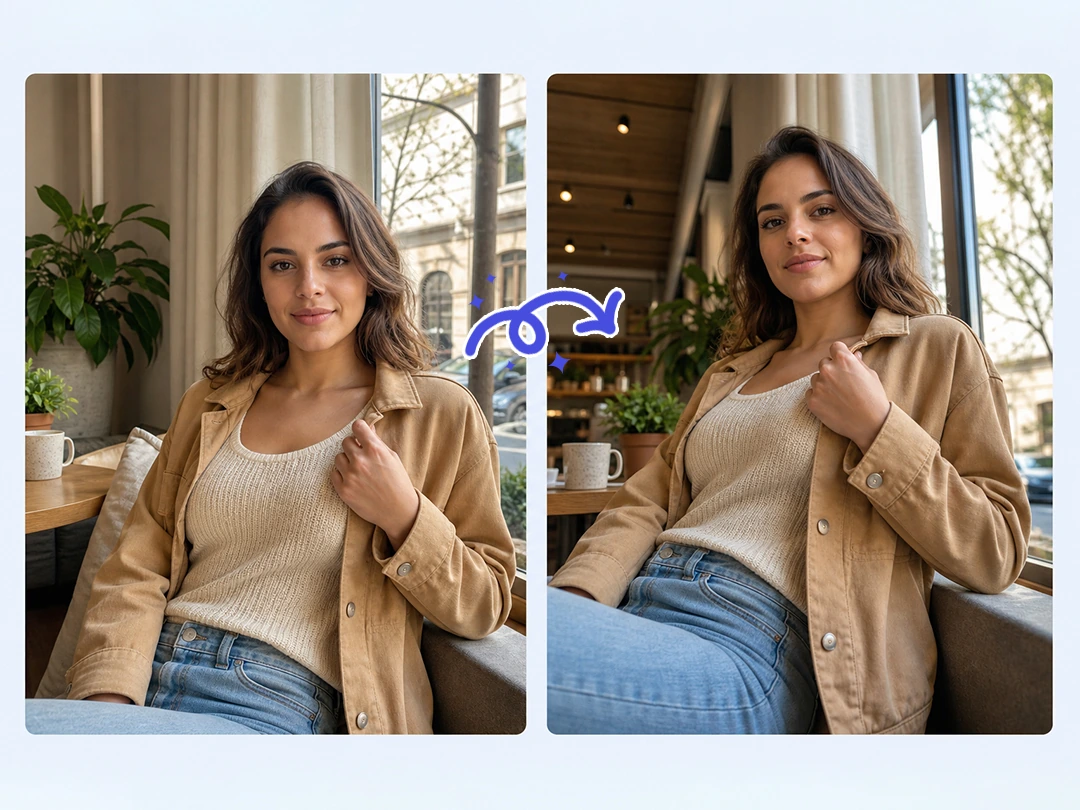
Change Camera Angles Online Without Reshooting
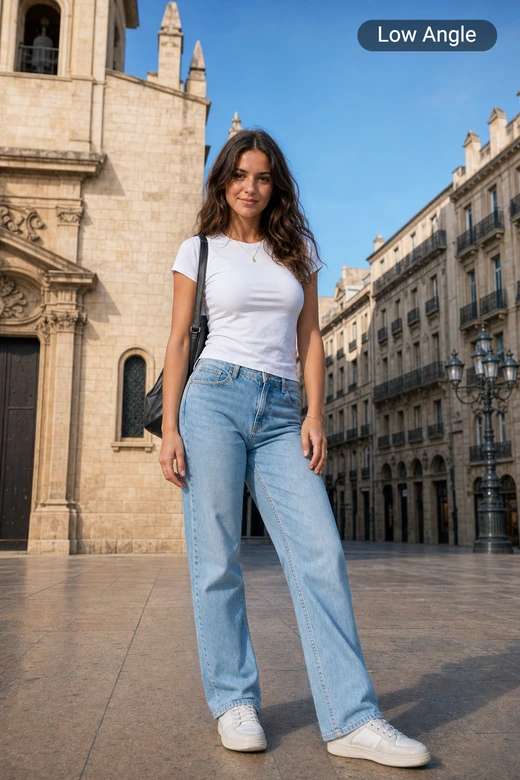
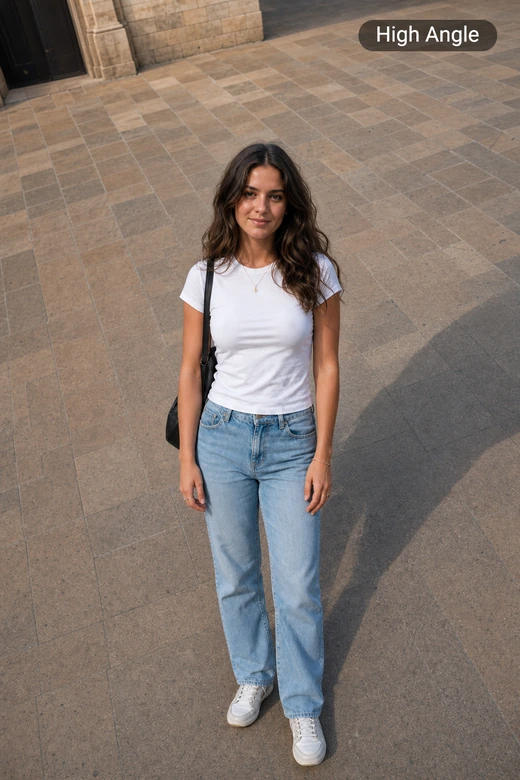
Turn one existing photo into a new camera view without setting up another shoot. Pokecut rebuilds the scene around the subject, so a flat shot can become a low angle effect, a side view, or a stronger overhead look while the photo still feels tied to the original.
This kind of photo angle change helps when you have one usable image but need more visual options. Start from the same source photo, change images with AI, and compare the results before choosing the version that feels most believable for the page or post.
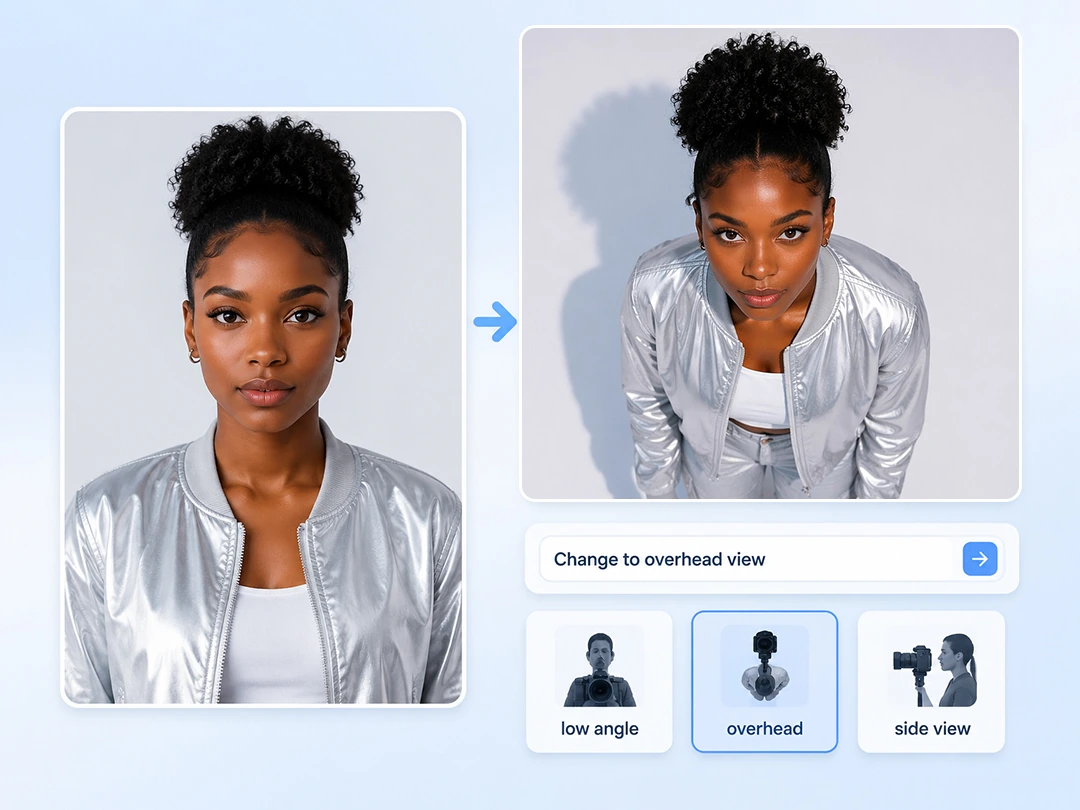
Use Natural Language as Your Photo Angle Editor
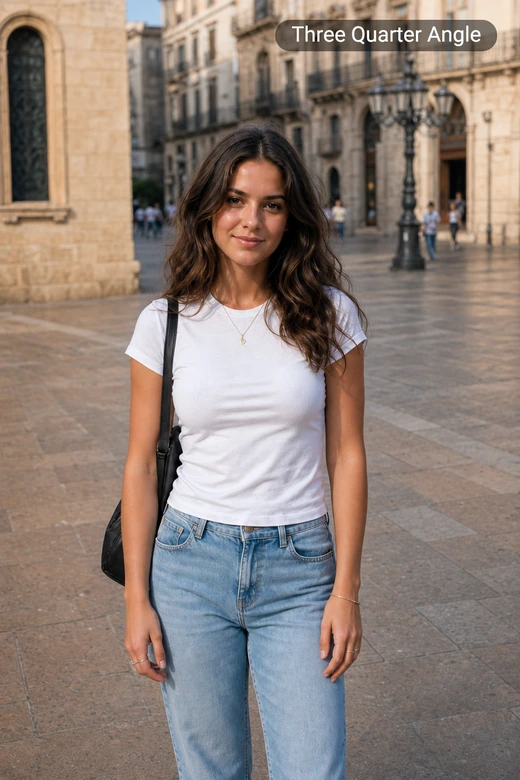
Describe the camera angle you want in normal words, and Pokecut turns that instruction into a new view. You do not need Photoshop perspective tools or 3D setup. Ask for a low camera view or a three-quarter angle, then let the photo angle editor rebuild the image around the subject.
Preset angle templates help when the right words are hard to find. Pick a reference look first, then adjust the prompt if you need tighter camera angle control. This AI camera angle changer gives you total control over the exact direction you want.
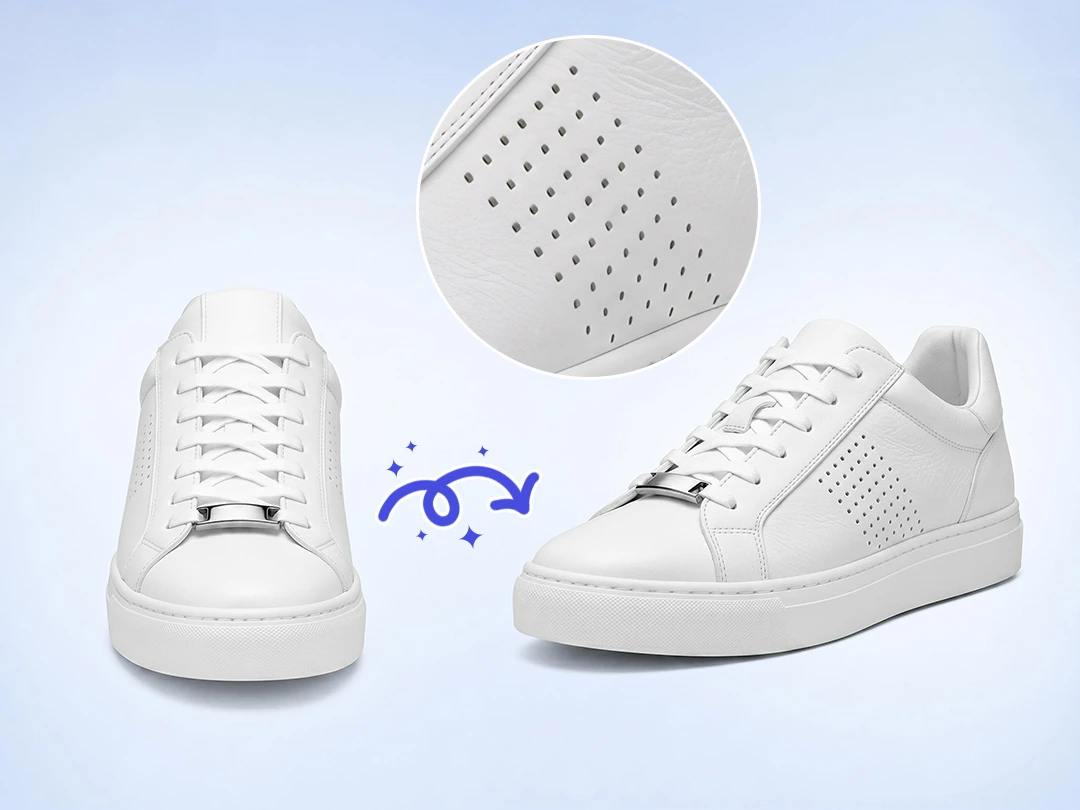
Keep Faces, Products, and Lighting Realistic
A new angle only works when the subject still looks real. Pokecut focuses on keeping facial shape, product proportions, material texture, and light direction consistent, so the result feels closer to a new photo than a stretched image.
Clear source images and specific prompts make the output easier to trust. Use AI perspective changer edits for portraits, ecommerce drafts, and interior shots, then review edges before publishing. When the angle looks right, enhance photo details to make the final version cleaner for a page, ad, or design handoff.
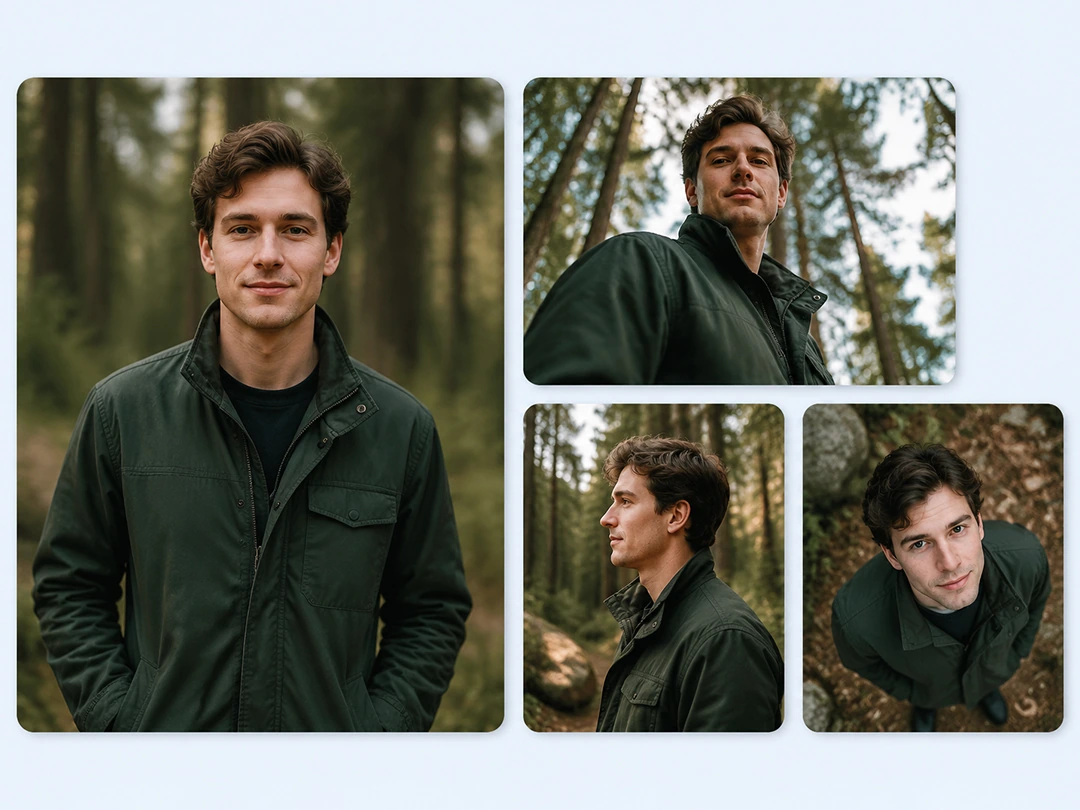
Try Popular Photo Angles from One Image
Easily try several angle directions from one photo before you commit to a final look. Pokecut lets you test one preset at a time from the same source image, so you can see which view gives the subject more presence without turning the edit into trial and error.
Use our useful preset options when you need speed without a long prompt session. Try an AI low angle photo effect for a stronger portrait, or use a three-quarter view when a social cover feels too flat. Comparing a few versions first keeps the edit practical and helps you avoid wasting time on a bad angle.
Photo Angle Change Ideas for Real Uses
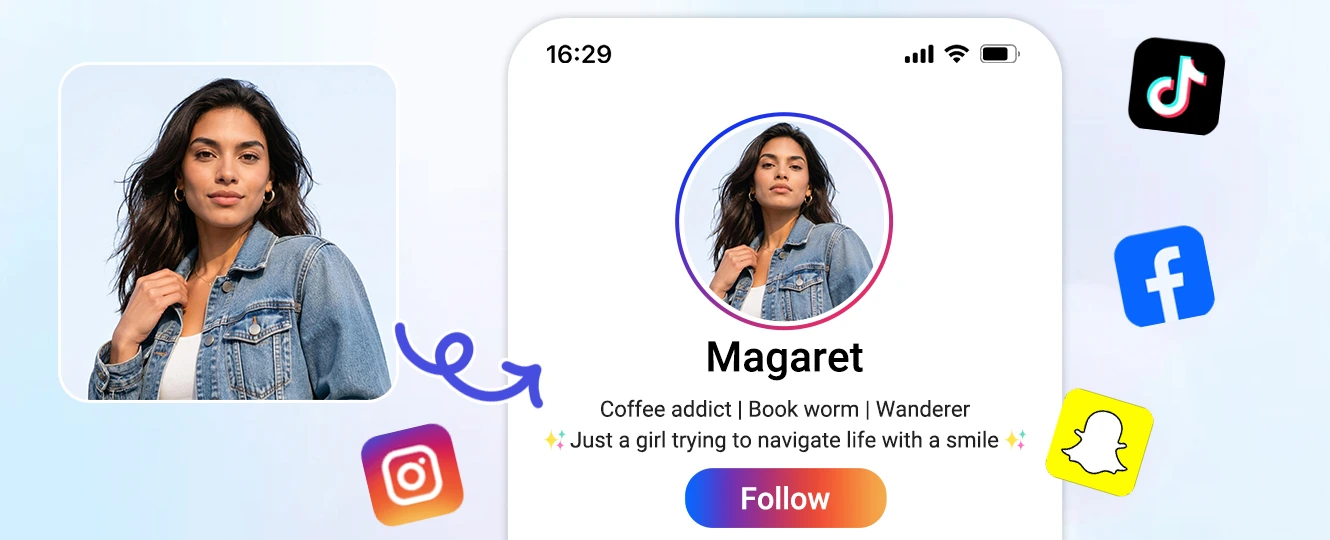
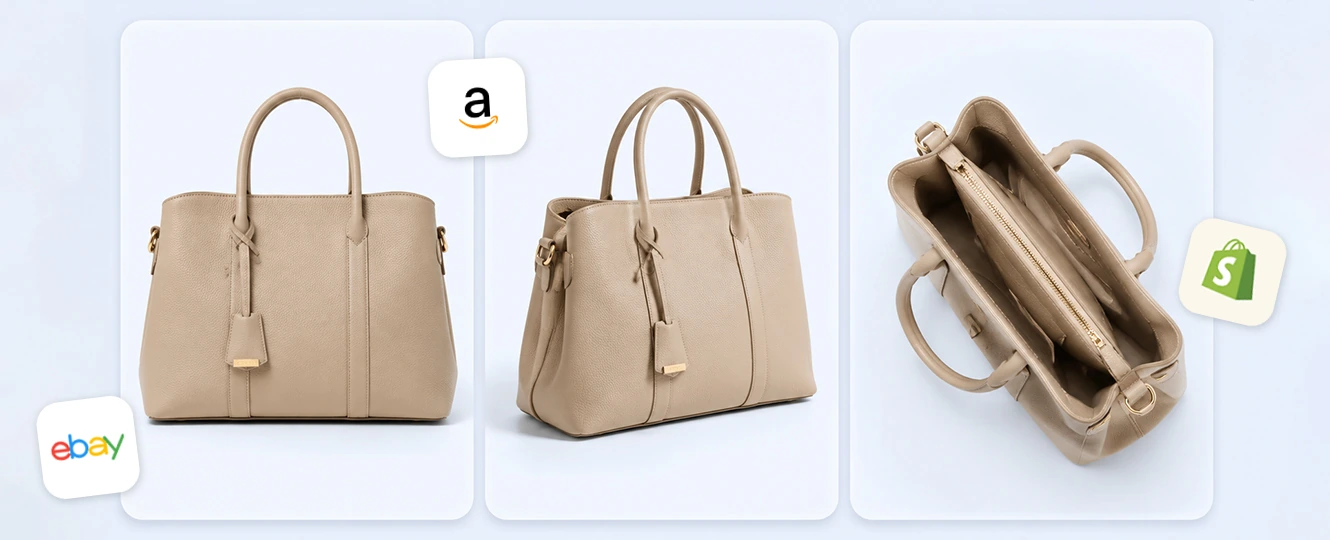
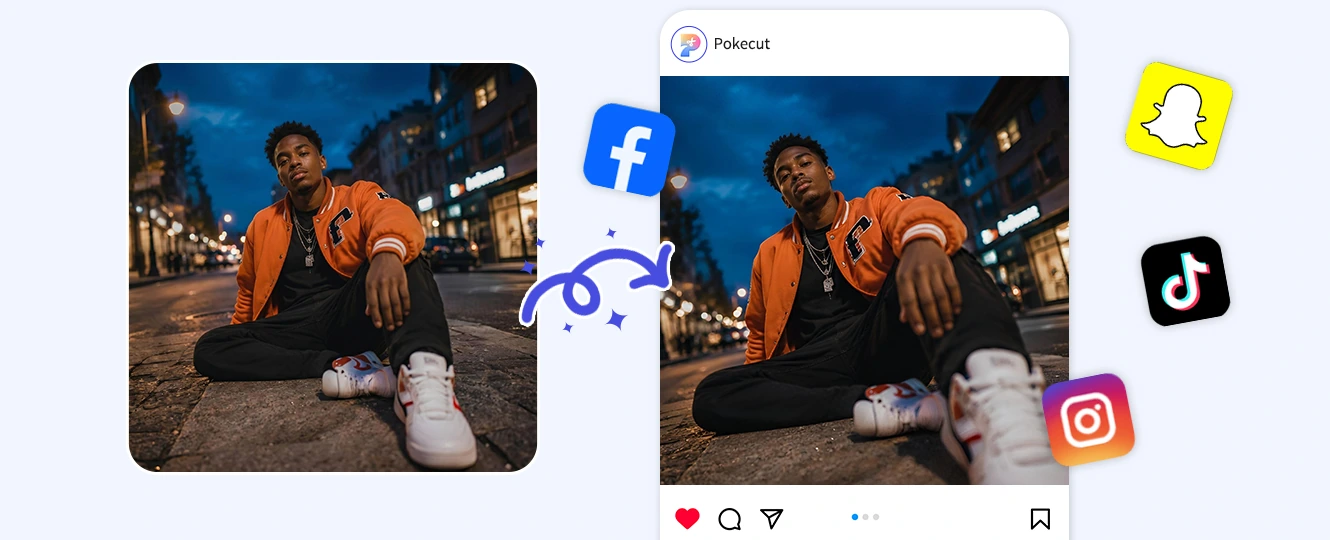
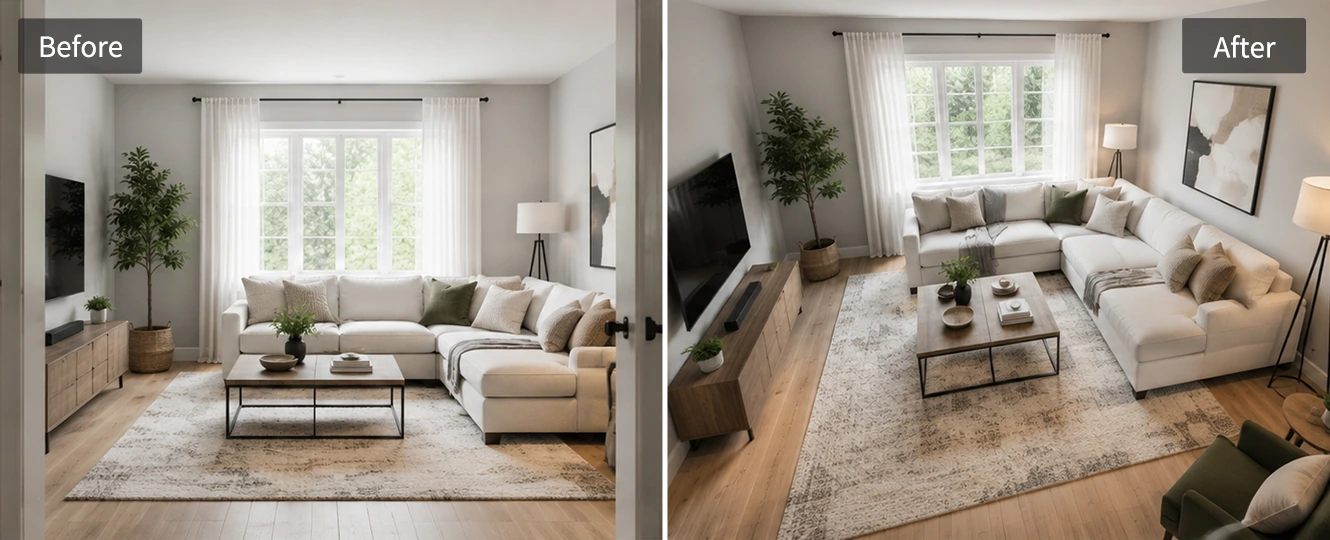
Portraits can look stronger when the camera view changes instead of the face being over-edited. Use Pokecut to turn a selfie or profile photo into a low angle, side view, or three-quarter portrait while keeping the person recognizable. It is a good fit for avatar tests, personal branding, and fixing a photo that was taken from an awkward height.
AI Photo Angle Changer vs Rotate Image Tool
If you just need to straighten a crooked photo, a simple rotate tool is all you need. But if you want to turn a flat shot into a brand-new low or side angle, compare the options below to see how AI does the heavy lifting.
How to Use a Photo Angle Changer Online
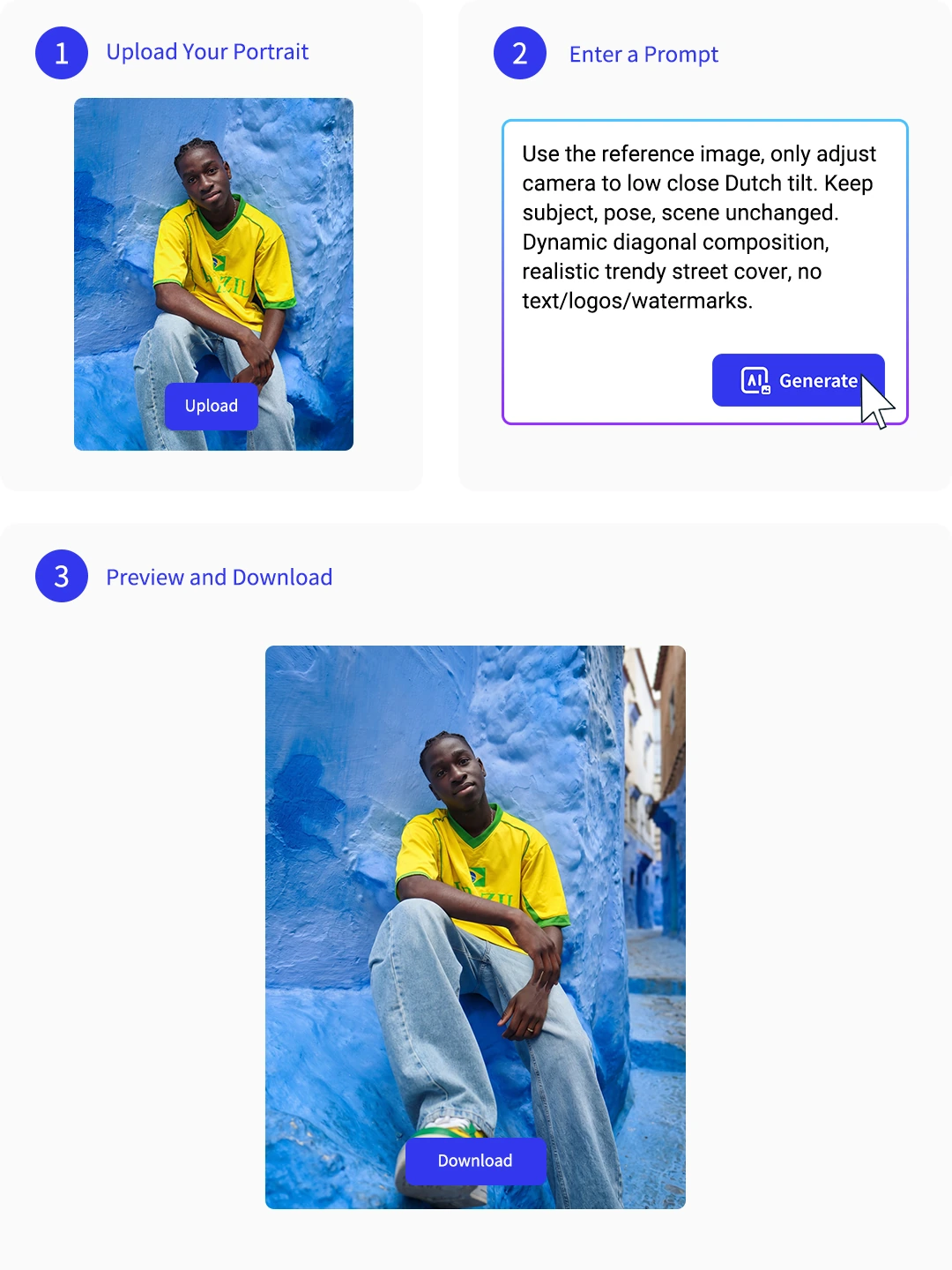
Step 1: Upload Your Photo
Upload a clear portrait, product shot, room photo, or social image. A complete subject gives the AI more visual context for a believable photo angle change.
Step 2: Choose or Describe an Angle
Pick an angle template or write a short prompt, such as low camera view or overhead shot. Keep one clear camera angle change AI request per edit.
Step 3: Preview and Download
Review the face, product edge, text, and background before saving. Download the most natural result or adjust the prompt for another angle version.
What Users Say About Pokecut Photo Angle Change
Users like testing new camera views without arranging another shoot.

Mia Chen

"I used the same profile photo to test a low angle and a side view. It gave me better cover options without taking another selfie."
Ethan Brooks
"My product page needed more angle references. Pokecut helped me make quick drafts, so the layout did not have to wait for a new shoot."
Sofia Martinez
"The prompt workflow made sense. I asked it to keep the same face and switch to a low angle, and the result was easier to judge than manual editing."
Noah Kim
"This is different from rotating an image. The new viewpoint looked more like another shot, though I still checked the hands and background before using it."
Ava Wilson
"For interior concepts, I could test a few camera positions before choosing which view worked for the ad mockup."
Liam Taylor
"The angle presets are useful when I want to explore fast. Dutch angle and bird's-eye view gave my social covers a clearer direction."

Reviews from: Reddit, Product Hunt, G2, TrustRadius, Google Play, App Store, and more.
FAQs About Photo Angle Changer AI
Can a photo angle editor keep faces realistic?
Yes. A clear portrait gives Pokecut more detail to preserve facial shape, lighting, and hair edges. A photo face angle change still needs review, especially around eyes, hands, and the hairline.
Which photo angles can I generate?
Pokecut supports common AI camera angles such as low angle, overhead, side view, front view, three-quarter view, close-up, and Dutch angle. Pick a preset or describe the view you need.
Do I need a prompt to change the camera angle?
No. Preset templates help you start without writing a long prompt. A short camera angle control request can still improve the result when you need a specific view or subject position.
Does photo angle change work for group photos?
Group photos can work, but they are harder than single portraits. Pokecut must keep several people in the right positions, so use a clear image and check the final camera angle change AI result.
Can I change image perspective online without Photoshop?
Yes. Pokecut lets you change image perspective with AI in the browser, without layers, 3D modeling, or manual perspective tools. Upload the photo and choose the new view.
Explore Similar AI Features
Pokecut's Photo Angle Editor Trusted by Professionals and Users

1M+ Users Worldwide
Pokecut generates over 500,000 images every day


Professional Privacy Protection
Ensure 100% data privacy for every photo

Trusted by Well-Known Brands
Apple, Google, PayPal, Stripe, Product Hunt, G2, TrustRadius
 POKECUT




Copyright © 2026 Pokecut All Rights Reserved.