




Unlock Pokecut VIP for just
24
:
00
:
00

Nano Banana Pro Upscaler: Free Online 8K Image Enhancer
Pokecut's Nano Banana Pro image upscaler provides a powerful way on how to upscale Nano Banana images online. Easily boost resolution, clean digital noise, protect faces, and export sharp 8K files with our free online image enhancer.
🔍4 specialized enhancement modes ⚡Batch upscale 50 images at once 🖥️Stunning 8K resolution support 🔓Pure watermark-free HD export





What Can Pokecut's Nano Banana Pro Upscaler Do?
Upscale Nano Banana Images in One Click
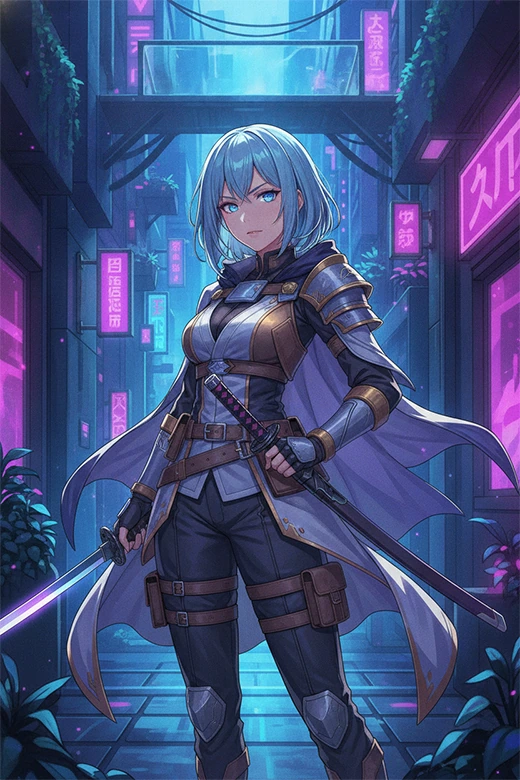
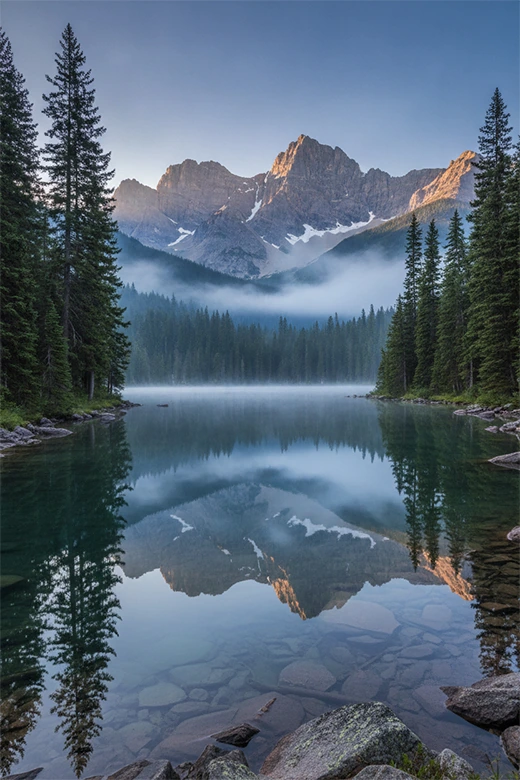
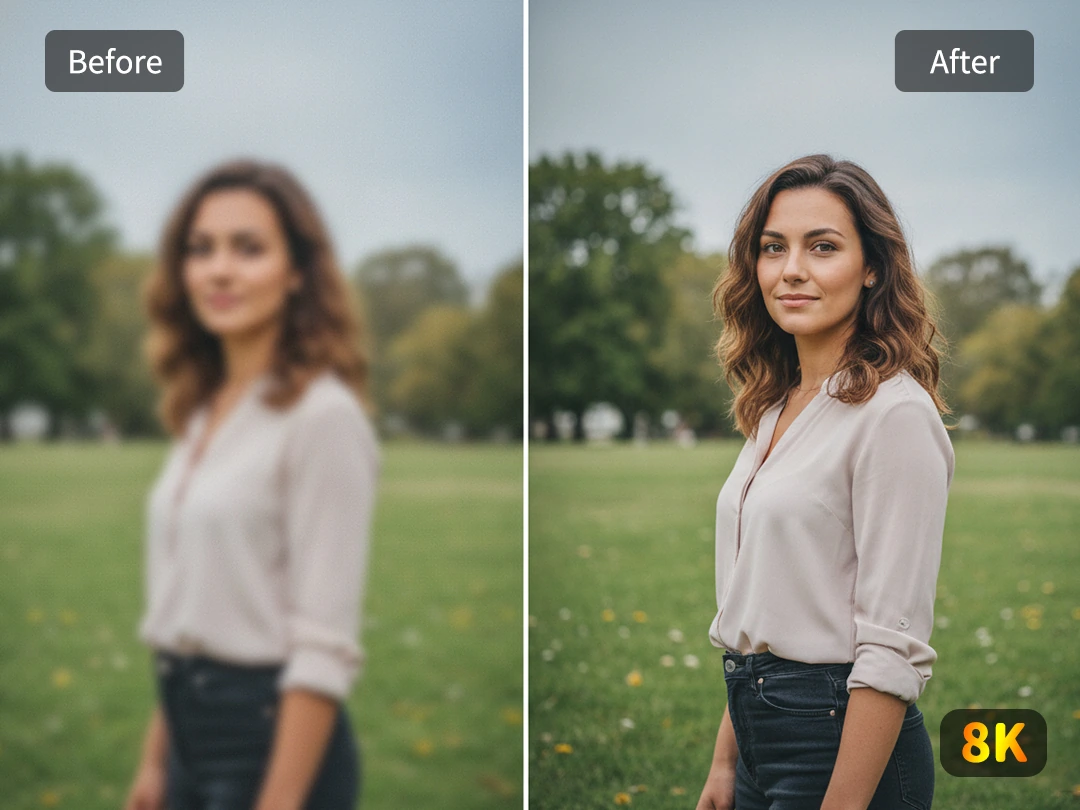
Nano Banana images can look great in the preview window, then fall apart when you place them on a poster, product page, or large screen. Pokecut fixes that gap by enlarging the image up to 4K or 8K while keeping the original face, pose, and composition in place. It does not ask you to redraw the whole picture or gamble on a new generation.
The Nano Banana Pro upscaler delivers one-click resolution transformation, automatically adding missing pixels to reconstruct the entire image in seconds. Use it when you need to enhance image quality for a client proof, print draft, or final social visual without changing the character or scene you already approved.
Repair Faces, Text, and Product Details
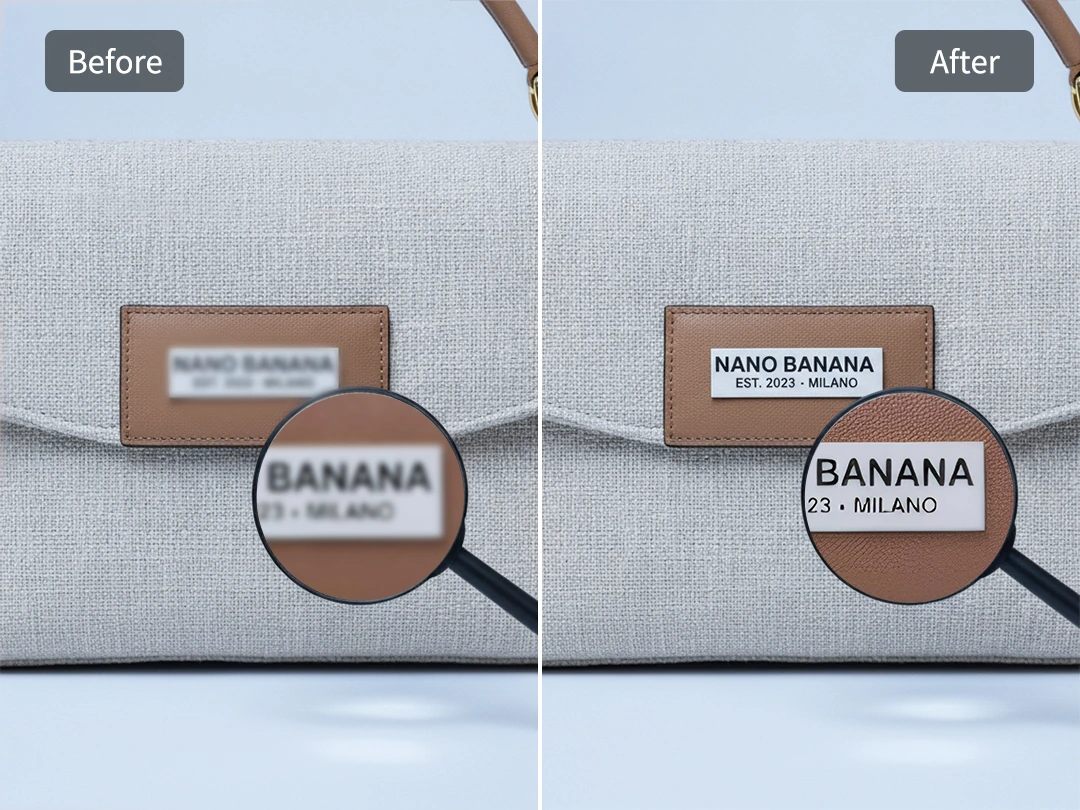
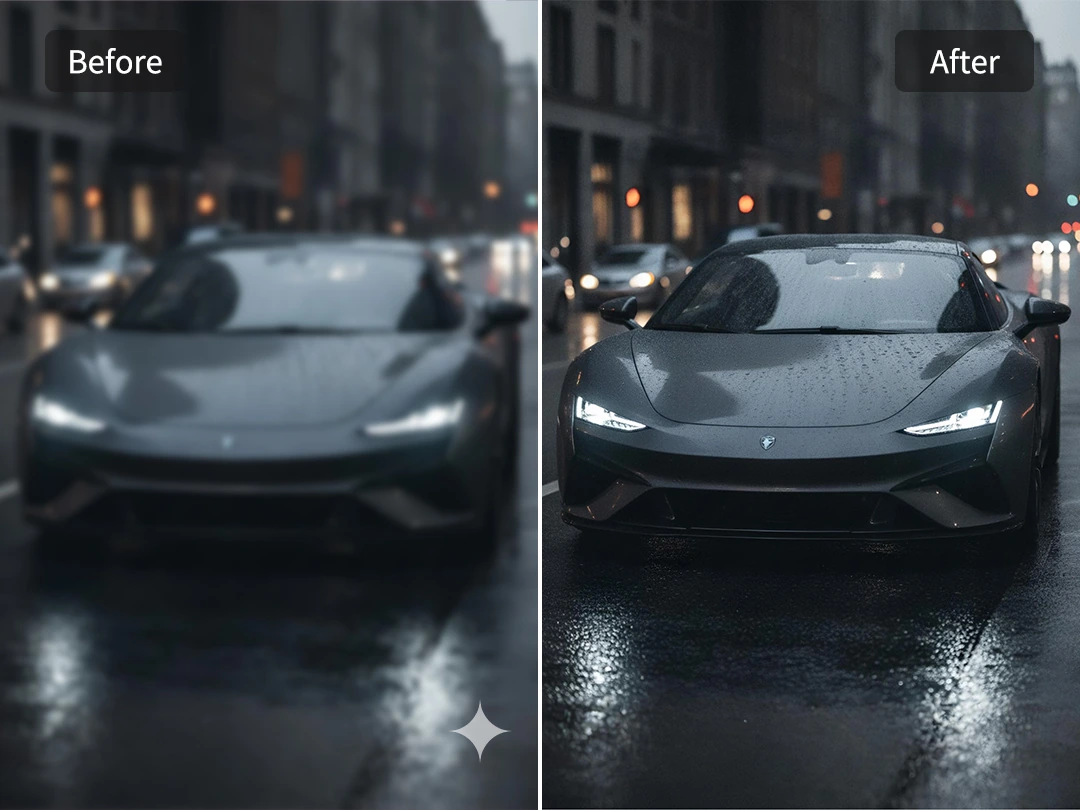
Low native resolution often hides the first signs of a problem. Zoom in, and faces may look soft, product labels may lose their letter edges, and fabric can turn into a painted blur. Pokecut reads the image in sections and helps sharpen fine details where structure matters most, especially around eyes, typography, hair, product seams, and small highlight lines.
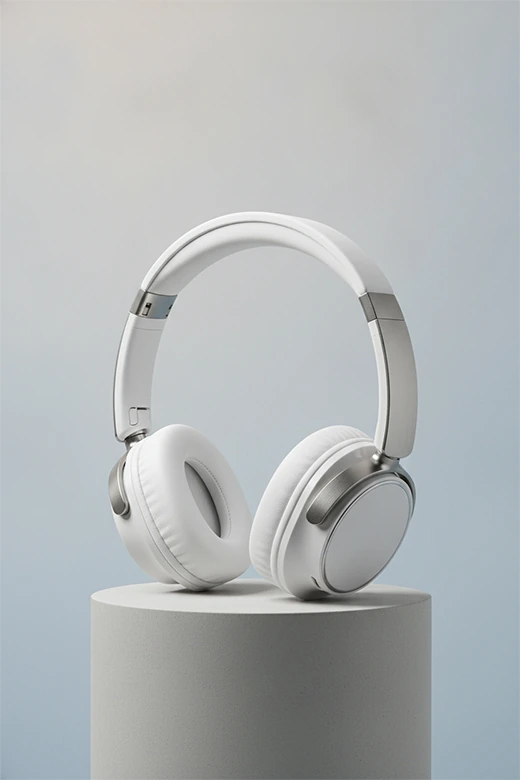
This makes the Nano Banana Pro image enhancer useful for e-commerce images, posters, and AI portraits that need closer inspection. Instead of giving every area the same rough sharpening pass, it protects the parts that need to stay readable. The result feels cleaner, but the image still looks like the one you uploaded.
Remove Digital Noise from AI Image Backgrounds
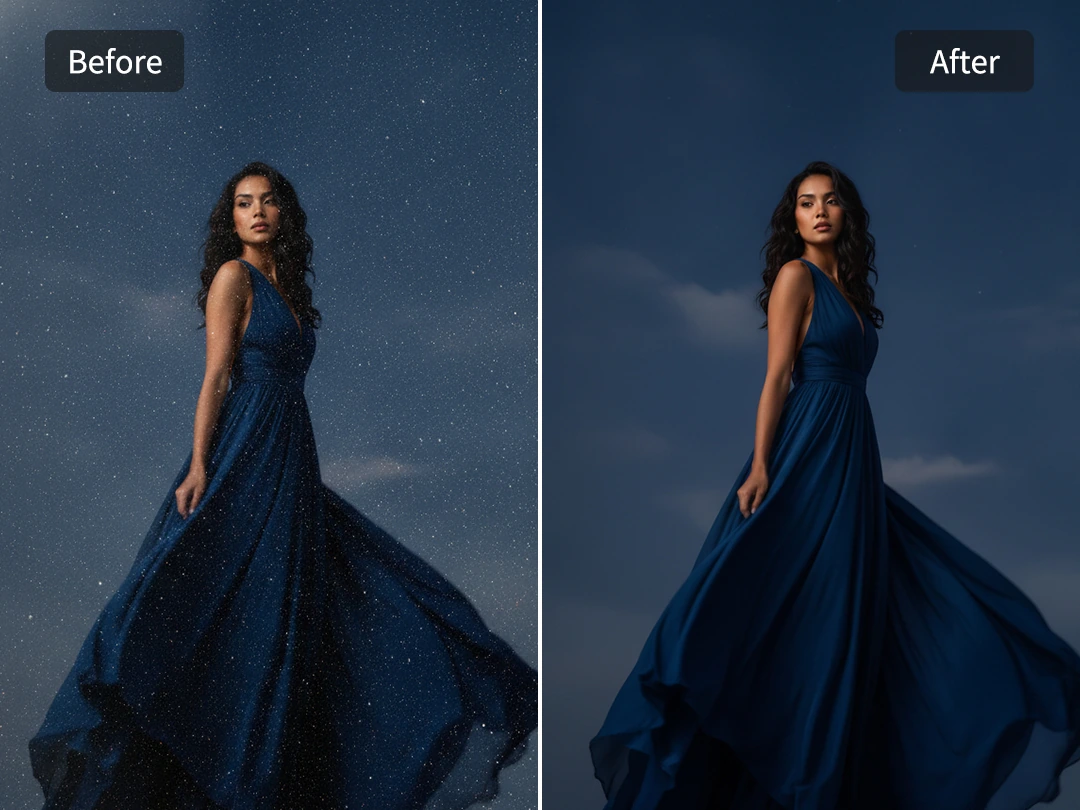
AI images often carry tiny color specks in dark shadows, night skies, studio backdrops, or smooth product backgrounds. When you upscale the file without cleaning it first, those little flaws become larger and easier to see. Pokecut helps remove digital noise while keeping the light and color depth that made the original image worth saving.
The denoise step is especially helpful for Nano Banana upscale work because it cleans the parts that should feel quiet, like black clothing, a clean wall, or a soft gradient behind a product. You get a clearer file without the plastic smear that happens when a tool simply blurs everything to hide noise.
Export Clean Files Without Extra Watermarks
Designers and sellers often need more than a prettier preview. They need a clean file that can go into a client deck, store listing, printed sample, or campaign folder without a distracting mark in the corner. Pokecut can help remove image watermarks from the visual area while also giving you a high-resolution PNG or JPG export for practical use.
The Nano Banana Pro image upscaler delivers full downloading access, giving you complete control over your file formats and resolutions. Use the sharper, pure version for web publishing or save a larger master file when the image needs to be printed later, ensuring your files look clean and ready to use without any added Pokecut branding.
Who Can Benefit from Pokecut's Nano Banana Pro Upscaler
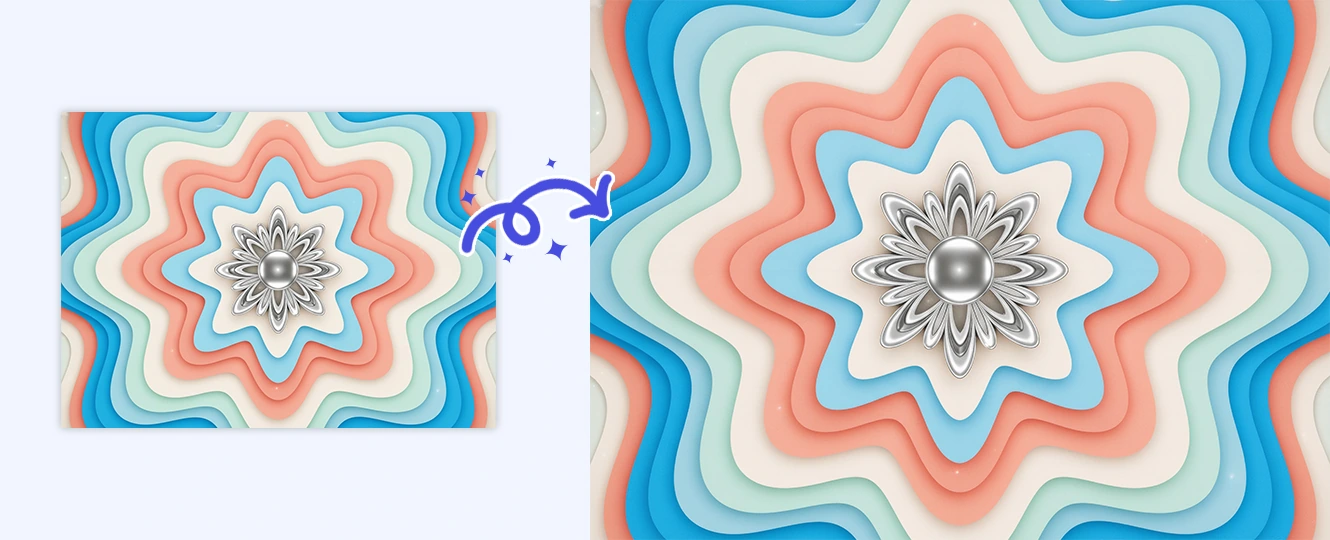
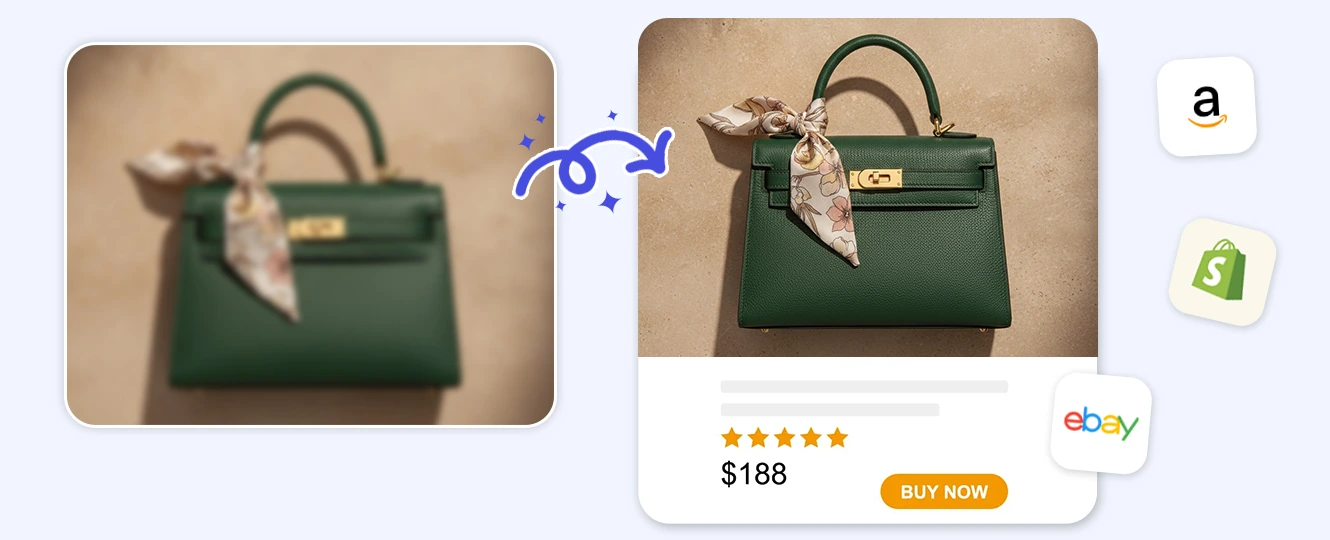
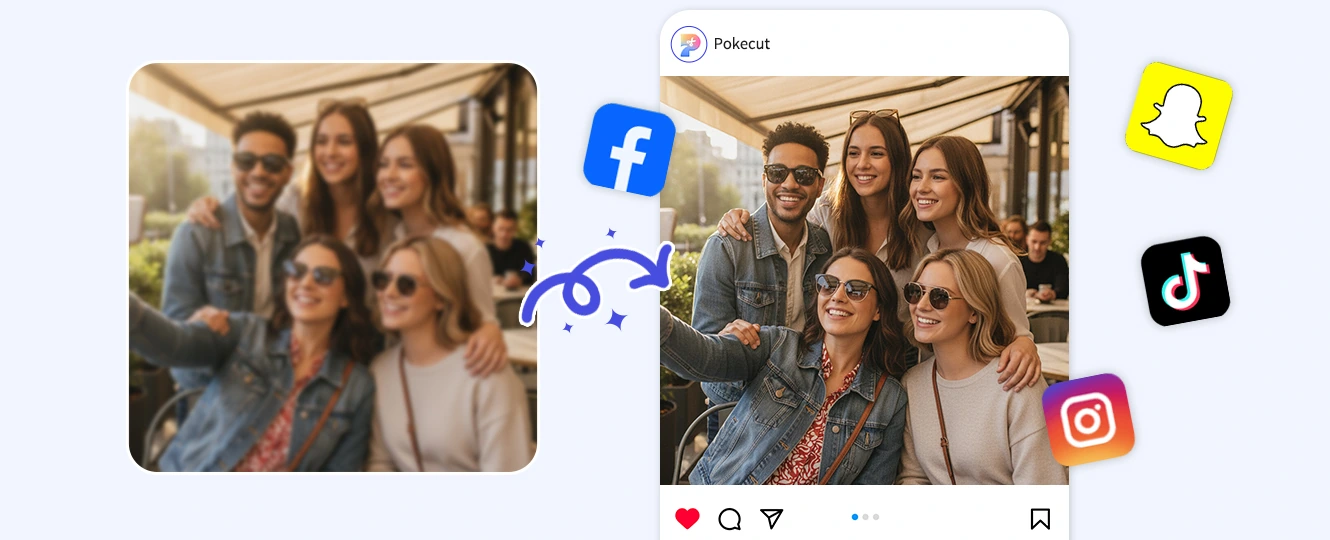
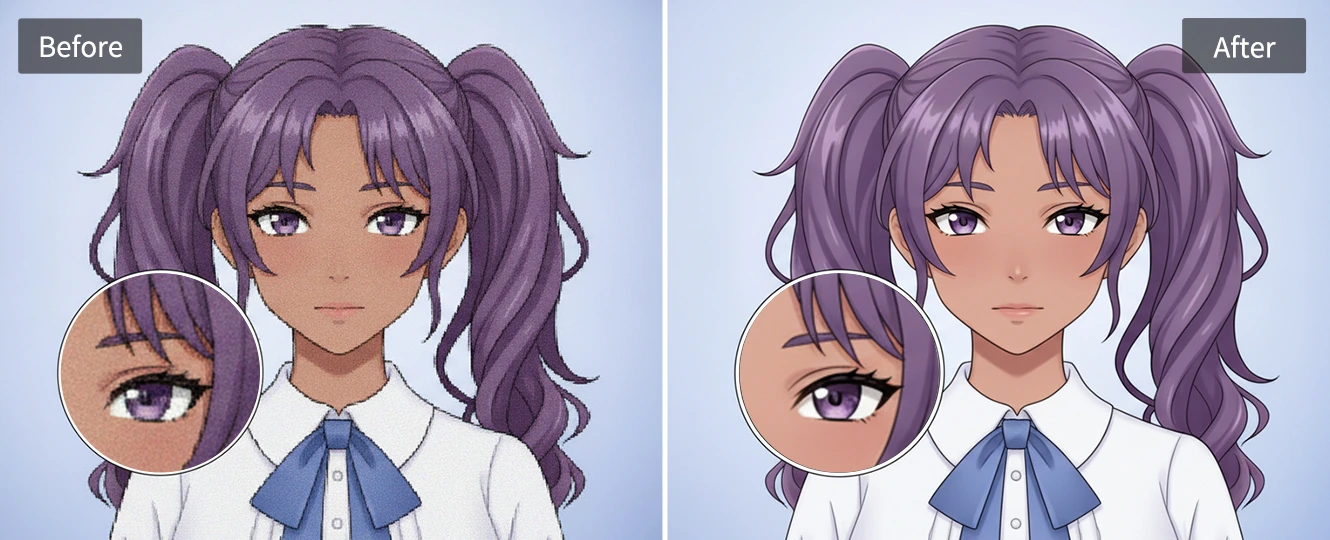
Designers often need to turn a Nano Banana draft into a file that survives print tests, pitch decks, or large display screens. Pokecut helps rebuild edges, text, and line work so a low-resolution AI concept can become a usable design asset. It is useful when the idea is right, but the pixel count is not.
How to Upscale Nano Banana Images
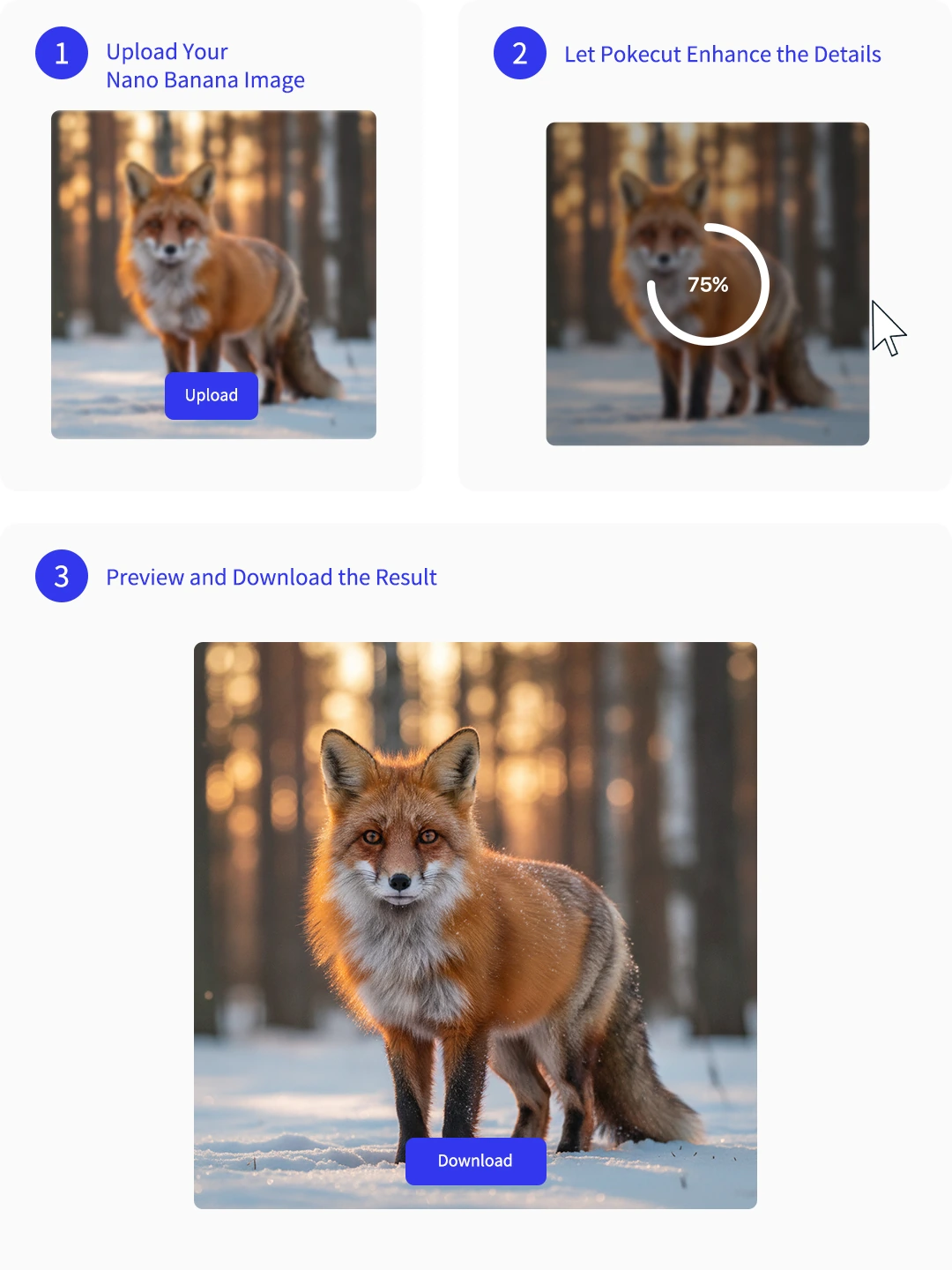
Step 1: Upload Your Nano Banana Image
Select your low-resolution file generated from the Nano Banana AI model, whether it is a raw model portrait, product rendering, poster layout, or anime artwork.
Step 2: Let Pokecut Enhance the Details
Choose from four specialized settings: standard mode for balanced photo enhancement, portrait mode for natural skin and face details, text mode for crisp lettering, and ultra hd mode for maximum clarity. The upscaler rebuilds pixels and cleans noise while keeping the original layout stable.
Step 3: Preview and Download the Result
Check faces, text, and background areas, then download a clean high-resolution file for web, print, or client delivery.
What Do Users Say About Pokecut's Nano Banana Pro Upscaler?
Users trust Pokecut for cleaner AI images and sharper exports.

Emily R.

"I had a Nano Banana poster draft that looked soft on a big monitor. Pokecut sharpened the text and edges without changing the character pose."
Jason M.
"The product labels were the problem in my AI mockups. After upscaling, the small type and package edges looked much cleaner for my store page."
Nora S.
"I mostly use it for dark AI portraits. The noise cleanup made the background look smoother without wiping out the lighting I liked."
Caleb T.
"I needed a clean file for a client deck and did not want to regenerate the whole image. This kept the same layout and just made it sharper."
Mika L.
"Anime line art usually gets jagged when I enlarge it. Pokecut made the edges smoother and kept the flat colors from looking muddy."
Owen P.
"The export was clean and easy to use. I liked that it did not add another watermark after I fixed the resolution."

Reviews from: Reddit, Product Hunt, G2, TrustRadius, Google Play, App Store, and more.
Pokecut Trusted by Millions of Leaders and Users

1M+ Users Worldwide
Pokecut generates over 500,000 images every day


Professional Privacy Protection
Ensure 100% data privacy for every photo

Trusted by Well-known Brands
Apple、Google、Paypal、Stripe、Product hunt、G2、TrustRadius
Frequently Asked Questions
Can I upscale multiple images at the same time?
Yes. Our batch feature allows you to upload and process up to 50 images simultaneously to save time.
What image file formats are supported?
You can upload JPG, JePG, PNG, WebP, and BMP files. For downloads, you can choose between PNG or JPG formats.
Will the tool blur the background to make the subject sharper?
No. Unlike standard camera filters, our AI sharpens the entire image layer by layer, preserving the original depth of field without adding unwanted blur.
Does Pokecut work for images made outside Nano Banana Pro?
Yes. Pokecut works for images made by any AI generator, as well as standard digital photos and illustrations. You can upload any low-resolution image file to enhance its quality.
Does the upscaler change lighting or exposure during the editing process?
This tool focuses on resolution, sharpness, and noise removal. It will not alter your original exposure or color balance, keeping the lighting exactly as you generated it.
 POKECUT




Copyright © 2026 Pokecut All Rights Reserved.