



Unlock Pokecut VIP for just
24
:
00
:
00

Home > Image to Image AI > Free Online Jail Photo Editor to Add Jail Bars
Free Online AI Jail Photo Editor for Funny Behind-Bars Photos
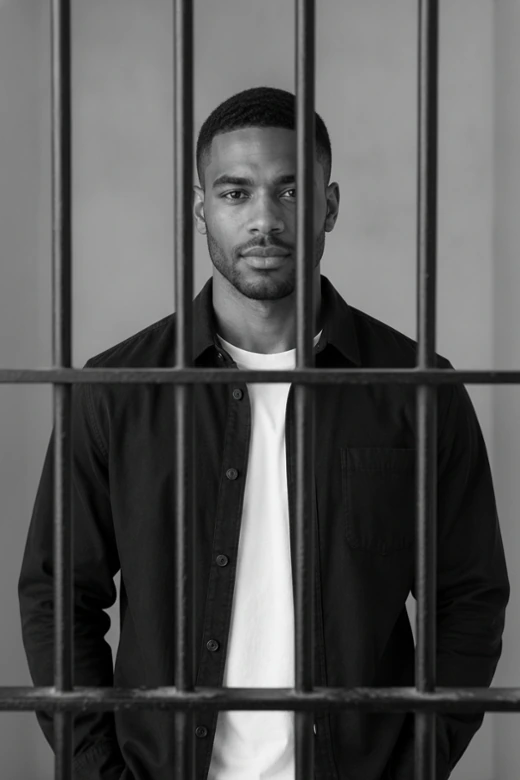
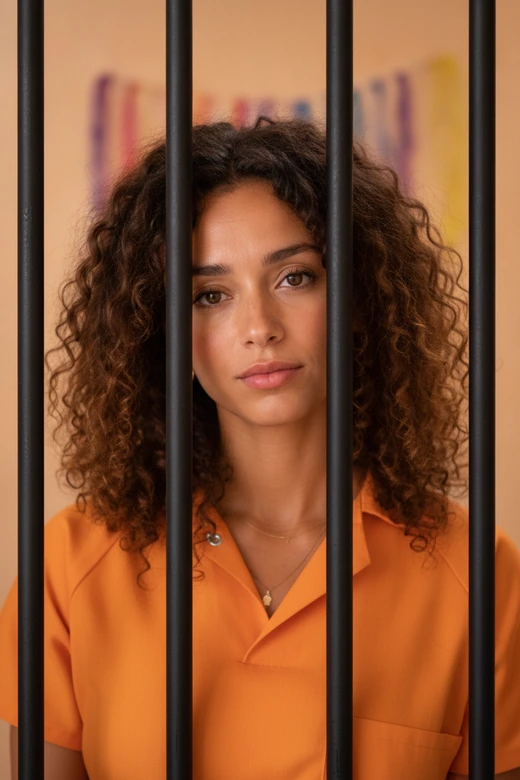
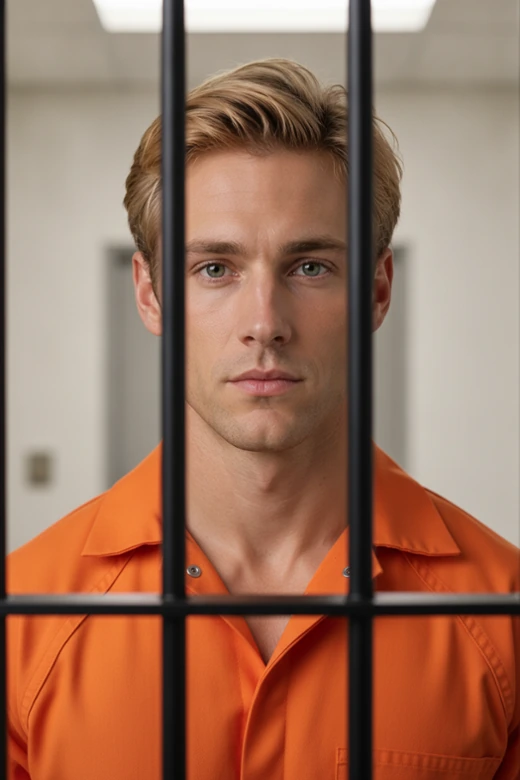
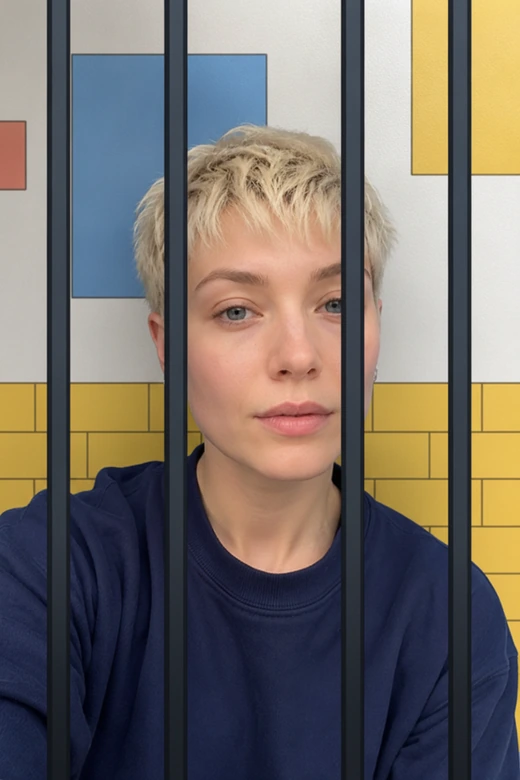
Turn a clear portrait into a funny jail photo with AI. Add bars, set a prison scene, and keep the face readable for easy sharing.
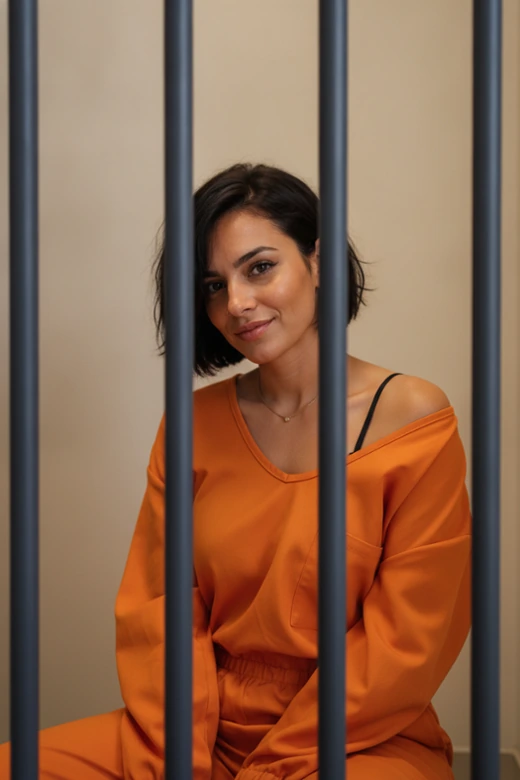
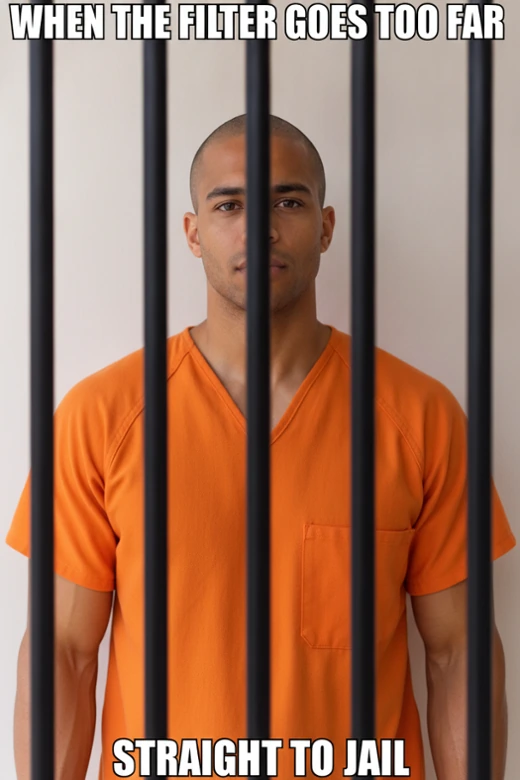


Why Choose This Jail Photo Editor?
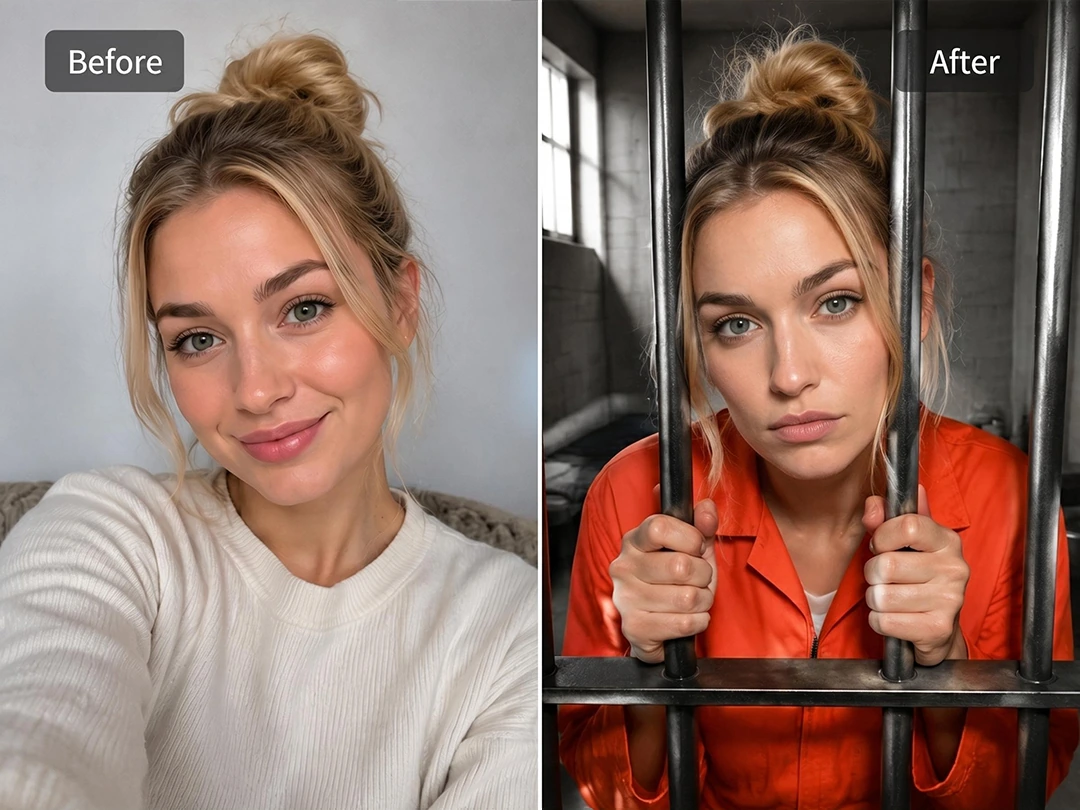
Create Prison-Style Photos From Your Portrait
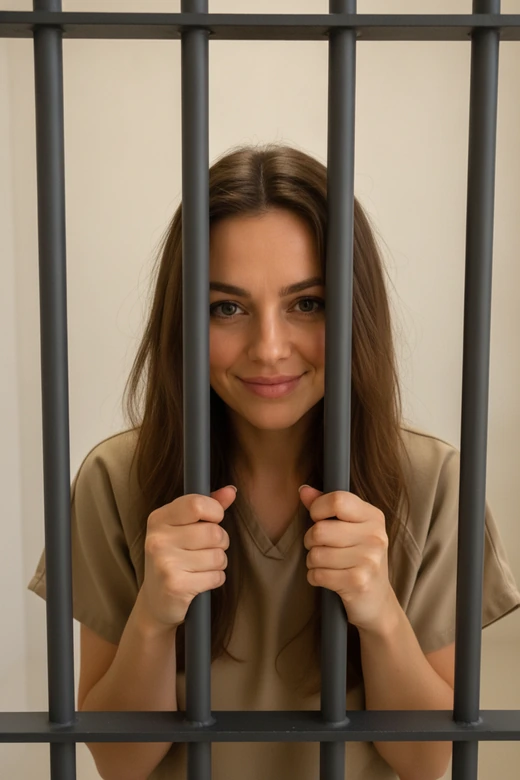
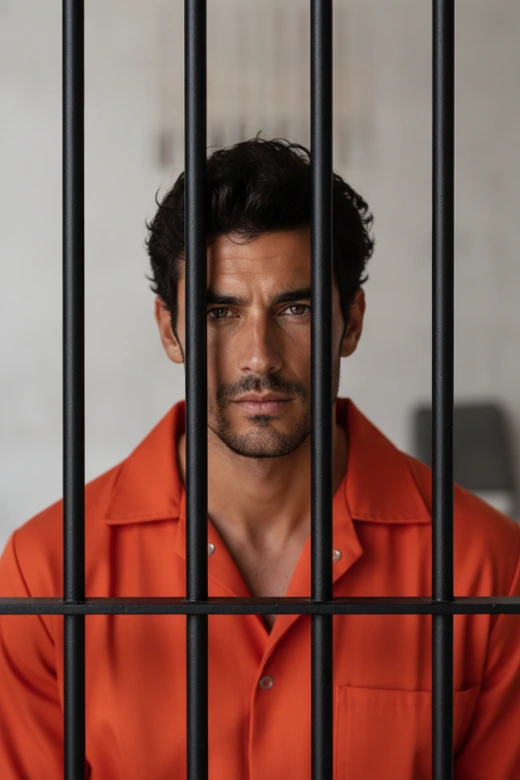
Upload one original portrait to create several prison-style looks with AI. Pokecut can add jail bars in front of the person or change background to place a normal selfie inside a fuller jail cell scene. You can make a simple behind-bars edit, a full prison background, or a mugshot-style photo from the same starting image.
Type the effect you want, and Pokecut will read the visual direction from your prompt. The AI blends the bars, portrait, and background into one coherent prison-style scene. The result looks more polished than a basic jail bars overlay pasted onto the face.
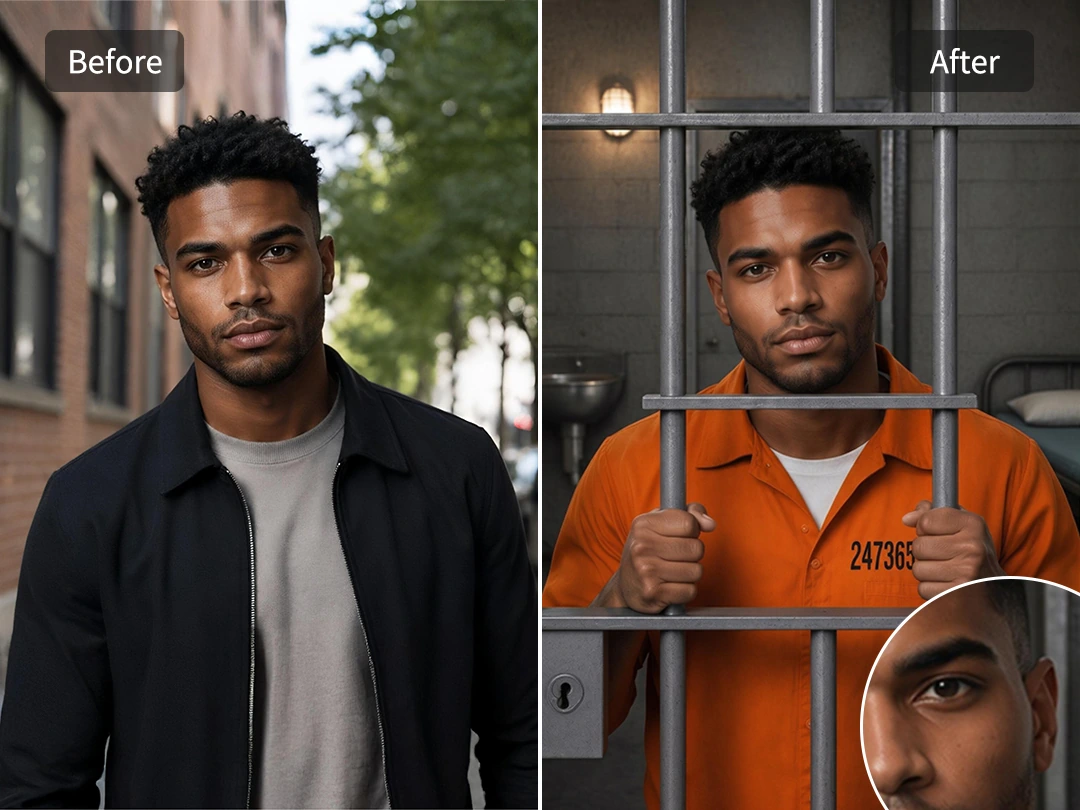
Keep Faces Clear With Natural Bars and Shadows
Pokecut adds jail bars that sit naturally in front of the portrait. They feel like part of the scene instead of a flat layer over the face. Before generating the effect, AI can detect the face, body outline, and front-to-back spacing. Our jail photo editor creates a prison-style image with stronger depth of field and more dimensional behind-bars effect.
The generated result feels more natural because the light, perspective, and depth of field follow the original photo. This reduces the stiff look of traditional editor overlays, while keeping the face and expression clear when you create mugshot photos or make a behind-bars joke for social sharing.
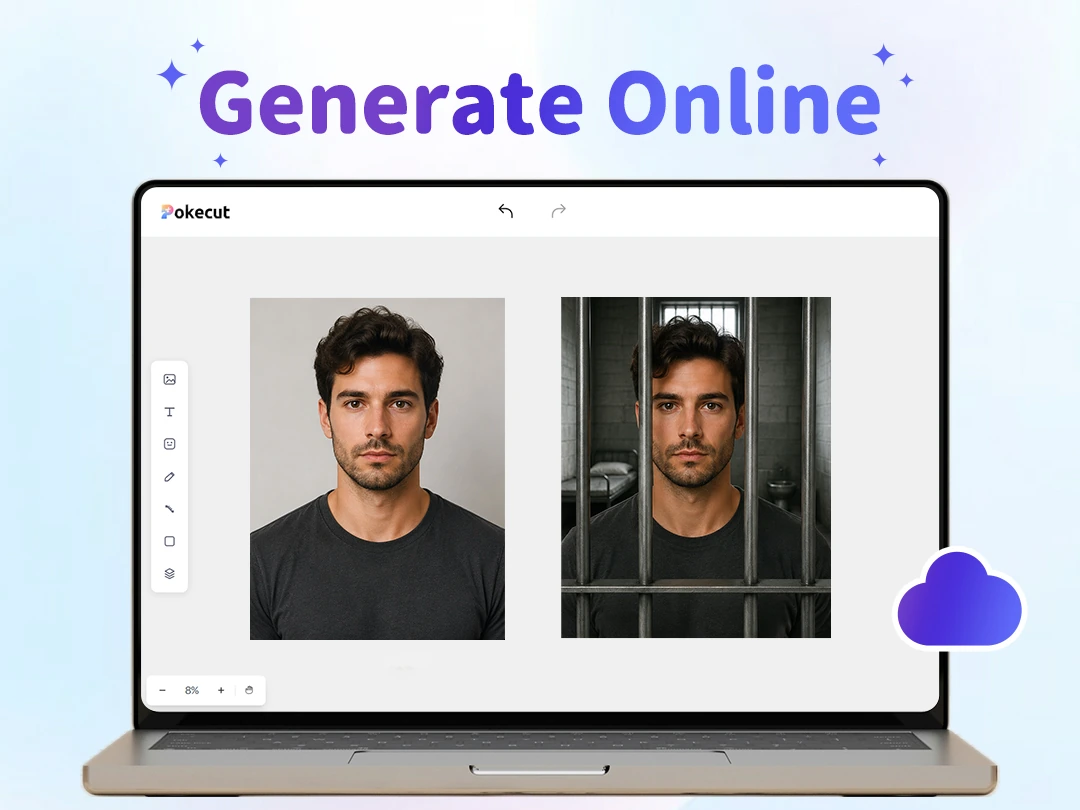
Make Jail Photo Filters Online Without App Downloads
Create a jail bars photo editor online without downloading an app or opening complex editing software. Upload a portrait from your phone or desktop browser, then describe the bars, background, or label details you want Pokecut to add. The jail bars photo effect is applied directly to your portrait, so the image is ready to save and share faster.
This online process fits quick avatars, social posts, party invites, and short video covers because it keeps the edit light and easy to adjust. After uploading your photo, you can change photo filter to make the jail-style image feel tense and cinematic, or turn it into a funny cartoon-like look for sharing.
Where Can You Use Pokecut's Jail Photo Editor?
Create jail-themed images for social jokes, eye-catching covers, and party materials without learning complex editing tools.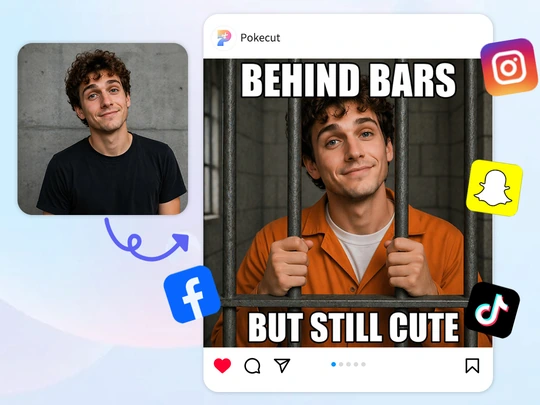
Create Funny Social Avatars and Posts
Turn an ordinary selfie into a funny jail-bars meme in seconds. It works well for social avatars, story stickers, and group chat shares. The face and expression stay clear, while the prison-bars contrast gives the image an easy joke that feels ready to post.
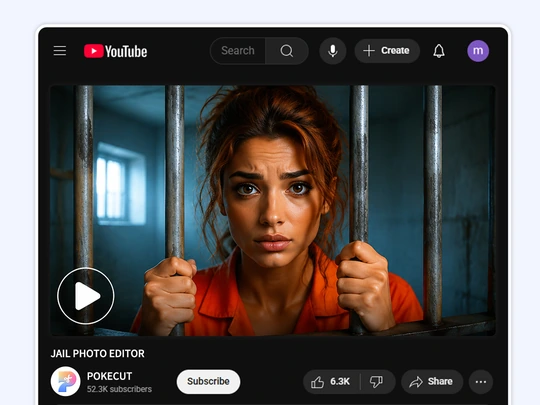
Design Eye-Catching Jail Video Covers
Create a clear jail-bars image for video covers or editing assets. The prison-cell framing makes the scene feel more dramatic at first glance. Use a realistic, cinematic, or cartoon-like style to make the cover more eye-catching.
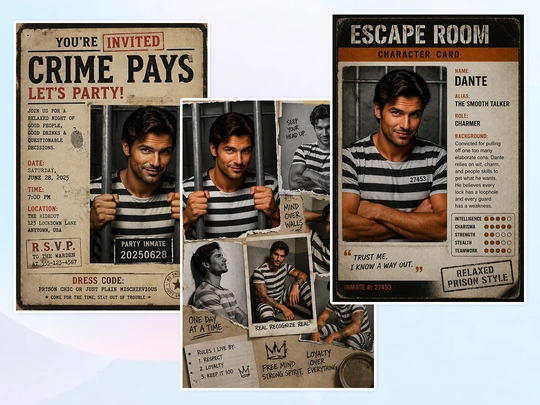
Make Prison-Style Event Materials
Make crime-theme party invites, create a prison-style collage, or design suspect cards for escape room events. You can use jail photo editor to make different types of materials generate various prison visual styles.
How to Add Jail Bars to a Photo Online
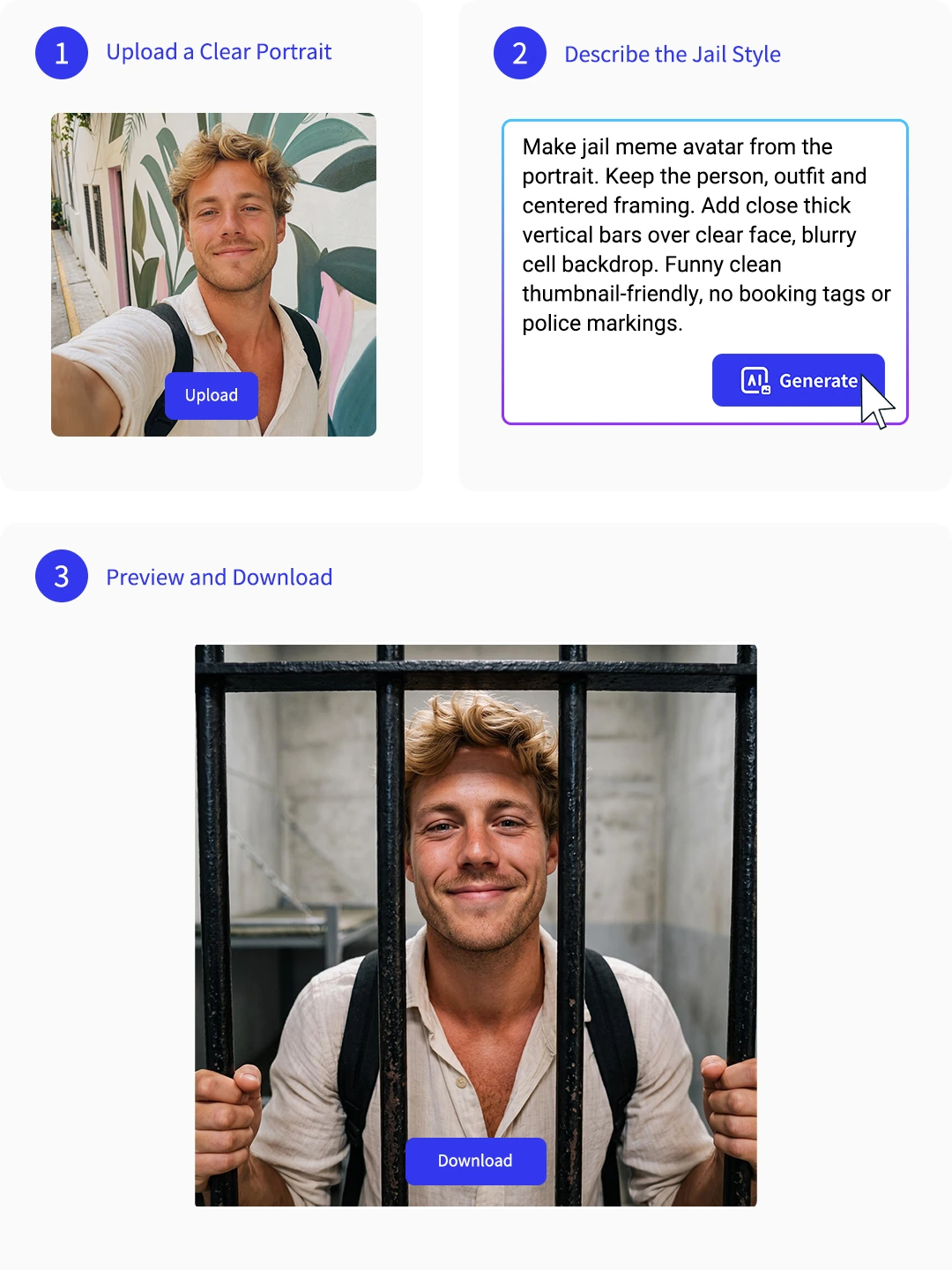
Step 1: Upload a Clear Portrait
Upload a portrait with a clear face and complete subject. Pokecut checks the person, face area, and original mood before adding jail-style elements naturally.
Step 2: Describe the Jail Style
Describe the jail bars, prison background, or other details you want in the prompt box. Pokecut blends the bars, portrait, and background into a natural jail-style image.
Step 3: Preview and Download
Check whether the face stays clear, the bars sit naturally, and the shadows match the photo. Download the jail filter photo and share it for avatars, posts, covers, or event materials.
What Users Say About Pokecut's Jail Photo Editor
Fast, playful, and simple enough for social posts, party graphics, and creative edits.

Mia R.

"I turned a selfie into a funny jail bars post for my group chat. The face was still clear, and the joke made sense right away."
Jordan K.
"The prison background looked cleaner than the overlays I found online. I liked that I did not need Photoshop or a separate app."
Tina L.
"I used it for an escape room invite. The jail photo style made the character cards feel like one set instead of random pictures."
Chris M.
"The AI made it look like I was behind the jail bars while my face stayed clear. It felt more realistic than a simple sticker overlay."
Ava S.
"I used the result for a short video cover. The jail bars made the thumbnail easy to understand before people even clicked."
Leo P.
"The browser workflow was simple. I uploaded a portrait, typed the jail look I wanted, and got a clean prank image quickly."

Reviews from: Reddit, Product Hunt, G2, TrustRadius, Google Play, App Store, and more.
Jail Photo Editor FAQs
How can I add jail bars to a photo online?
Upload a clear portrait and describe the jail bars effect you want. Pokecut places the bars around the subject so the face stays readable and the result looks less like a pasted overlay.
Do I need a jail bars overlay PNG?
You can upload a prison railing reference image if you have one. Pokecut can use AI to place jail bars into your photo and adjust the look around the person and background.
Can I make a jail photo template for social media?
Yes. You can create a jail photo template for profile pictures, story posts, party invitations, group chat jokes, or themed graphics, then reuse the style across multiple photos.
Will the AI keep my face clear behind bars?
Pokecut is designed to identify the face and main subject before adding the jail bars effect. This helps keep the person recognizable while still creating a clear behind-bars look.
Can I create a jail background instead of only bars?
Yes. You can ask for a simple front bars effect, a full jail cell background, or a more dramatic mugshot-style scene depending on the photo and the creative result you want.
Why Creators and Brands Trust Pokecut

1M+ Users Worldwide
Pokecut generates over 500,000 images every day


Professional Privacy Protection
Ensure 100% data privacy for every photo

Trusted by Well-Known Brands
Apple, Google, PayPal, Stripe, Product Hunt, G2, TrustRadius
 POKECUT


Copyright © 2026 Pokecut All Rights Reserved.