


Unlock Pokecut VIP for just

Home > AI Replace > Virtual Try on Glasses Online for Free
Virtual Try on Glasses Online for Free with Your Photo
Try on glasses online for free with your photo. Upload a portrait and let AI create a natural try-on image. Find frames that fit your face and style.

Upload Image
or drop a file here
CTRL+V to paste image or URL
Supported formats: JPEG, JPG, PNG, WebP, BMP


No image? Try one of these




By uploading an image or URL you agree to our Terms of Use and Privacy Policy
Why Use Pokecut for Virtual Try on Glasses?
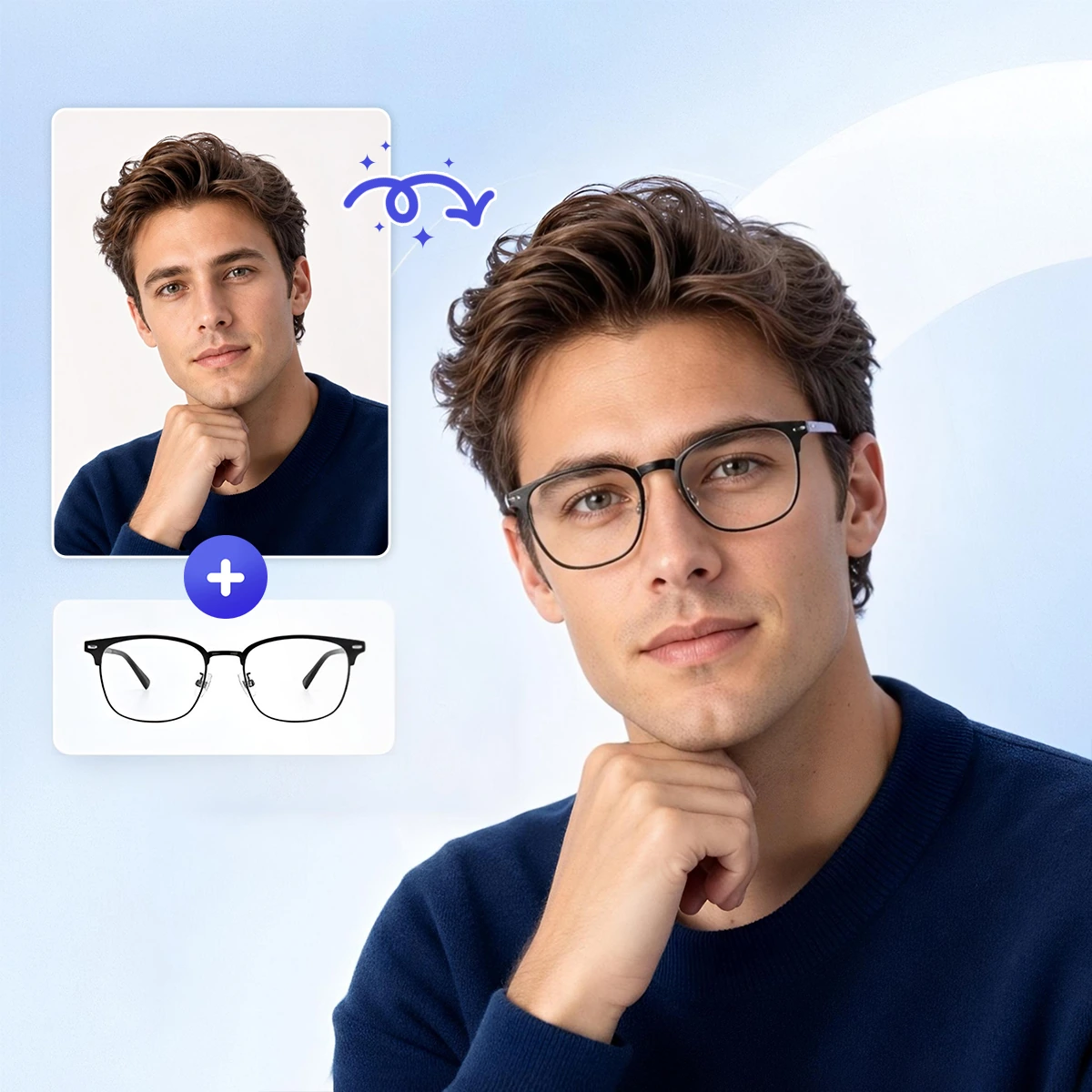
Try Virtual Glasses on with Your Photo
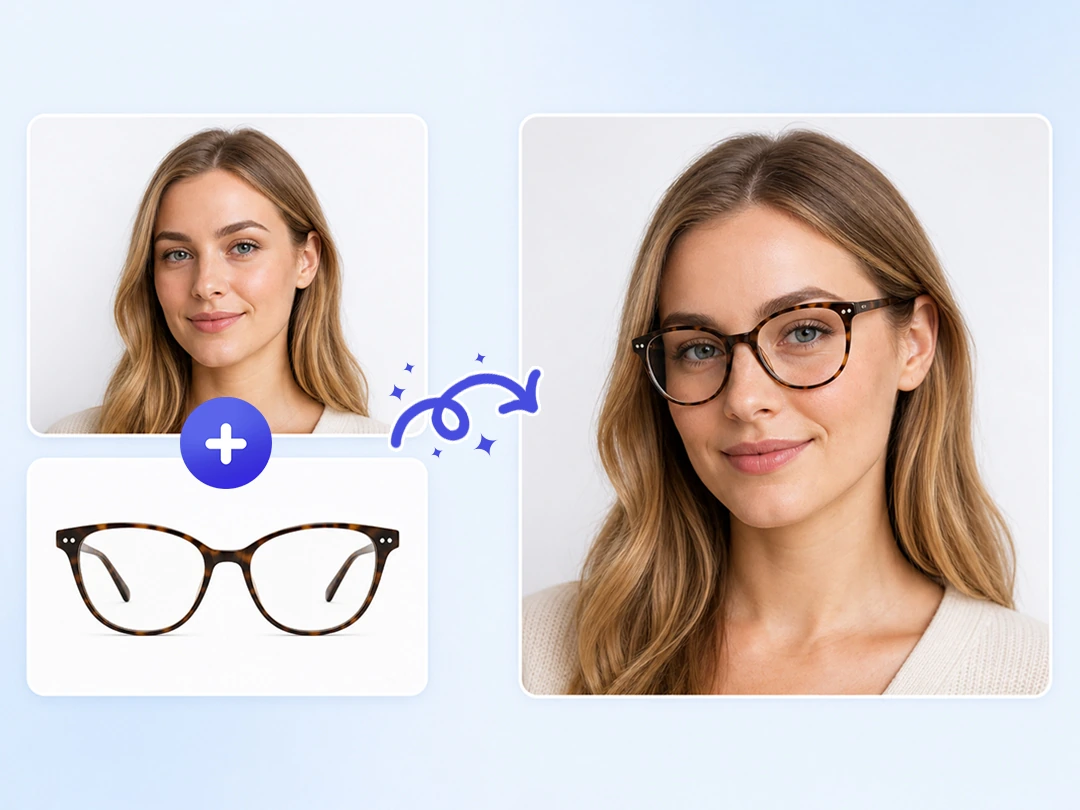
Upload your portrait and a glasses image to create a natural try-on result online. Pokecut helps you preview the product look on your face before you buy, so you do not have to choose frames by imagination alone.
You can use a flat product photo, a model-worn frame, a transparent product image, or a catalog photo with a background as the reference. It can handle everyday frames, bold styles, and sunglasses with visible lens color. Try more styles on the same portrait to find the glasses that fit your look best.
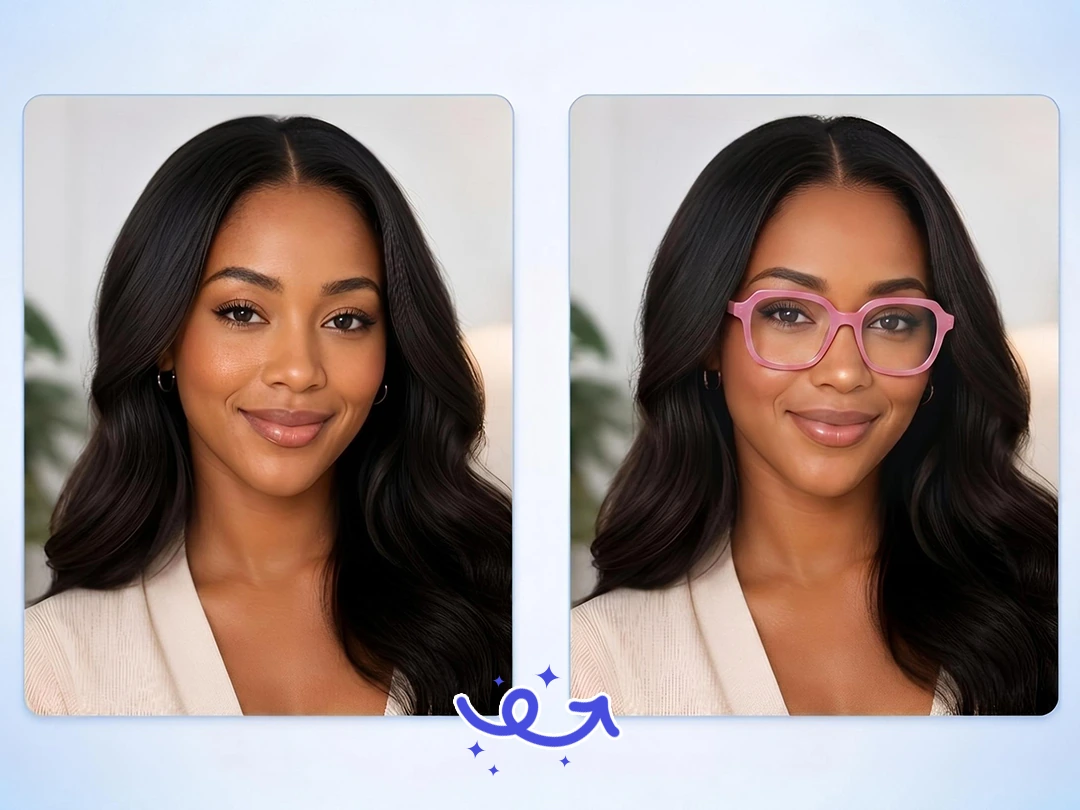
Keep Your Real Face While Changing Glasses
Pokecut keeps your features, face shape, and the original feel of the photo during a virtual eyeglasses try-on. Your face stays recognizable, and the new frames blend into the portrait instead of making the whole image look redrawn.
Mark the try-on area with the brush, then give Pokecut a rough place to work from. The AI reads the eyes, nose bridge, and face direction to fit the glasses more accurately. Compared with full-image redraws, Pokecut's AI Replace uses local replacement for avatars, selfies, and ID-style portraits, providing a natural way to add glasses to a photo while keeping the photo's original mood.
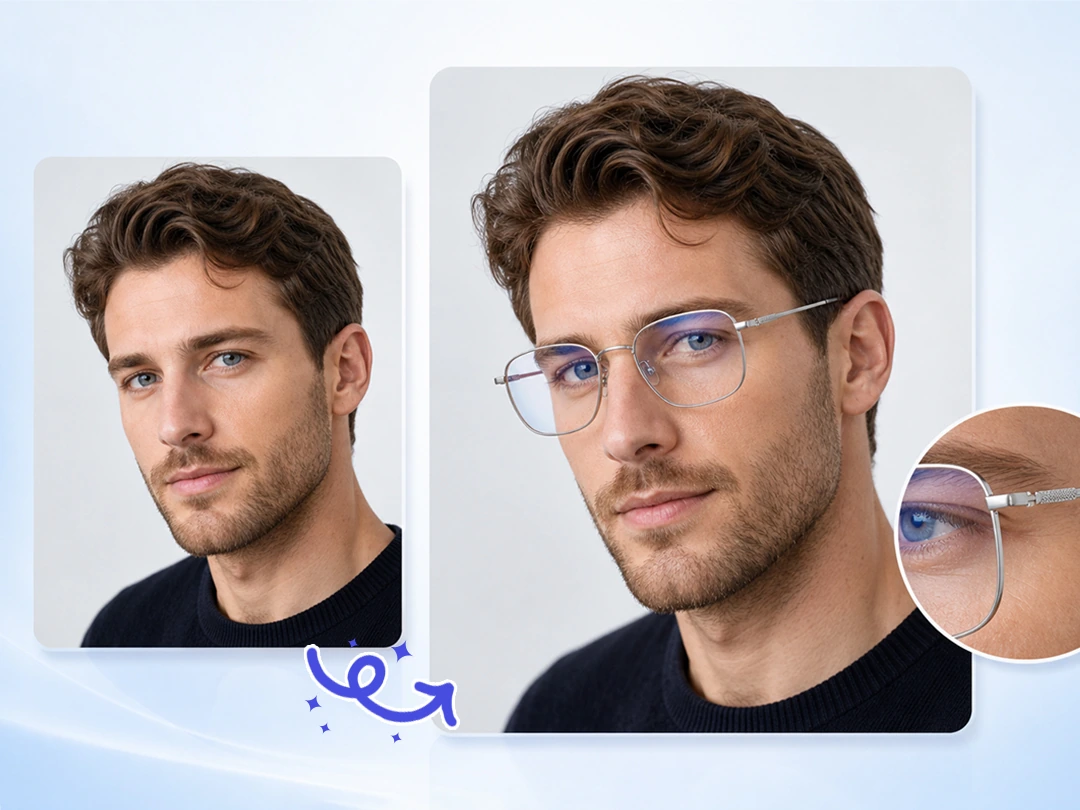
Create Natural Glasses Try-On Product Photos
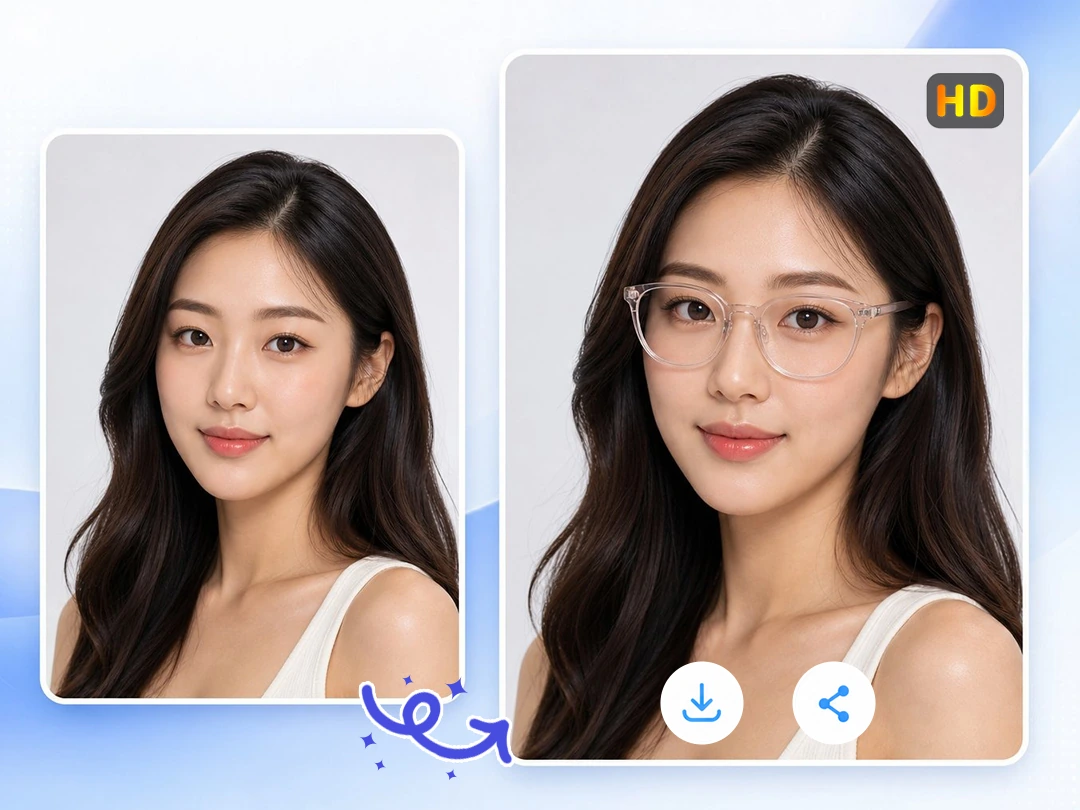
The glasses sit more naturally on the portrait, so the try-on result feels closer to real wear. Pokecut adjusts each frame to match the face angle, eye position, nose bridge, and light direction in the photo.
Even detailed glasses frames can keep the look of the original design in the final image. This virtual try on glasses tool works well when you need to compare how different styles look on a face, or create product try-on photos for eyewear listings and online store displays.
Export Clear Glasses Try-On Images Safely
Pokecut lets you download watermark-free glasses try-on images. From 1080P to 8K, the result keeps frame and lens details clear for saving, sharing, or product display.
High-resolution try-on results are useful for eyewear sellers who need product visuals ready to publish. Use them to show how flat eyewear images look on a real face, or create product try-on photos for online store displays.
What You Can Achieve with Pokecut Glasses Try-On?
Use your photo to preview frames, refresh portraits, or turn eyewear product images into clearer try-on visuals.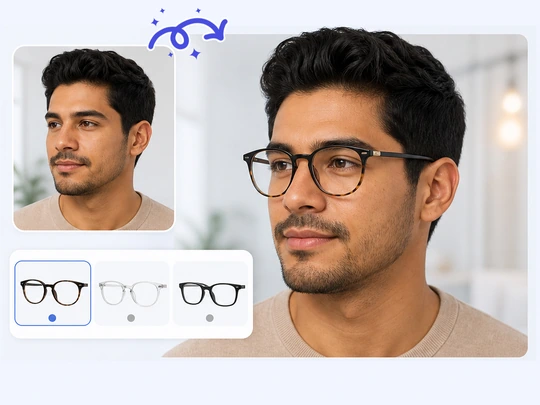
Choose Frames Before You Buy Online
Shoppers can preview glasses before buying. Upload a selfie and a frame image to see how the width, color, and shape match your face. A virtual try on glasses preview helps you compare styles with less imagination.
Edit Portraits with Natural Glasses Effects
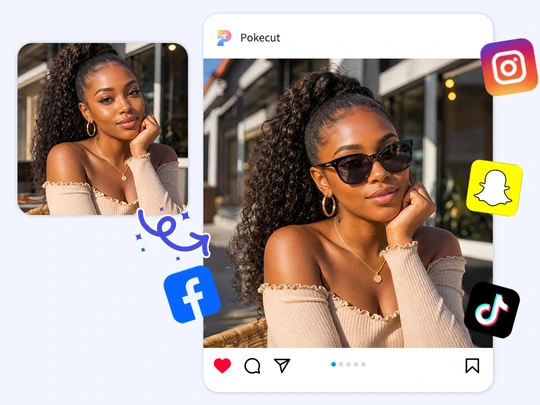
Pokecut fits frames to your face angle. Avatars, selfies, and social photos look more natural. Use this virtual try on glasses tool to test different frames and add glasses in photos. Create a profile image for gaming or social media.
Create Eyewear Photos for Online Stores
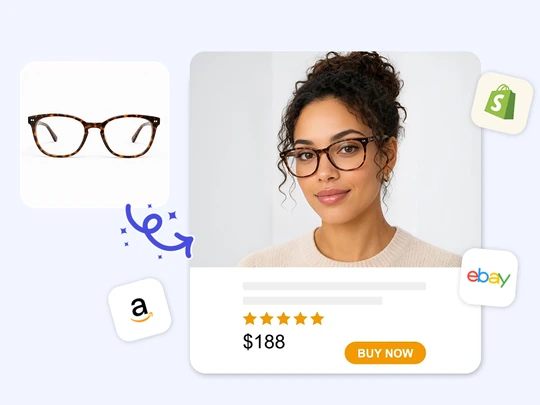
Pokecut turns flat eyewear product photos into real on-face displays. Upload a product image and portrait to this virtual try on glasses tool, then generate product try-on photo. Showcase your eyewear collection flawlessly without the high cost of live model photography.
How to Use AI Virtual Glasses Try-On?
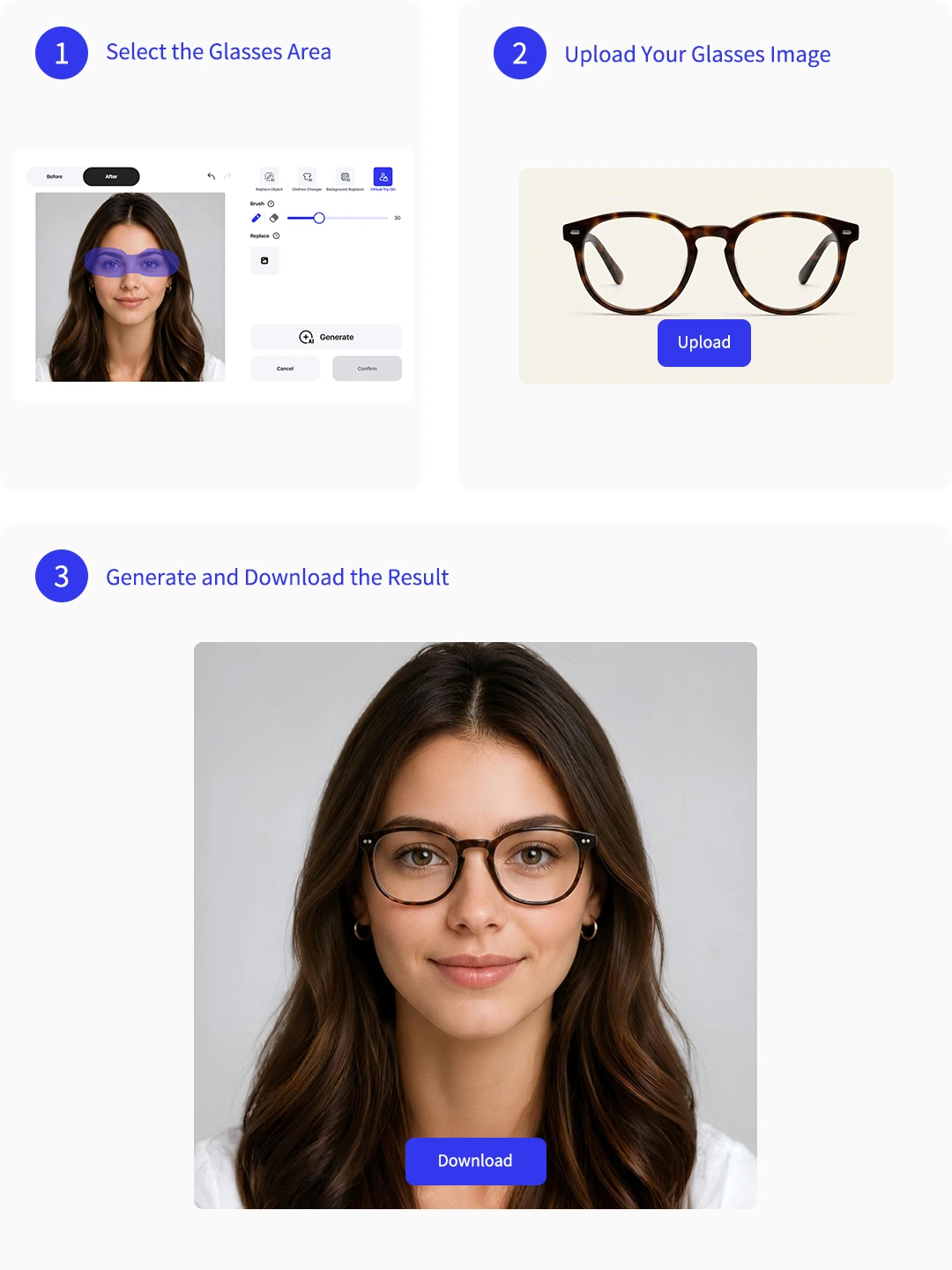
Step 1: Select the Glasses Area
Select the area where you want to try on glasses. Use the brush to mark where the frame should appear. Pokecut's virtual try on glasses tool reads the face angle and key facial features to decide the replacement area.
Step 2: Upload Your Glasses Image
Upload the glasses image you want to try on. Whether it is a clean product shot or a model-worn glasses photo, Pokecut can recognize the frame and apply it to your portrait. The glasses are placed naturally on your portrait.
Step 3: Generate and Download the Result
Generate your glasses try-on image. Preview the result and check how the frame fits your face. Then download the image for style comparison, sharing with friends, or product display.
See What Users Say About Pokecut Glasses Try-On
Users like how quickly Pokecut turns a photo and frame image into a natural glasses preview.

Mia R.

"I used it before ordering new frames online. Seeing the glasses on my own face helped me choose the shape with more confidence."
Daniel K.
"The result looked much better than a simple sticker edit. My face still looked like mine, and the frame sat in the right place."
Sofia L.
"I tested several sunglasses for a social post. Pokecut made it easy to compare different styles without taking new photos."
Ethan P.
"Our store used it to make quick eyewear try-on images from product photos. It saved time when preparing new listings."
Nora B.
"I liked that I could upload a real frame reference instead of choosing only preset styles. The final image felt useful for decision making."
Chris W.
"The workflow was simple. I marked the area, uploaded the frame, and got a clean preview I could share with friends."

Reviews from: Reddit, Product Hunt, G2, TrustRadius, Google Play, App Store, and more.
FAQs About Virtual Try on Glasses
Can I use Pokecut for online store product photos?
Yes. Pokecut helps eyeglasses sellers create model-style try-on images from frame photos. For professional use or batch editing, you can subscribe to Pokecut Pro for more product photo creation.
Is the glasses try-on photo still high resolution after editing?
Yes. After using Pokecut for virtual try on glasses, you can download a clear result. The image keeps frame details, lens shape, and natural portrait quality, making it ready for sharing or product display.
Does this virtual glasses try-on work on mobile devices?
Yes. This virtual try on glasses online tool works on mobile and desktop browsers. You can upload photos and create glasses try-on images without installing extra apps.
Will the AI change my face in the result?
Pokecut focuses on the glasses area and aims to keep your face recognizable. The best results keep your original features, expression, and photo style intact.
What photos work best for glasses try-on?
A clear portrait with visible eyes and a straight or slightly angled face works best. Avoid heavy shadows, covered eyes, or very blurry frame references.
Pokecut's Photo Editor Trusted by Professionals and Users

1M+ Users Worldwide
Pokecut generates over 500,000 images every day


Professional Privacy Protection
Ensure 100% data privacy for every photo

Trusted by Well-Known Brands
Apple, Google, PayPal, Stripe, Product Hunt, G2, TrustRadius
 POKECUT


Copyright © 2026 Pokecut All Rights Reserved.