


Unlock Pokecut VIP for just

Animal Photo Editor Online Free for Better Pet Portraits
Use Pokecut's pet photo editor to dress pets, clean blurry shots, create oil-style portraits, and make funny animal images online.


What Can Pokecut's Animal Photo Editor Do?
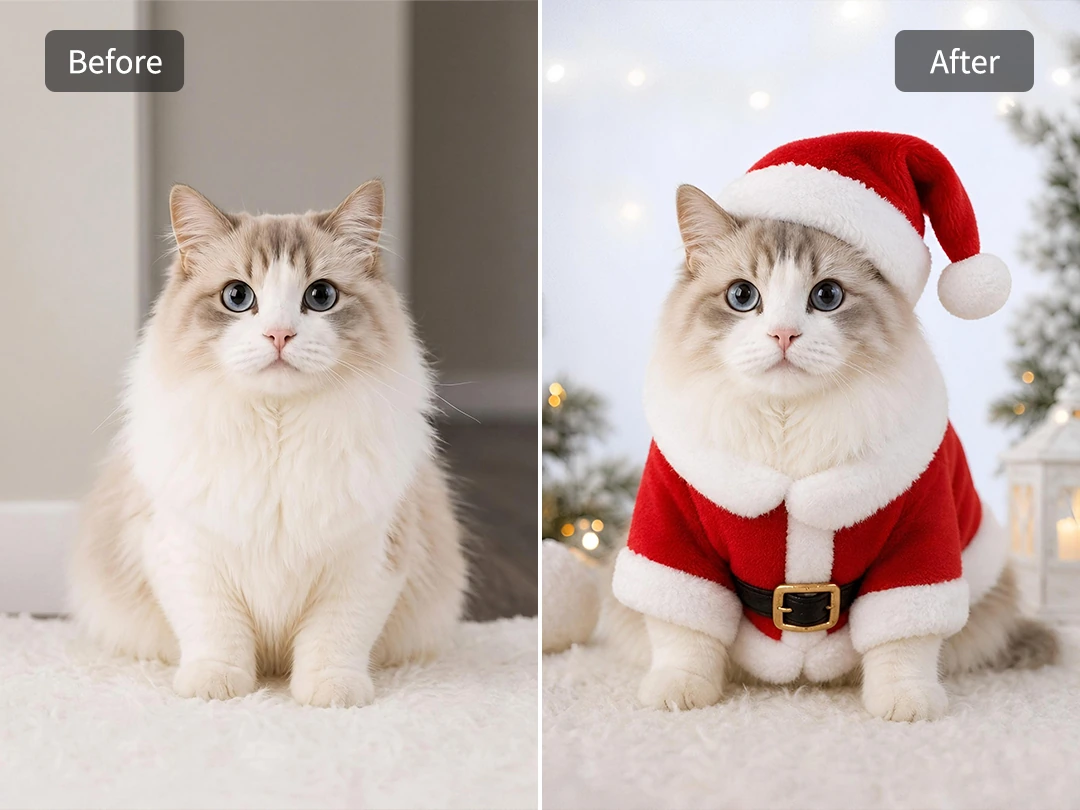
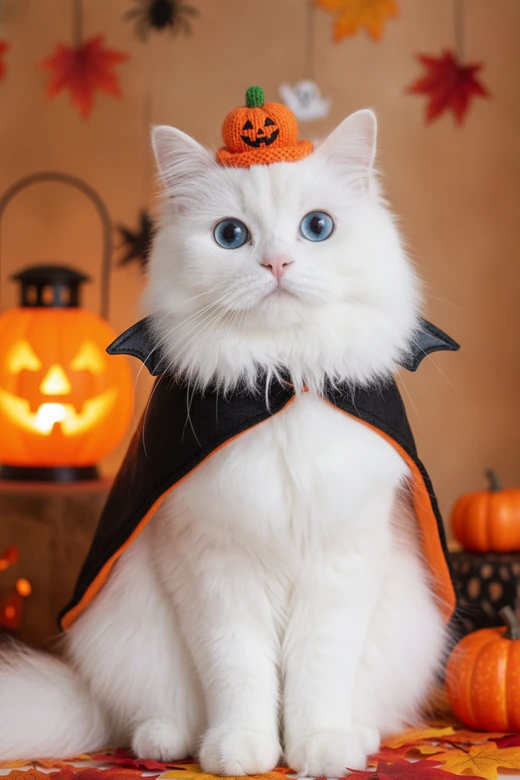
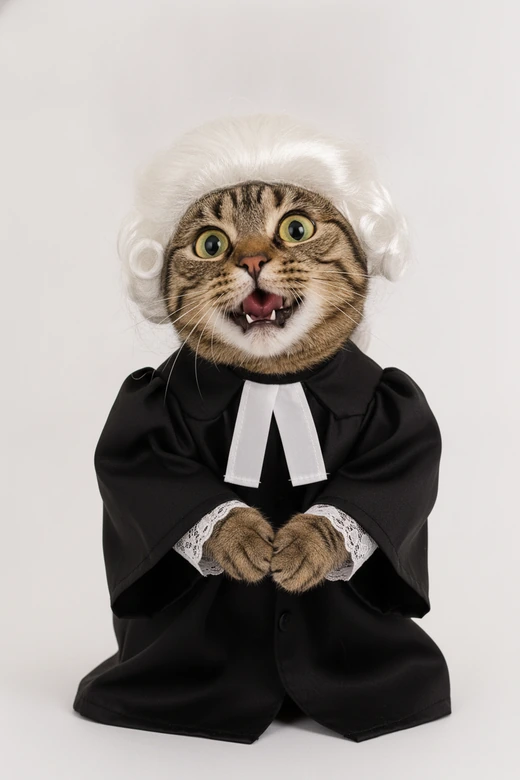
Effortless Holiday Dress Up for Pets
Holiday pet photos are cute in theory, until the cat refuses the hat or the dog starts chewing the costume. Pokecut lets you skip that fight. Upload a pet photo, describe the festive look, and the animal photo editor can place a Christmas cap, halloween costume, birthday outfit, or other playful detail onto the animal while keeping the body shape and fur direction believable.
This is useful when the original photo is simple but the moment deserves more charm. You can turn a couch snapshot into a seasonal card, a family chat image, or a social post without buying clothes your pet will hate. Pokecut reads the animal's pose and coat so the added outfit feels attached, not pasted on top.
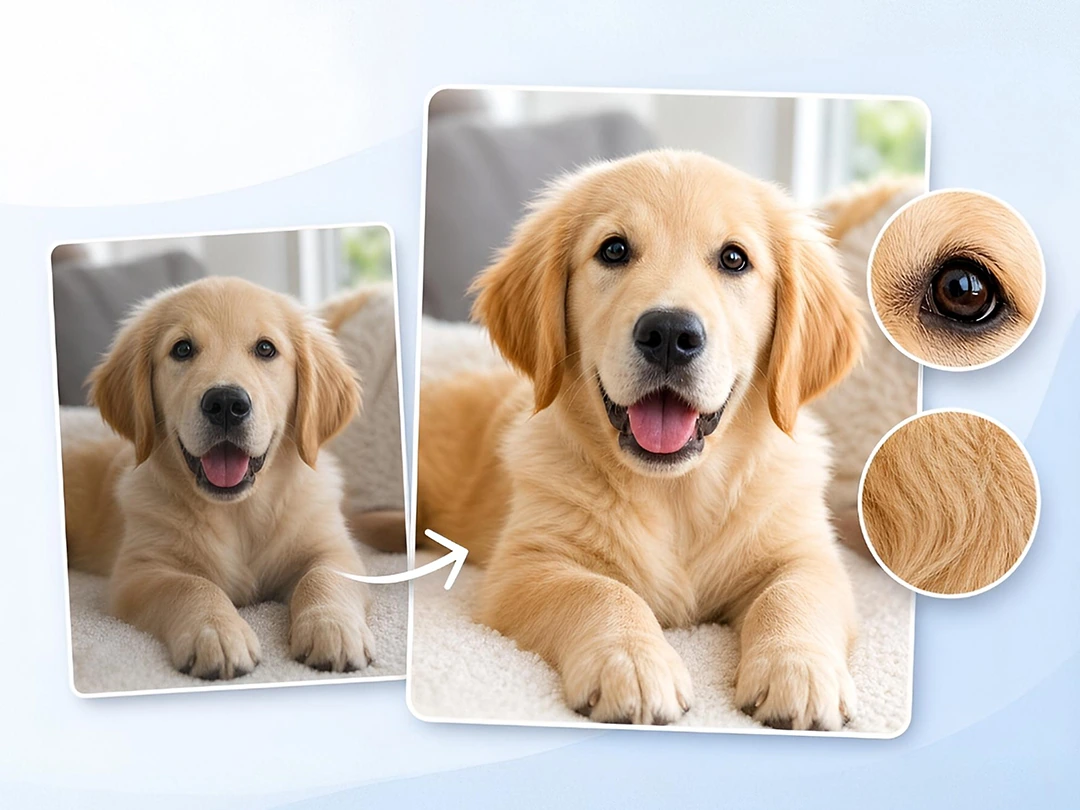
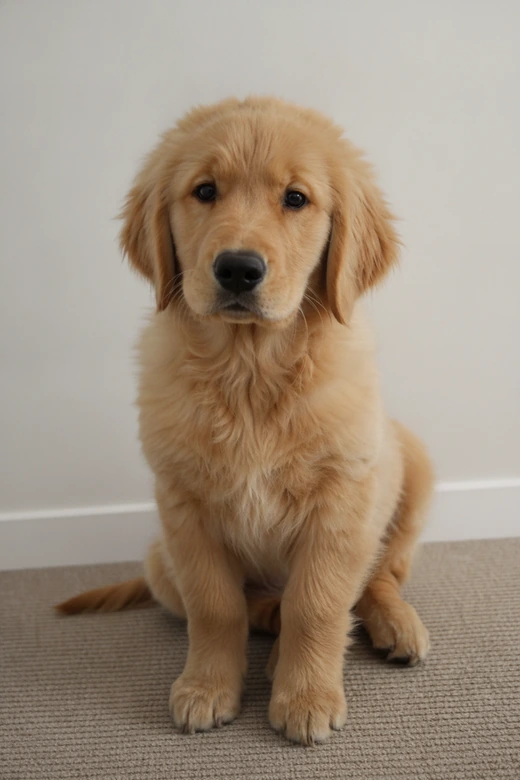
Beautifully Enhance Your Pet Photos
Pets move before the camera is ready. A good expression can end up dark, soft, or full of motion blur, and most people do not want to fight with sliders just to save one photo. Pokecut works as a pet photo editor that can brighten low-light shots, sharpen soft details, and make the eyes and fur easier to see.
Use it when the picture already has the right moment but needs a cleaner finish. The tool can act like a quick photo enhancer for pet owners who want a better image for albums, social posts, or product examples. You still keep the natural look of the animal, but the final photo feels less like a missed shot.
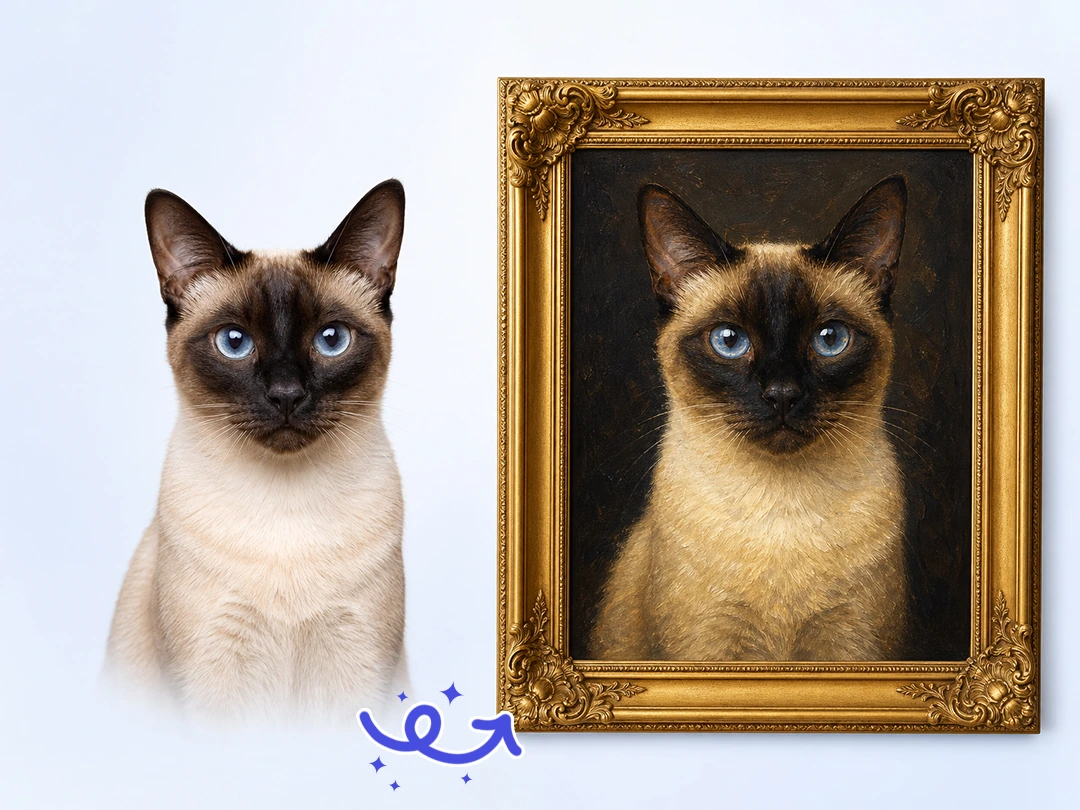
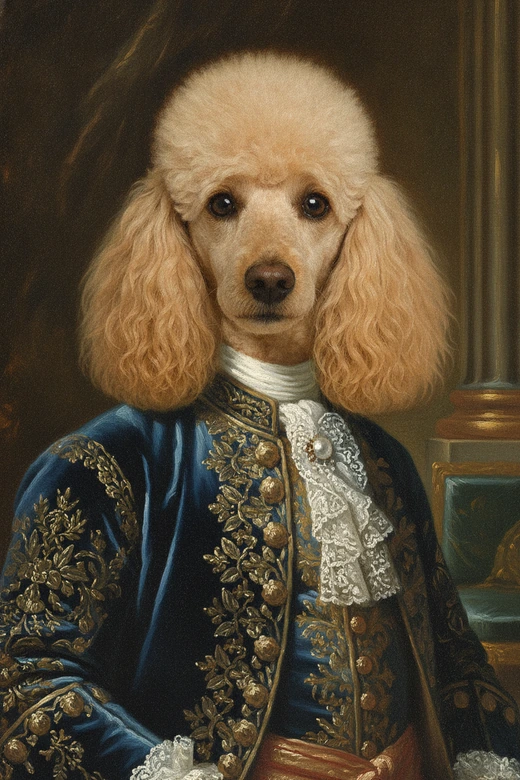
Turn Pet Photos into Oil-Style Portraits
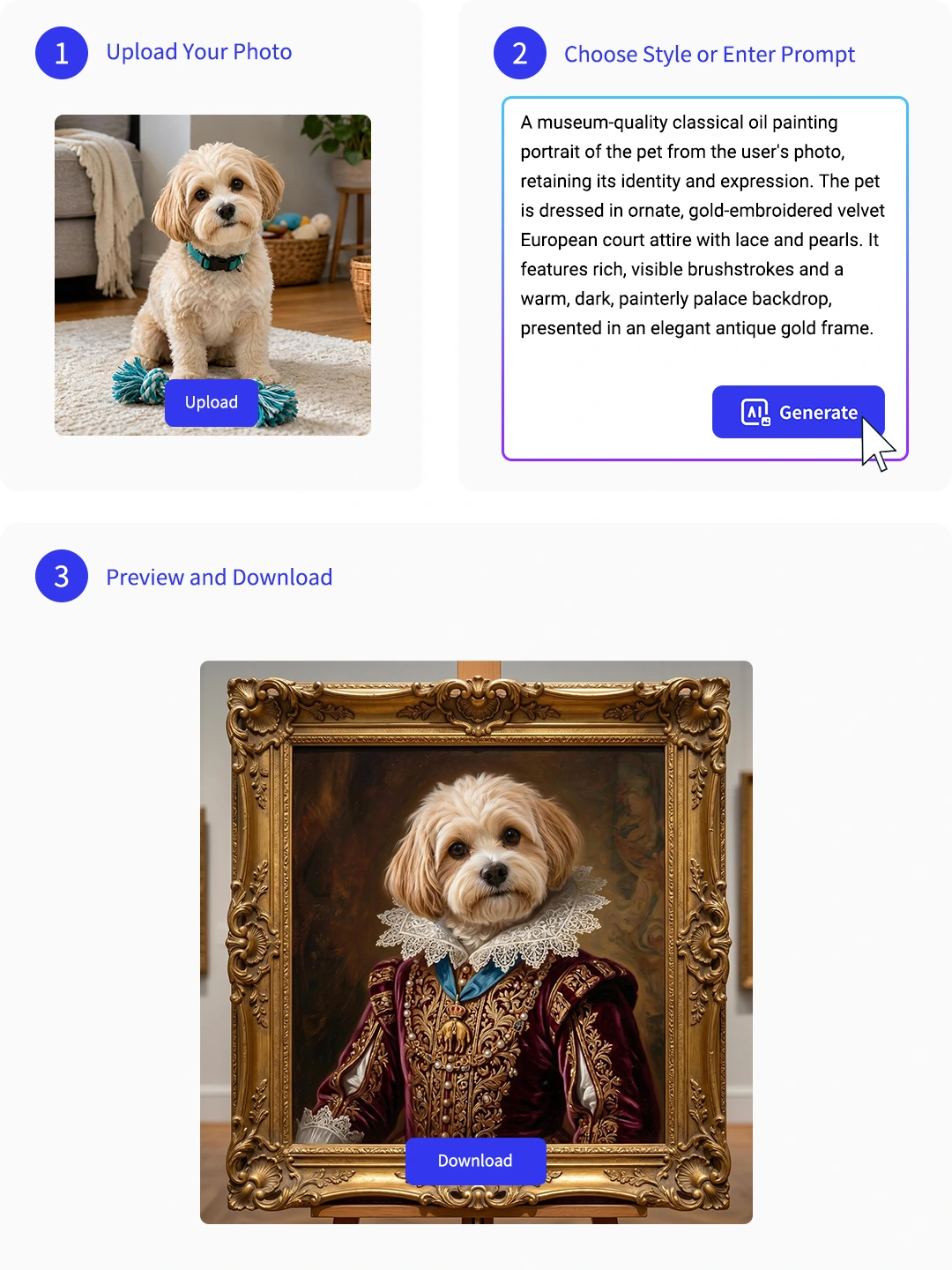
A real pet portrait can be expensive, and explaining every detail to an artist takes time. Pokecut gives you a faster way to turn a normal animal photo into an oil painting style portrait while keeping the pet's face, posture, and familiar expression. The result feels more like a keepsake than another phone picture.
This works well for pets you want to celebrate on a wall, in a frame, or as a gift. Even if the source image came from an older phone, the animal image editor can rebuild color and texture so the fur looks richer. Keep the background calm, and let the pet's eyes carry the portrait.
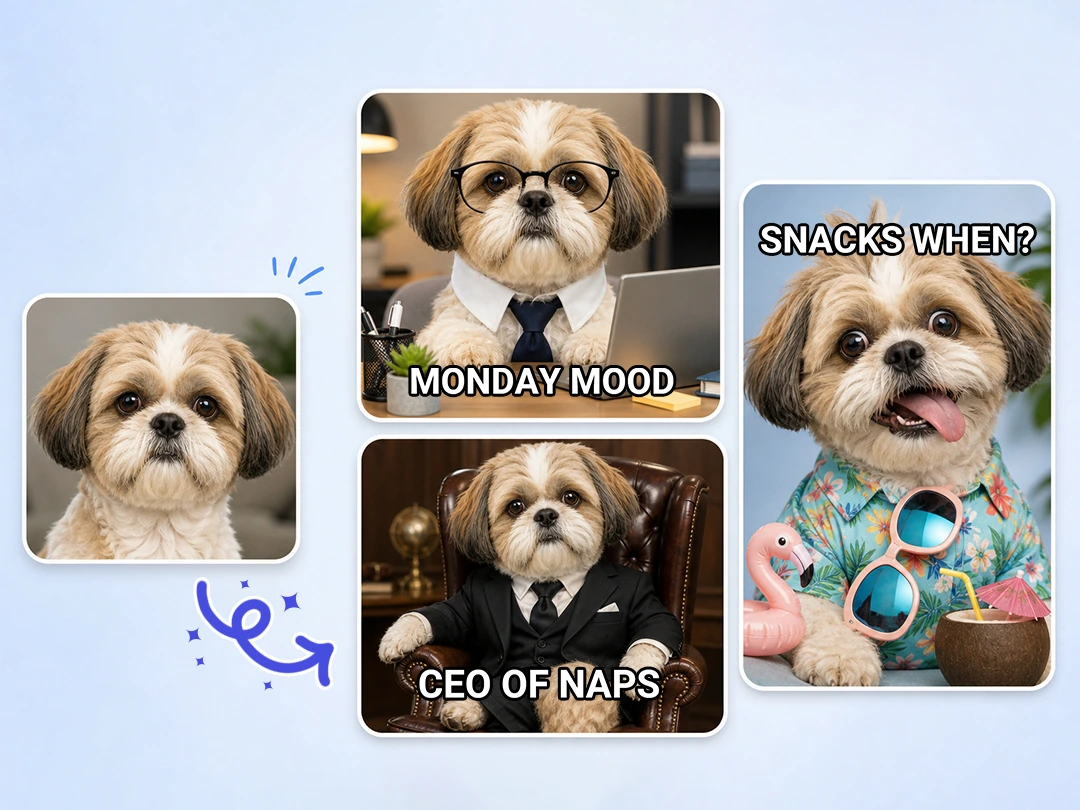
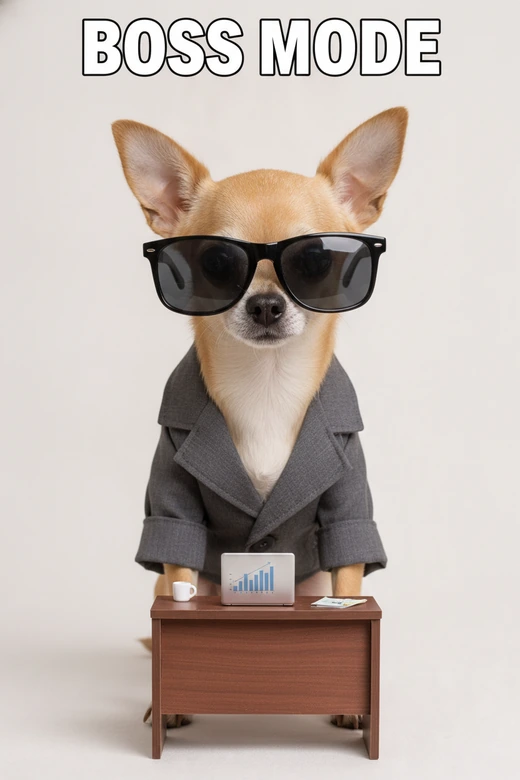
Make Pet Memes from Real Animal Photos
Some pet photos already look like a joke waiting to happen. Pokecut lets you push that expression into a meme without learning cutouts, stickers, or manual edits. Describe the scene you want, from a dramatic office dog to a cat acting like a tiny boss, and the ai pet photo editor can rebuild the image with a fun setup around the animal.
This is a good fit for creators, group chats, and anyone who wants a meme generator that starts with their own pet instead of a random internet image. The best results come from one clear joke and one strong expression, so the final picture still feels like your animal, just funnier.
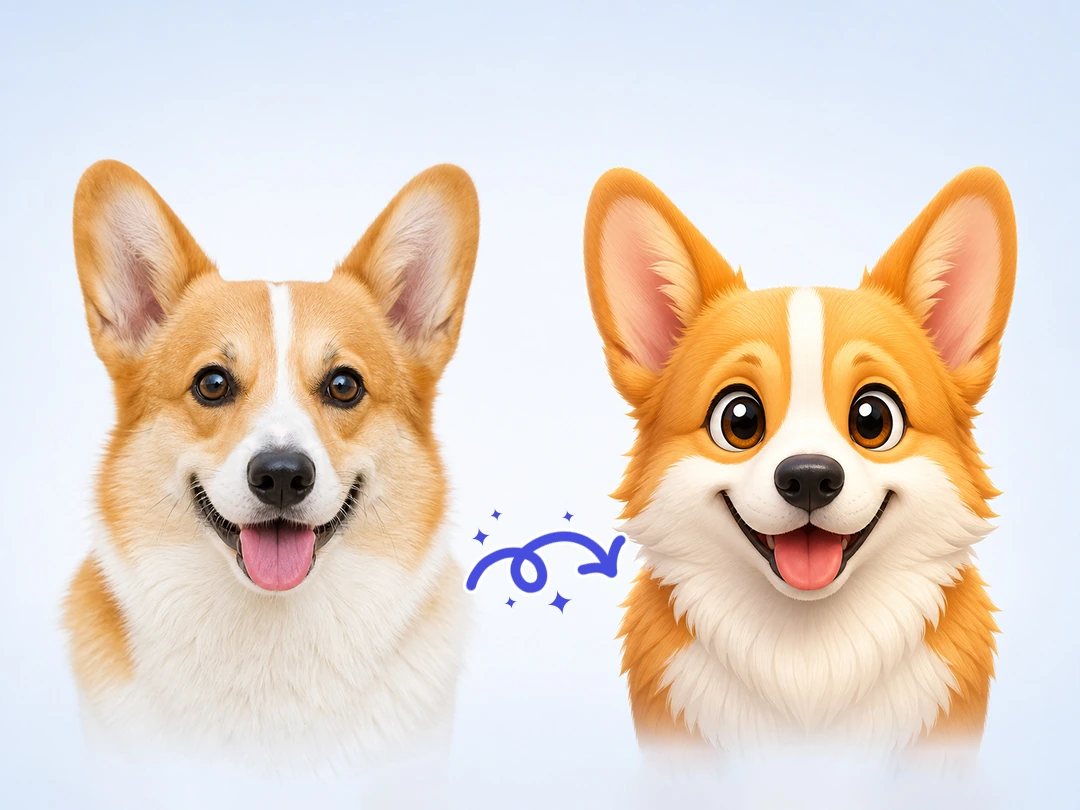
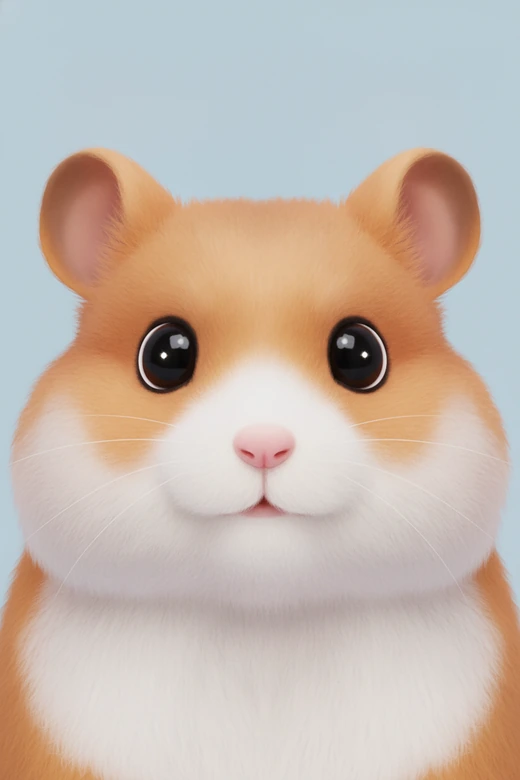
Create Unique Pet Avatars
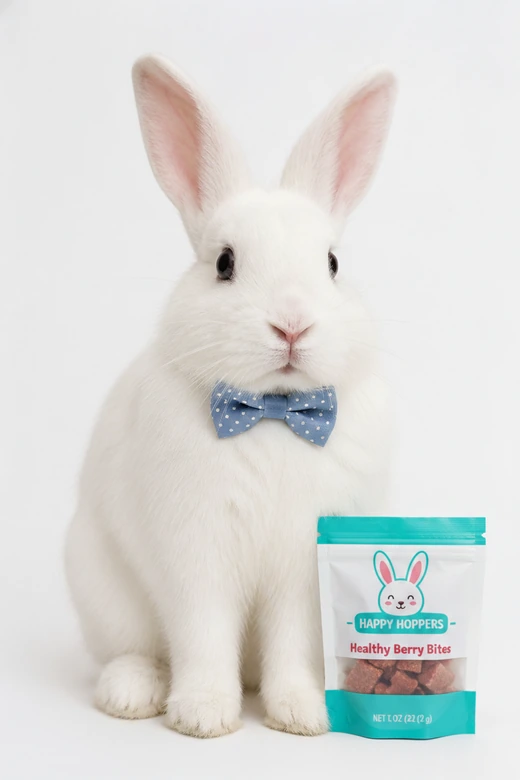
A normal pet picture can look too casual for a profile image, especially when the background is messy or the crop feels off. Pokecut can turn an animal photo into a bright 3D or anime-style avatar with cleaner color, clearer eyes, and a centered composition that fits social profiles. You do not need Photoshop cutouts or manual retouching.
Use the pet image editor when you want a polished avatar for Instagram, TikTok, a pet account, or a small business page. The tool keeps the animal recognizable while giving the image a more playful shape. Pick a simple style, keep the face large, and the avatar will read well even at a small size.
Who Can Benefit from Pokecut's Animal Photo Editor?
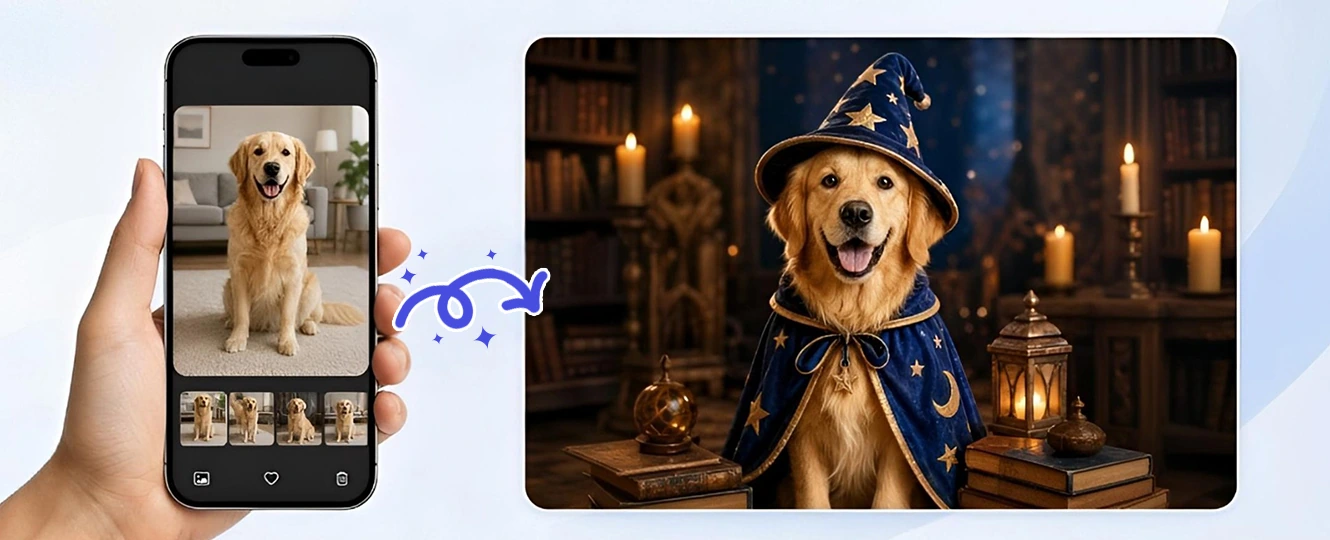
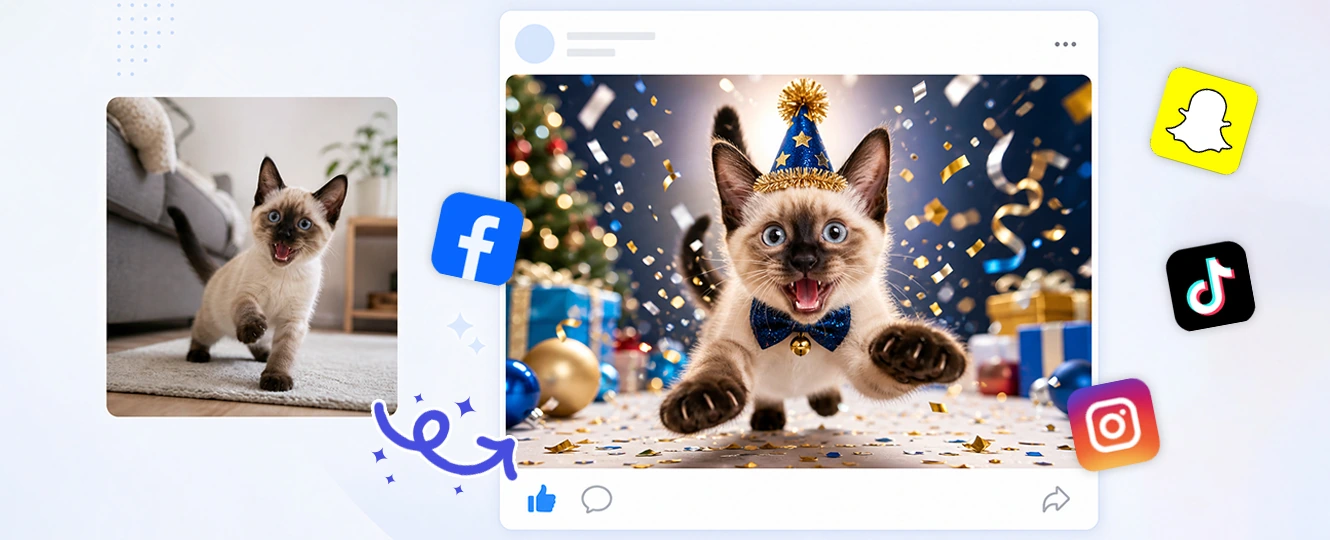
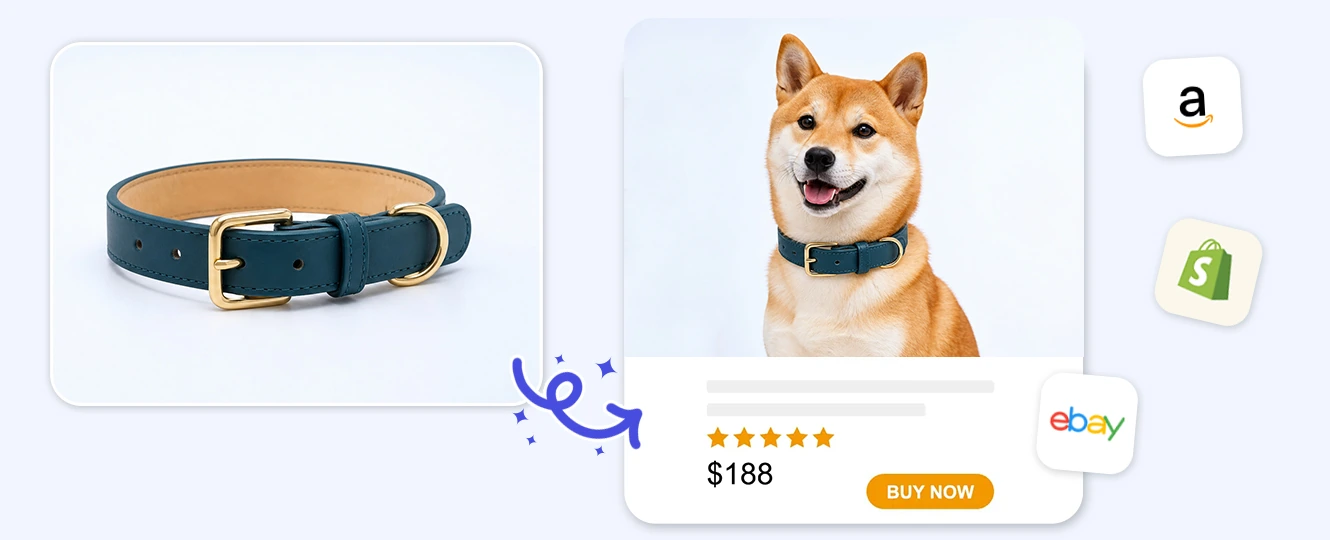
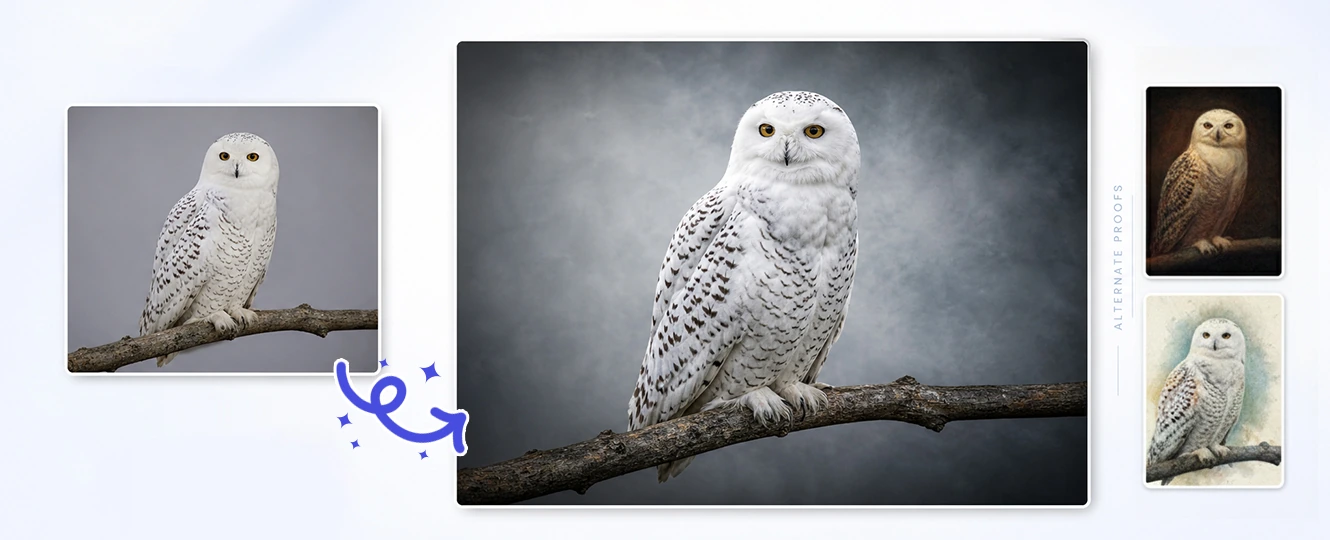
Pet owners can use Pokecut to save the moments that almost worked. A blurry indoor cat photo can become clearer, and a simple dog portrait can turn into a holiday card without forcing the animal into real clothes. The best pet photo editor is the one that keeps your pet's real charm while fixing the parts your camera missed.
How to Use the Animal Photo Editor
Step 1: Upload your Animal Photo
Choose a clear pet or animal image. A visible face, eyes, and body shape help Pokecut make a cleaner edit.
Step 2: Pick the Edit Style
Choose a holiday outfit, cleaner portrait, oil-style look, meme scene, or cartoon avatar idea for your pet image.
Step 3: Generate and Save
Preview the result, check the fur and face details, then download the image for sharing, printing, or selling.
Explore More Features of Pokecut
What Do Users Say About Pokecut's Animal Photo Editor?
Pet owners and creators use Pokecut to make animal photos cleaner, funnier, and easier to share.

Lena P.

"My dog hates costumes, so the holiday outfit edit was perfect. The sweater looked natural enough for a family card, and nobody got scratched."
Marco T.
"I fixed a dark photo of my cat that I almost deleted. The eyes came back, the fur looked cleaner, and it still looked like the same cat."
Jade S.
"The oil portrait style made a really sweet gift for my parents. I kept the background simple, and the result looked good in a small frame."
Nolan R.
"I run a pet meme page, and using my own dog instead of stock images made the posts feel more personal. The prompt flow was easy to test."
Sofia K.
"The cartoon avatar came out clean enough for my pet account profile. I liked that the face stayed recognizable instead of turning generic."
Ben L.
"I used it for product mockups in my small shop. It helped me test pet accessory ideas before planning a real photo shoot."

Reviews from: Reddit, Product Hunt, G2, TrustRadius, Google Play, App Store, and more.
Pokecut Trusted by Millions of Leaders and Users

1M+ Users Worldwide
Pokecut generates over 500,000 images every day


Professional Privacy Protection
Ensure 100% data privacy for every photo

Trusted by Well-known Brands
Apple、Google、Paypal、Stripe、Product hunt、G2、TrustRadius
Frequently Asked Questions
Can I use Pokecut to create an animal avatar or portrait in different art styles?
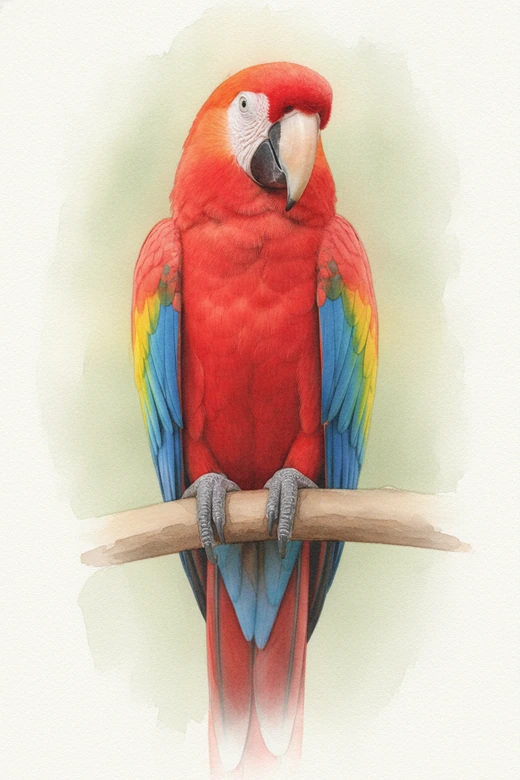
Of course. Pokecut lets you transform your existing pet photos into creative avatars and artwork. You can choose from various style, like a 3D cartoon, watercolor painting, or comic book look, and instantly get a personalized masterpiece.
Is Pokecut a free pet photo editor for beginners online?
Yes. Pokecut provides free credits for all users and is easy to try online, even if you do not know layers or retouching tools. It's a perfect choice for first-time users.
What image formats does Pokecut support for pet photos?
We support all major image formats, including JPEG, JPG, PNG, WebP, and BMP. Upload clear, high quality images for best results.
Can I change the background of my pet's photo to something else?
Yes. When you describe your vision, you can specify a new background setting to recreate the background while keeping your dog's main features.
Can I edit the same pet photo multiple times into different styles?
Absolutely. You can upload the same original picture as many times as you like to test out different looks, from funny cartoon avatars to beautiful, classic oil paintings.
 POKECUT



Copyright © 2026 Pokecut All Rights Reserved.