


Unlock Pokecut VIP for just

Home > Face Editor > Eye Distance Filter Online Free for Face Edits
Eye Distance Filter Online Free for Natural Eye Edits
Use Pokecut's eye distance editor to adjust eye spacing in selfies, fix camera distortion, and keep your real facial details intact.No image? Try one of these




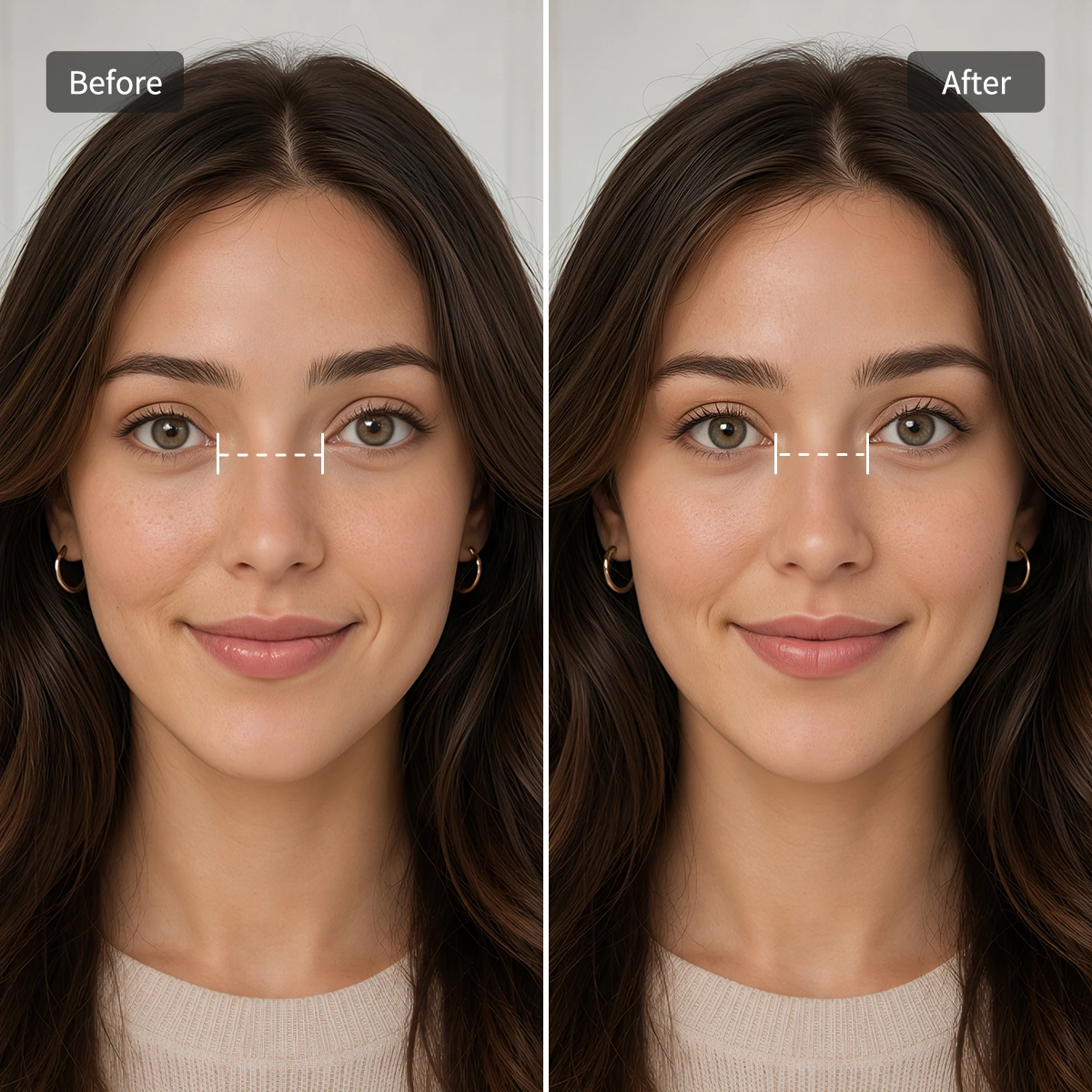
What Can You Do with Pokecut's Eye Distance Filter?
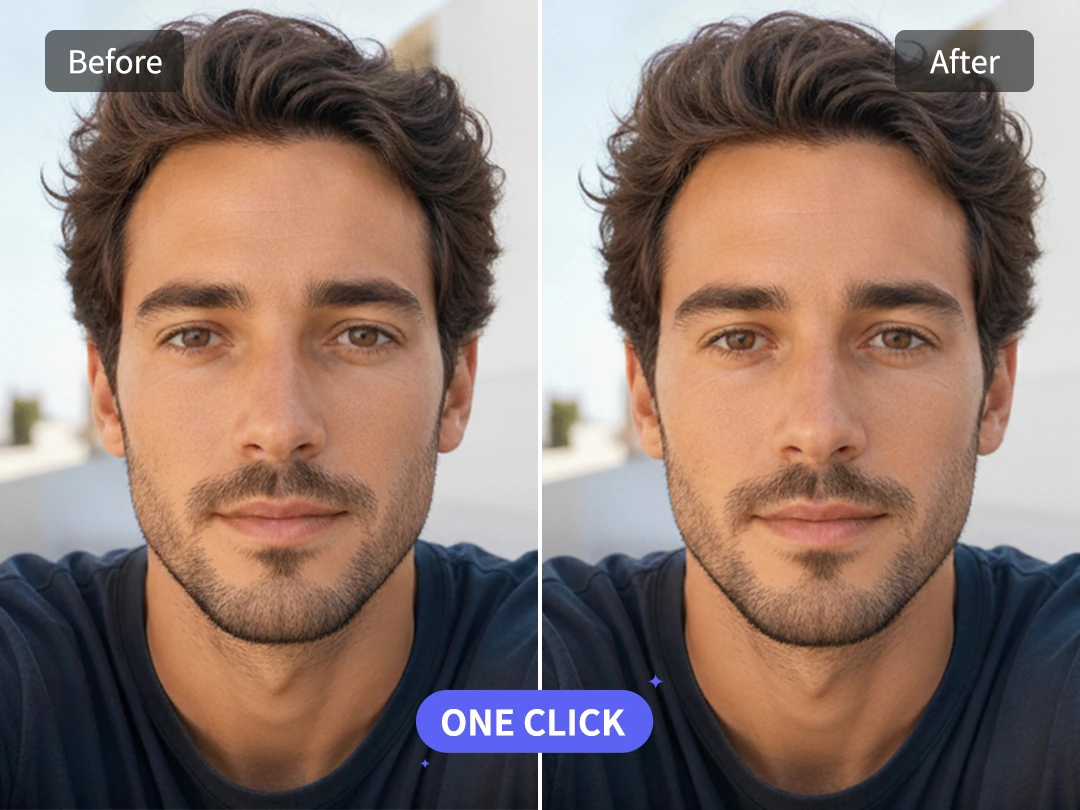
One-Click Eye Spacing Adjustment
Pokecut lets you adjust your eye distance perfectly with just a single click. Traditional photo editors force you to manually drag the image, which often distorts your eye shape or makes your face look uneven. Our smart AI automatically detects your facial features and does the work for you, giving you a balanced, natural look in less than a second.
Whether you need to fix wide-set eyes caused by camera distortion or bring close-set eyes into perfect proportion, this one-tap filter makes it effortless. No design skills or professional editing experience are required. Just upload your portrait, and enjoy a flawlessly enhanced photo that is instantly ready to share.
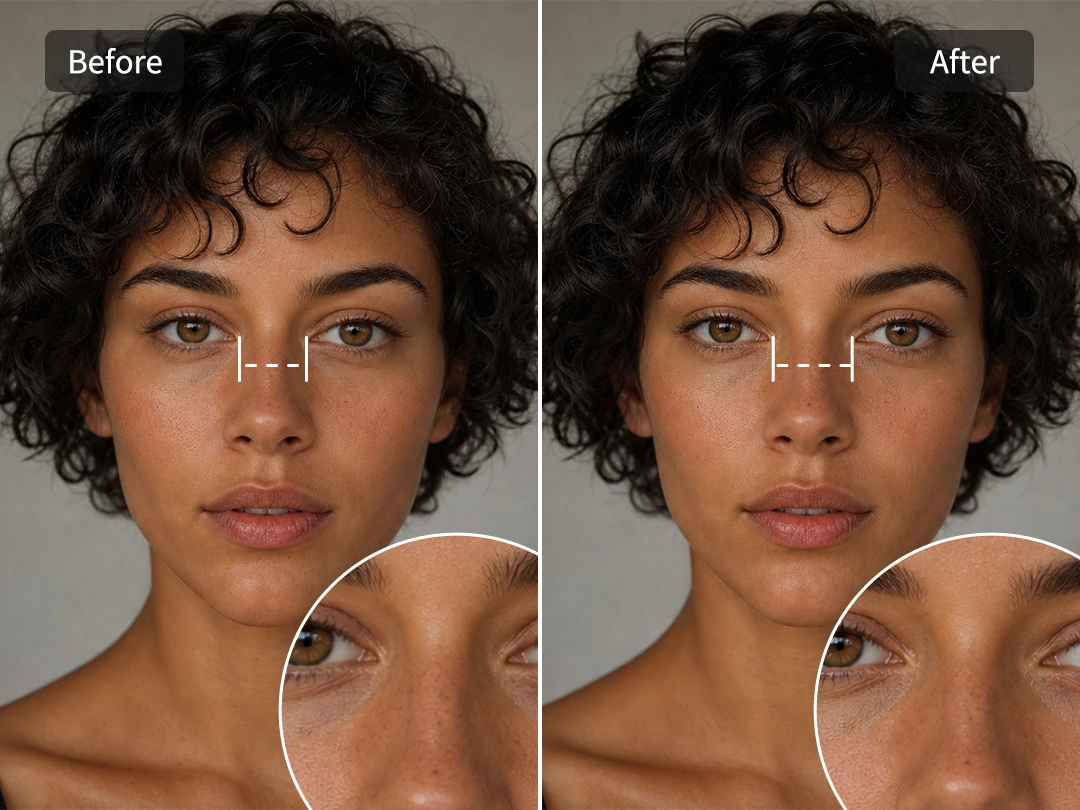
Keep Skin, Lashes, and Face Details Intact
The hardest part of eye distance editing is not moving the eyes; it is keeping everything around them from falling apart. Pokecut focuses the adjustment on the eye spacing area while protecting the face shape, lashes, and the skin between the eyes. The result should look like a better version of the photo, not like a face swap.
The intelligent eye distance editor rebuilds nearby pixels so the bridge of the nose and the background stay calm. That matters when you want to fix a selfie for a profile, resume photo, or AI portrait without losing your familiar look. Pokecut uses smart AI generation to fill in the gaps naturally, ensuring that the face still feels real and authentic.
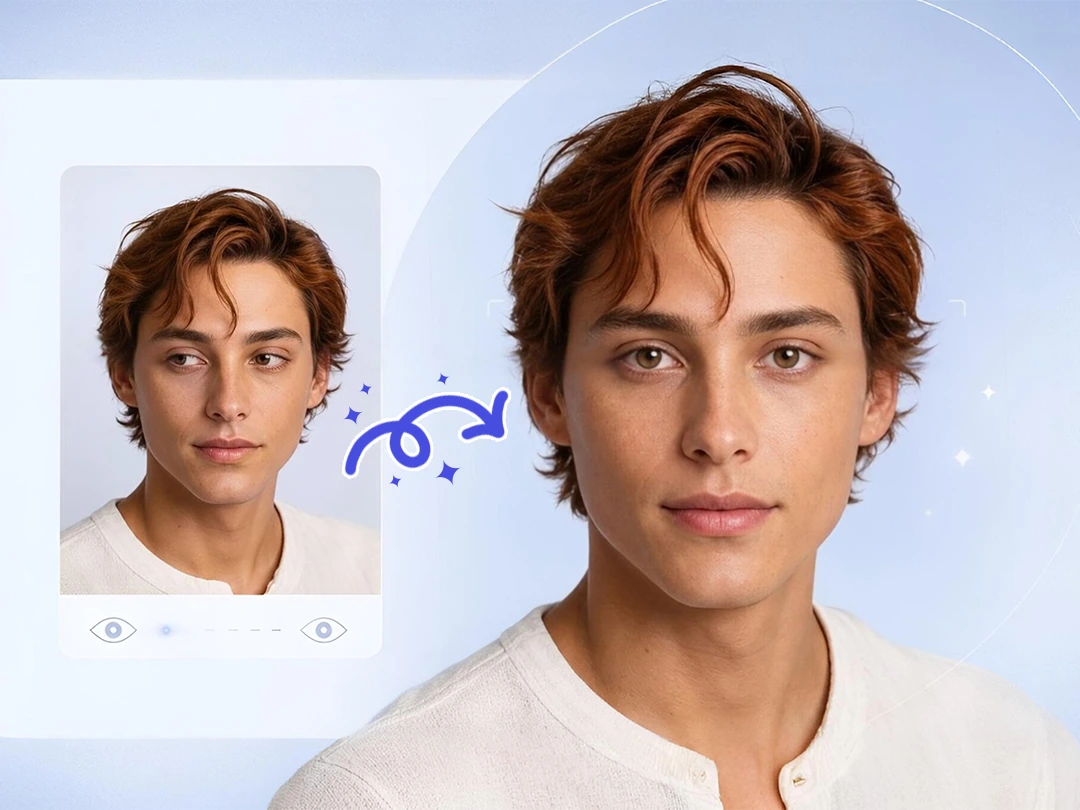
Refine Your Facial Harmony
Small changes around the eyes can change the whole mood of a portrait, allowing you to reshape your face just enough for a cleaner look. If the eyes sit too far apart because of lens distortion, a gentle inward shift can bring the gaze back to the center. If the eyes feel too close, a small outward adjustment can soften a tense expression to keep the final look believable.
Beyond reshaping your features, this tool helps you clean eye bags or remove red eye for a fully refreshed look. It works perfectly alongside light eye correction for tired selfies, ID-style photos, or AI-generated portraits where the gaze looks slightly broken. The key is to adjust slowly, remove tiredness, and make sure you still look like yourself.
What Can You Do with Pokecut's Eye Distance Filter?
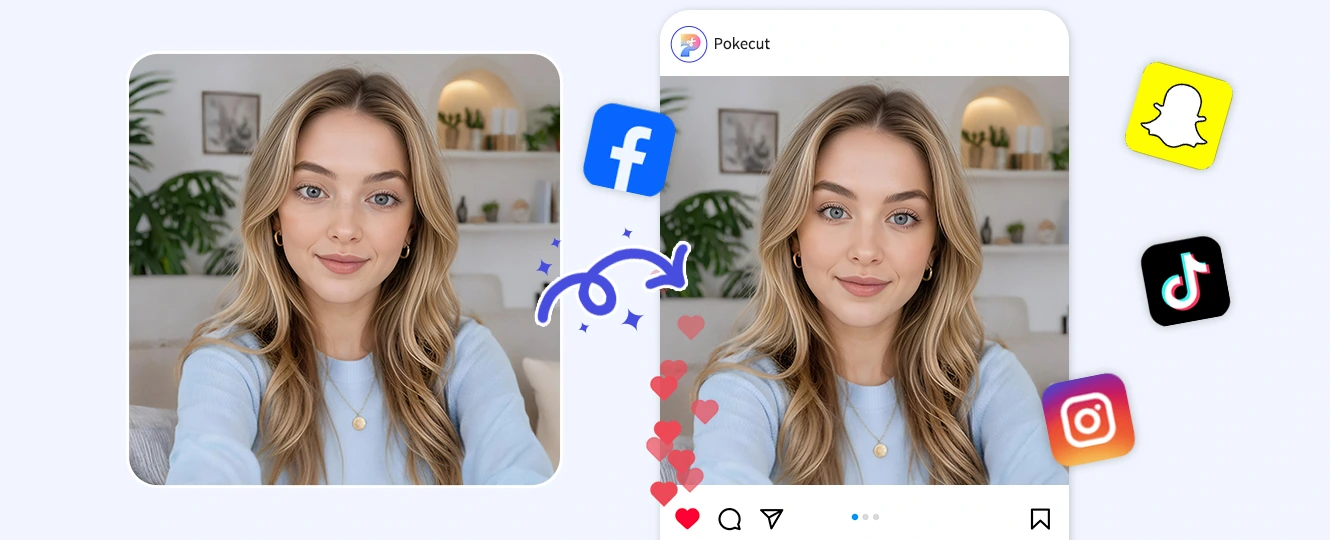
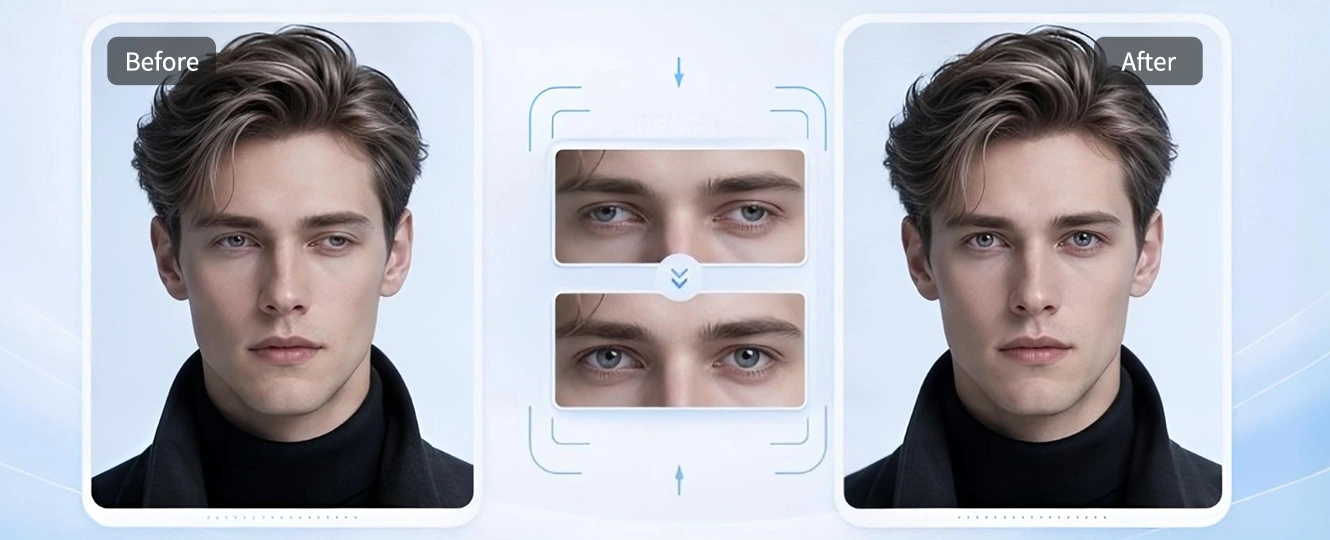
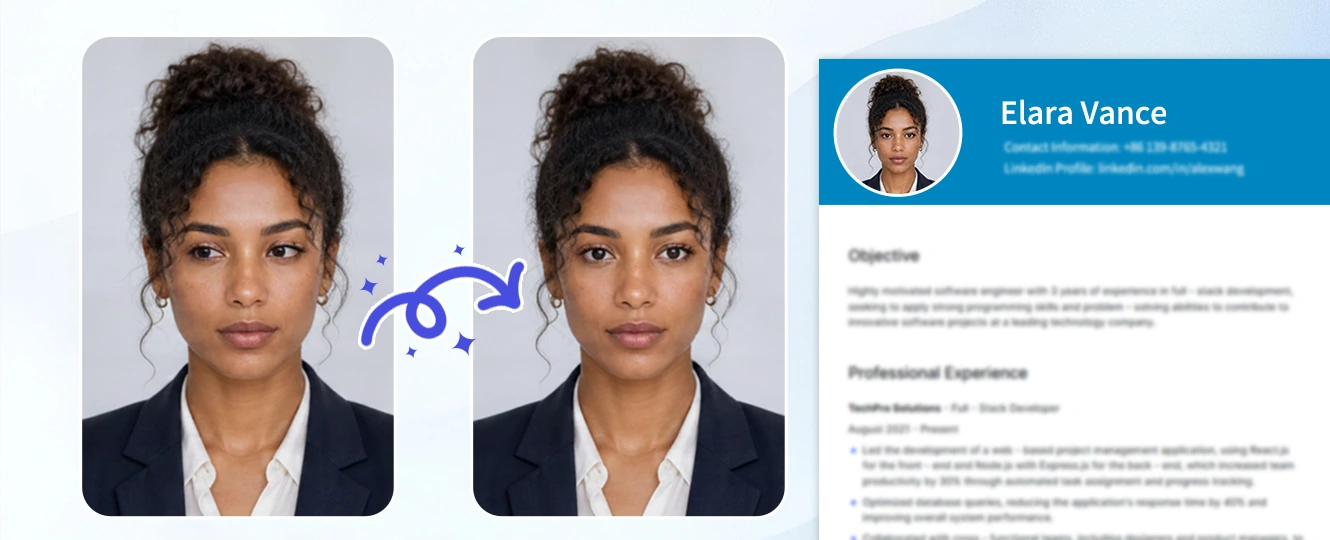
Front cameras can stretch the edges of a face and make eye spacing feel wider than it really is. Pokecut helps correct that distortion before you post. Use the eye distance filter online when a selfie has the right expression but the face proportion feels slightly off, especially for TikTok, Instagram, or dating profile photos.
How to Change Eye Distance in Photos by Using Eye Distance Filter?
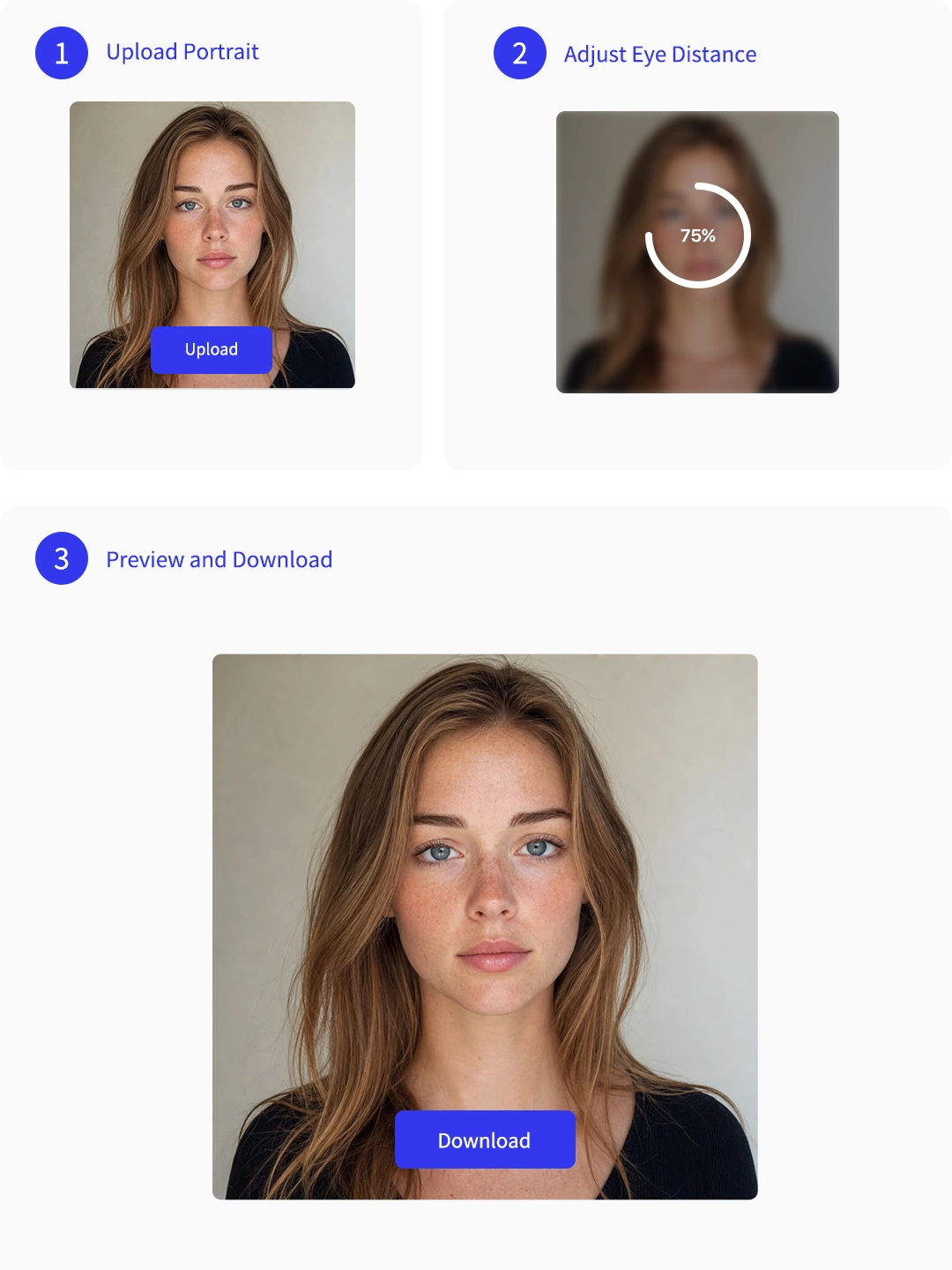
Step 1: Upload Your Portrait
Choose a clear face photo. Front-facing selfies work best when the eyes, nose bridge, and eyebrows are visible.
Step 2: Adjust the Eye Spacing
Move the eyes closer or farther apart with a light touch. Keep the change small so the face still looks natural.
Step 3: Preview and Download
Check the eyes, nose bridge, and background lines. When the face looks balanced, download your edited portrait.
What Do Users Say About Pokecut's Eye Distance Filter?
People use Pokecut to fix eye spacing while keeping portraits natural and recognizable.

Grace M.

"My phone camera made my eyes look wider apart in selfies. Pokecut fixed it without making my face look edited, which was exactly what I needed."
Leo S.
"I used it on an AI portrait where the eyes were slightly off. The correction was small, but it made the whole character look more stable."
Priya K.
"The tool worked best when I made tiny changes. I liked that my lashes and skin texture stayed clear instead of turning blurry."
Daniel R.
"I needed a better headshot for work, not a full beauty edit. Adjusting the eye distance made the photo feel more centered and professional."
Nina A.
"I tried a few face apps before, and they changed too much. Pokecut kept my face familiar while fixing the one thing that bothered me."
Chris T.
"It helped with close-set eyes in one portrait and a wide-lens selfie in another. The preview made it easy to stop before the edit looked obvious."

Reviews from: Reddit, Product Hunt, G2, TrustRadius, Google Play, App Store, and more.
Pokecut Trusted by Millions of Leaders and Users

1M+ Users Worldwide
Pokecut generates over 500,000 images every day


Professional Privacy Protection
Ensure 100% data privacy for every photo

Trusted by Well-known Brands
Apple、Google、Paypal、Stripe、Product hunt、G2、TrustRadius
FAQs About Pokecut's Eye Distance Filter
Will the eye distance filter lower the original quality of my photo?
No, Pokecut is designed to preserve your photo's high resolution and original image quality. Your final downloaded portrait will remain sharp, clear, and ready for high-quality printing or social sharing.
Can I use an eye distance filter online for free now?
Yes. Pokecut provides free images for all users. You can try Pokecut online now, upload a portrait, and adjust eye spacing without desktop software.
Is my uploaded photo safe?
Your privacy is our top priority, and we do not store or share your personal portrait photos. All images uploaded are processed securely and deleted from our servers automatically after editing.
Can I use this tool on my mobile browser?
Yes, Pokecut is fully optimized for mobile devices. You can upload portraits, adjust your eye distance, and download the results directly using Safari, Chrome, or any mobile browser.
What image formats can I export from Pokecut?
Pokecut allows you to export your edited portraits in standard formats like JPG and PNG to ensure perfect compatibility across all devices.
 POKECUT


Copyright © 2026 Pokecut All Rights Reserved.