












Home > AI Image Generator > Free Lion King OC Maker Online
Free Online Lion King OC Maker to Create Your Character
Turn your Lion King OC idea into an image you can shape,download, and share.
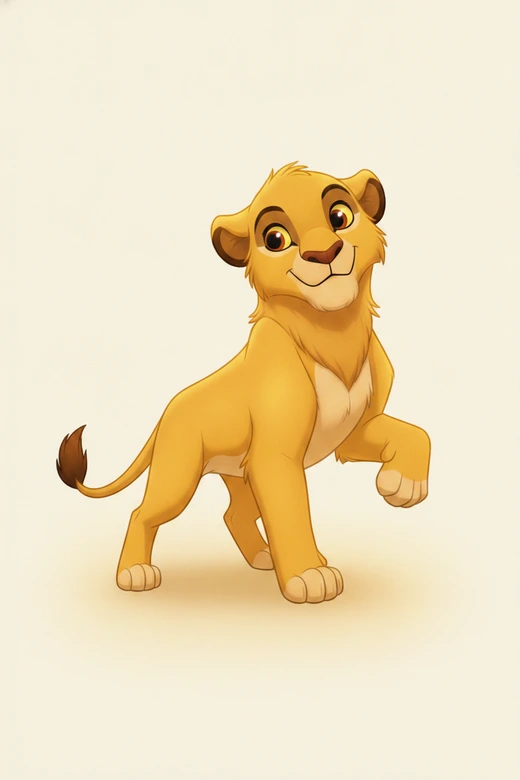
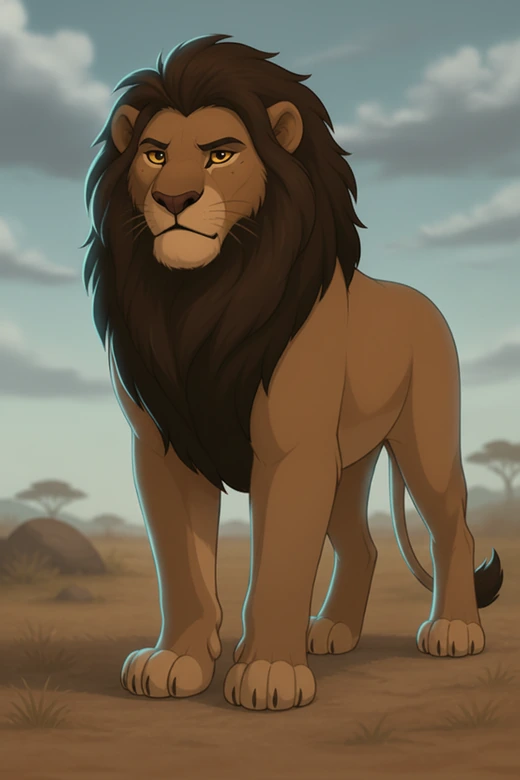
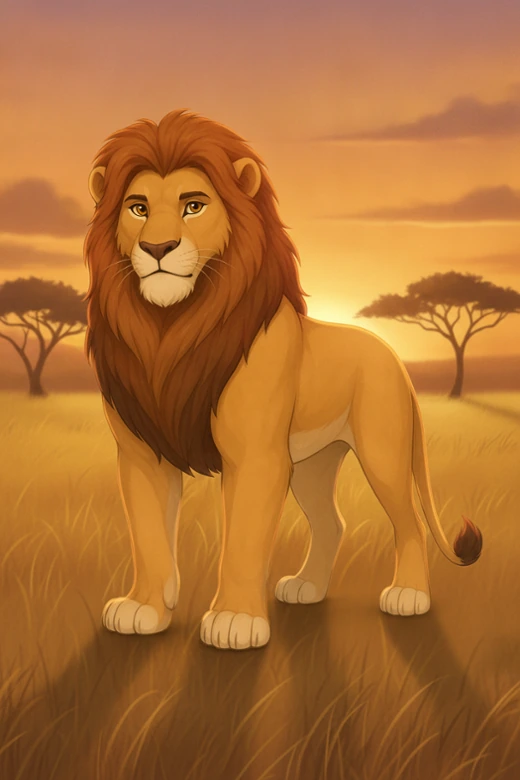
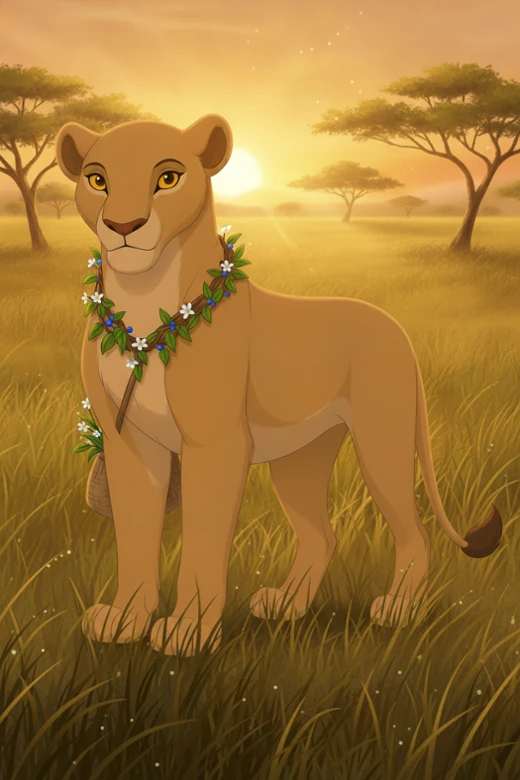
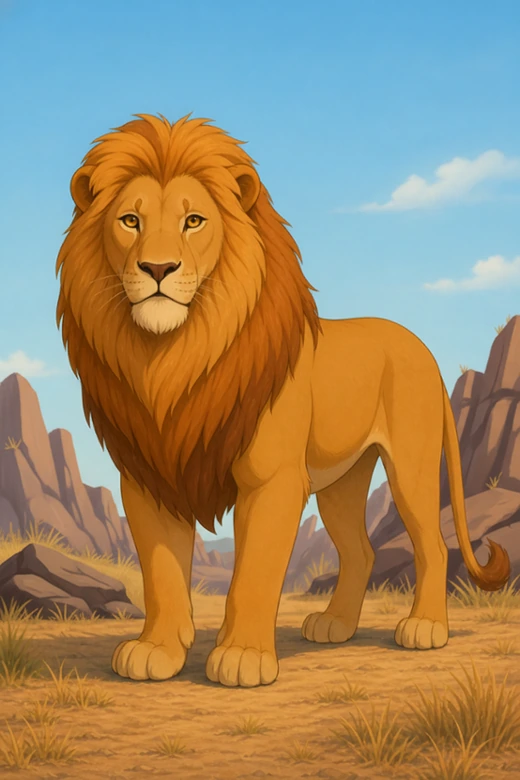
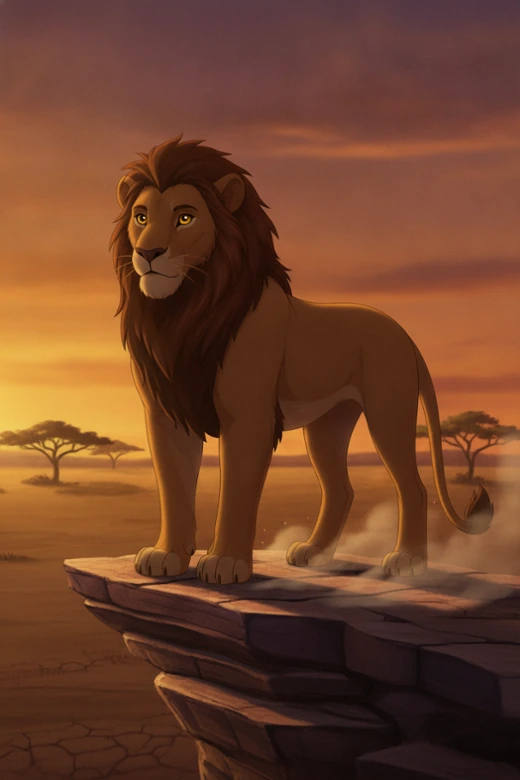
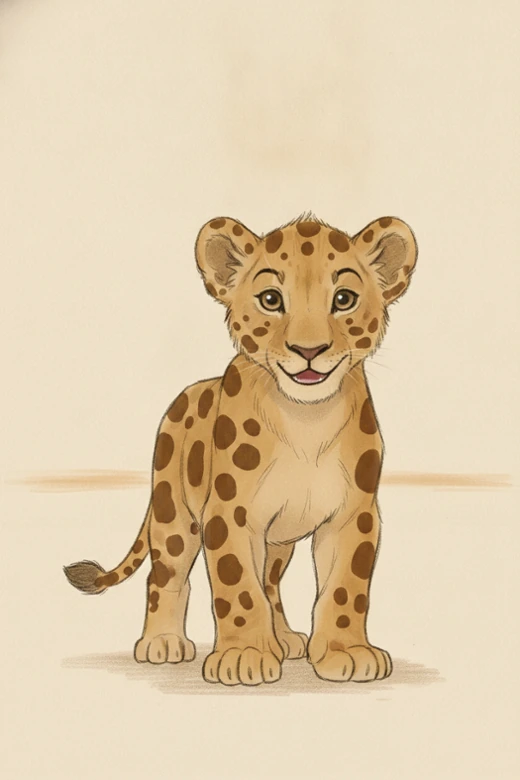
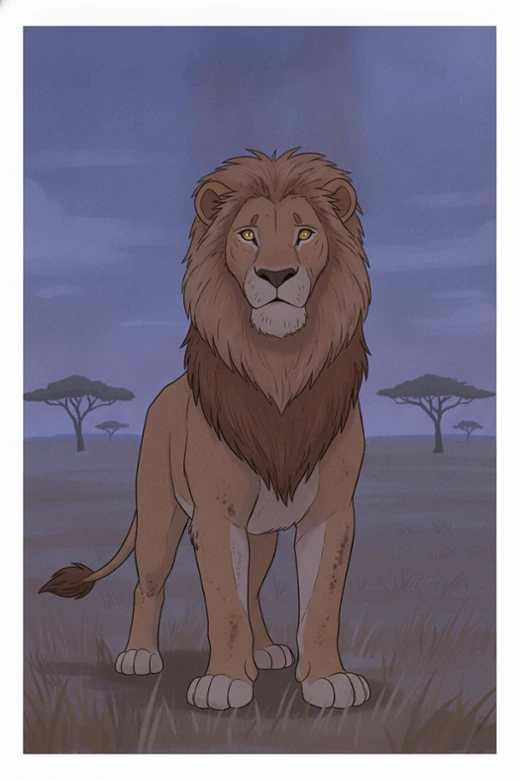
How to Use Pokecut's Lion King OC Maker
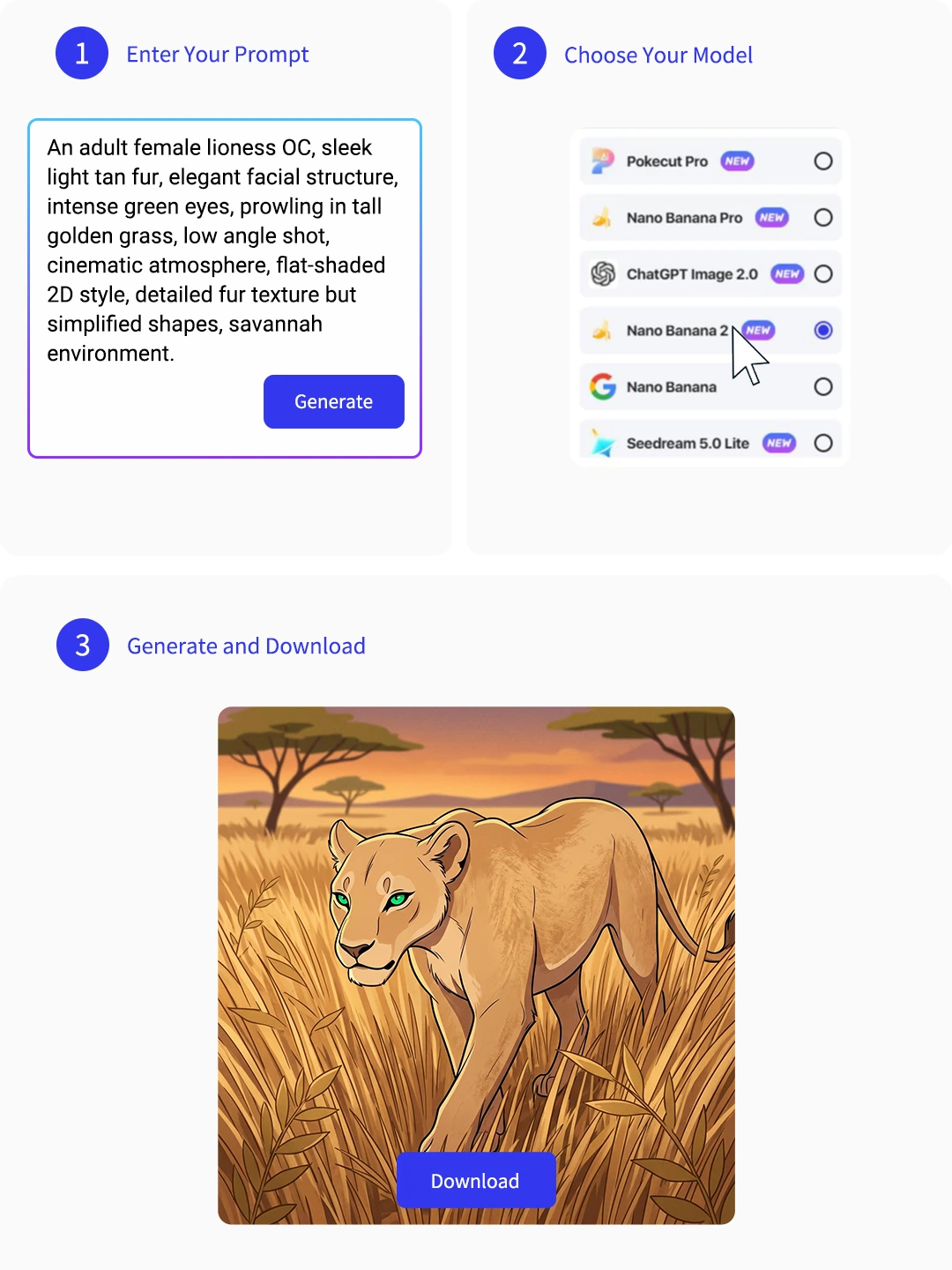
Step 1: Describe Your Lion Character
Write down your character's age, fur color, and mood in the Lion King OC maker prompt box. The more specific your idea is, the closer the result will feel to what you imagined.
Step 2: Select AI Model and Image Size
Choose Seedream4.0 or another model, then set the image size based on how you want to use the result. You can make a smaller image for avatars or a larger one for full character art.
Step 3: Generate and Download Your OC
Click "Generate" to see your Lion King OC come to life. Preview multiple options online and download your favorite high-res, watermark-free image.
Why Creators Use Pokecut's Lion King OC Maker
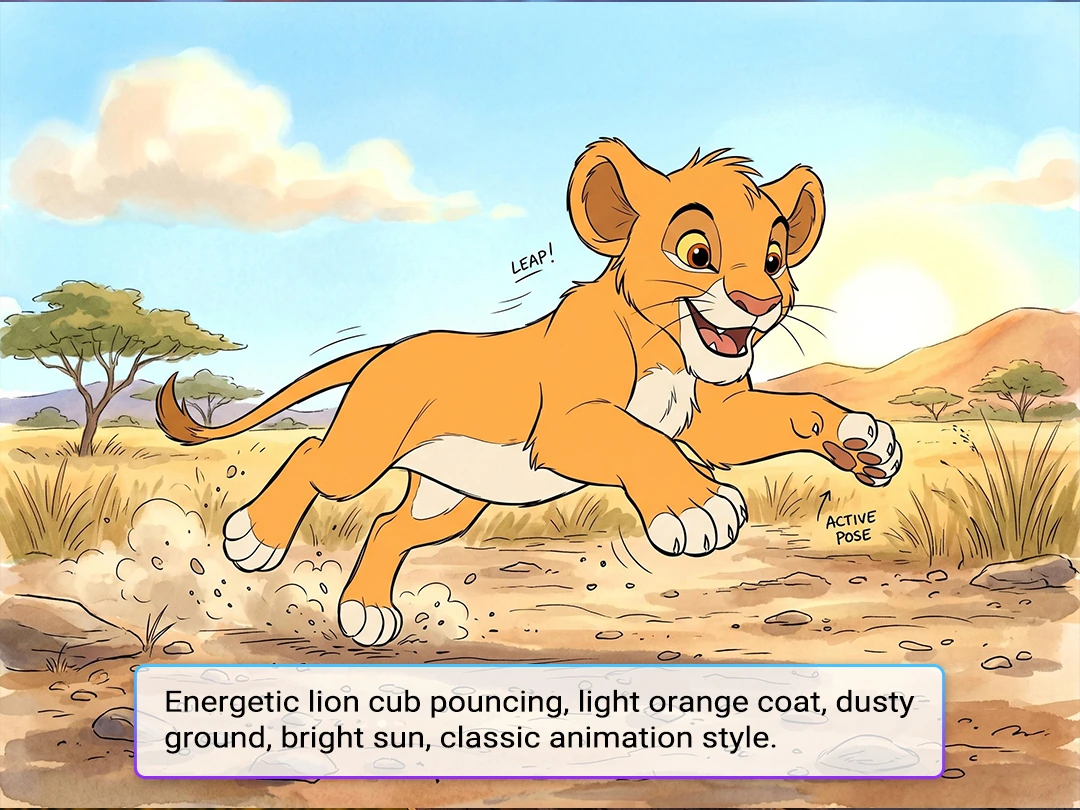
Build a Lion King OC from a Simple Prompt
Turn one character idea into a finished Lion King OC by generating images from text with better control. Start with the age, fur pattern, eye color, pride role, and mood you have in mind, then let Pokecut turn those details into a character image that feels closer to your idea.
It is easier to test different looks before you start sketching, writing lore, or sharing the character with friends. A quick visual draft can also help you settle on characters connection or story direction.
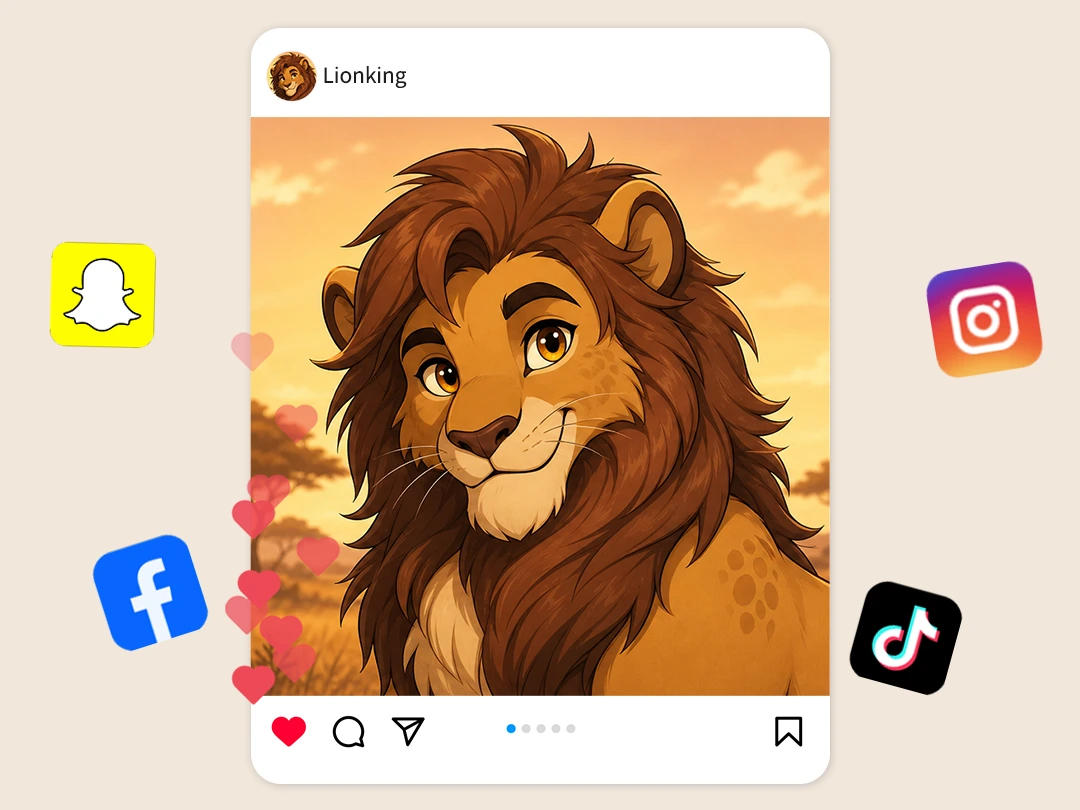
Use It Online for Free and Share Your OC Anywhere
Use Pokecut's Lion King OC Maker online for free and start creating without a complicated setup. Pokecut gives you free credits to test different ideas and keep the version that feels right for your character.
Once your OC is ready, download it and share it on social media, roleplay profiles, fan posts, or personal reference boards. You can stay focused on building the character instead of spending extra time on cleanup and editing.
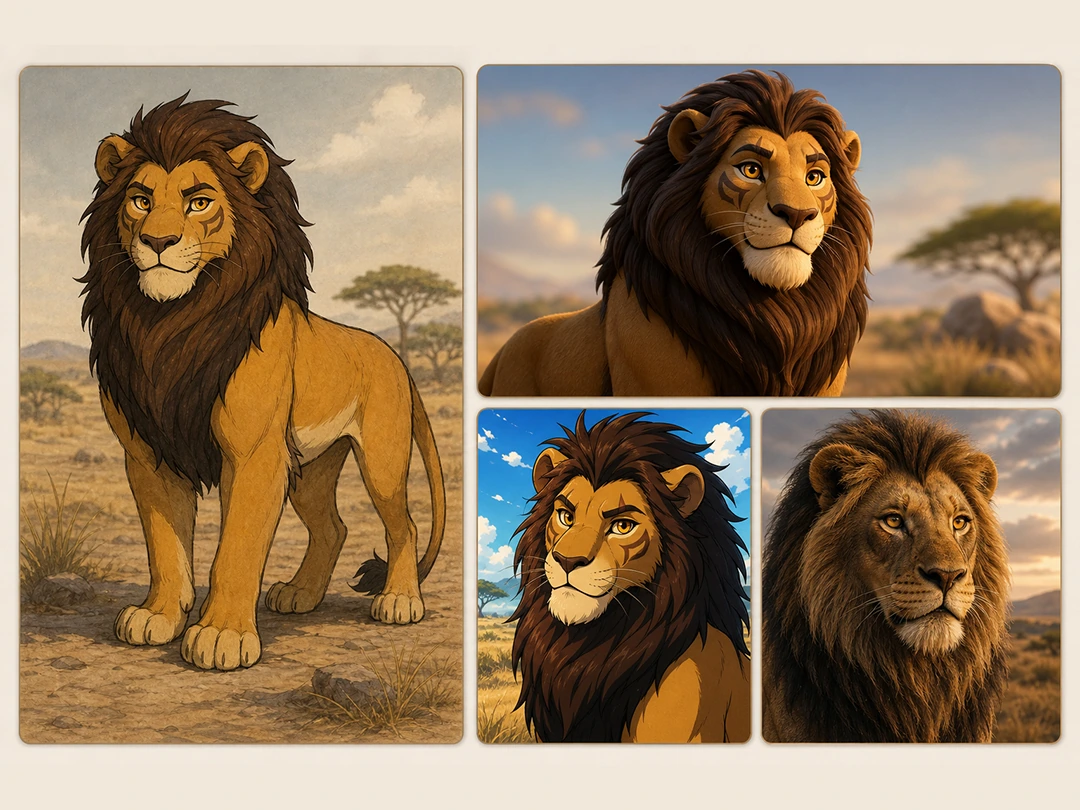
Explore More Lion King Styles with Better Control
Try different Lion King OC moods without losing the defining traits of your character. Pokecut lets you switch between models such as Seedream 4.0, Nano Banana Pro, and other image generators, so you can generate your Lion King OC in diverse styles.
Switching a few prompt details can change the fur texture, expression, color tone, or background while keeping your character's core identity in place. That makes it easier to try different looks and find the Lion King OC style that fits your imagination best.
What Can You Create with Pokecut's Lion King OC Creator?
Create an original Lion King character, turn it into shareable fan art, and bring it into vivid story scenes.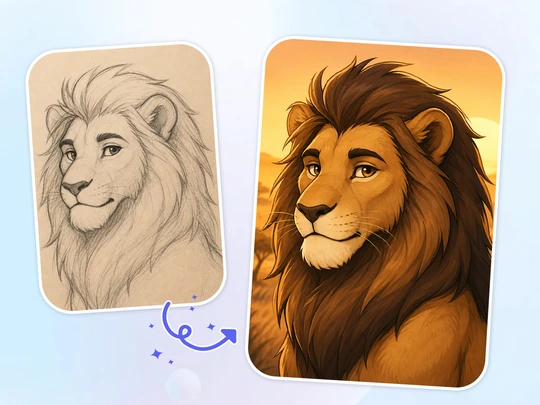
Create Your Lion King OC
Turn a rough idea into an original Lion King character with a clearer look and personality. Pokecut works well for fans who want quick concept art before they write lore, name the character, or sketch the final design.
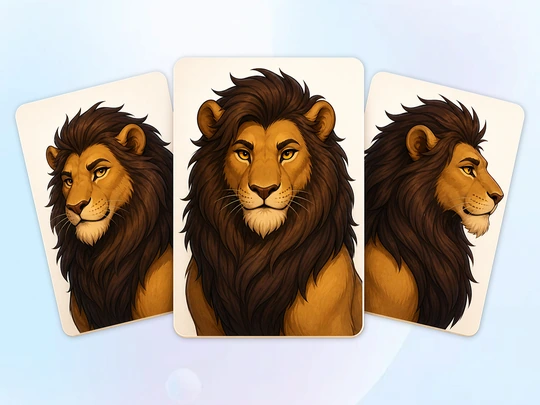
Share Your OC Artwork
Make shareable Lion King OC art for profiles, fan posts, or character pages. Pokecut helps you create expressive portraits, full-body character art, or more cinematic scenes, then convert them into high-resolution images so they look cleaner and more polished when you share them with other fans.
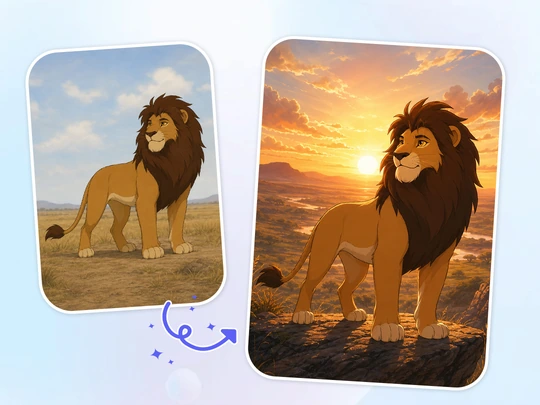
Place Your OC in Scenes
Place your character in a sunrise journey, a moonlit grassland, a rocky cliff scene, or a tense rival encounter with Pokecut's Lion King OC image generator. This tool is a good fit for creators who want to picture story scenes before writing fan stories, roleplay moments, or character details.
See What Users Say About Lion King OC Maker?
Users keep praising how easy it is to test styles and save clean character art.

Linda P.

"I used it to mock up a lioness OC for a roleplay server, and the first good draft came much faster than I expected. Changing the markings and expression was simple, so I could keep the same personality across versions."
Marcus T.
"I make fan character sheets for friends, and Pokecut helped me test poses before I touched my sketchbook. The downloads stayed clean enough for profile cards and shared docs."
Zoe R.
"Most tools give me random lions. This one responded better when I described the pride role and mood, so the OC started to feel like a real character instead of filler art."
Devin C.
"I liked being able to compare styles without rebuilding the whole prompt every time. It made my cub-to-adult character set feel more consistent across the story."
Aisha M.
"I only needed a quick avatar for a fandom account, but the result looked polished enough to keep. The free trial credits were enough to figure out what wording worked."
Chloe N.
"I use it when I want visual ideas before writing backstory scenes. Seeing the OC in different settings helped me decide the tone of the character much faster."

Reviews from: Reddit, Product Hunt, G2, TrustRadius, Google Play, App Store, and more.
Lion King OC Maker FAQs
How do I make my Lion King OC design feel less generic?
Add a few traits that tell a story, like a scar pattern, pride role, or guarded expression. Pokecut turns those details into a lion oc maker result that feels more personal and less like a random template.
Can I use my Lion King OC art for a profile or fan post?
Yes. You can use your Lion King OC art for profiles, fan posts, and some commercial purposes. Please make sure your use follows Pokecut's terms of use. If you need more details, you can also check the Help Center.
Can I generate the same Lion King OC at different ages?
Yes. Keep the same fur color, eye color, markings, and role in the prompt, then change the age, pose, or scene. That helps the Lion King OC creator generate cub, young, adult, or pride leader versions of the same character with a more consistent identity.
Can I download clean Lion King OC images without watermarks?
Yes. Pokecut lets you save finished OC art without watermark clutter, which helps when you need a cleaner profile image or reference sheet. The lion king oc maker keeps export quick after you pick a final version. All downloads are exported in lossless quality, with resolution options from 1080P to 8K.
What if I’m not satisfied with the generated character style?
You can refine your prompt and regenerate the image whenever the result does not feel right. Try changing one detail at a time, such as the character type, fur color, markings, expression, pose, mood, or background. If the style still feels too generic, add more specific personality cues and visual traits to guide the result closer to your ideal Lion King OC. For more advanced tools and editing features, you can subscribe to Pokecut Pro.
Pokecut's OC Maker Trusted by Professionals and Users

1M+ Users Worldwide
Pokecut generates over 500,000 images every day


Professional Privacy Protection
Ensure 100% data privacy for every photo

Trusted by Well-Known Brands
Apple, Google, PayPal, Stripe, Product Hunt, G2, TrustRadius
 POKECUT




Copyright © 2026 Pokecut All Rights Reserved.